 English
 Español
 Français
 Português
 日本語
日本語 简体中文
简体中文 한국인
한국인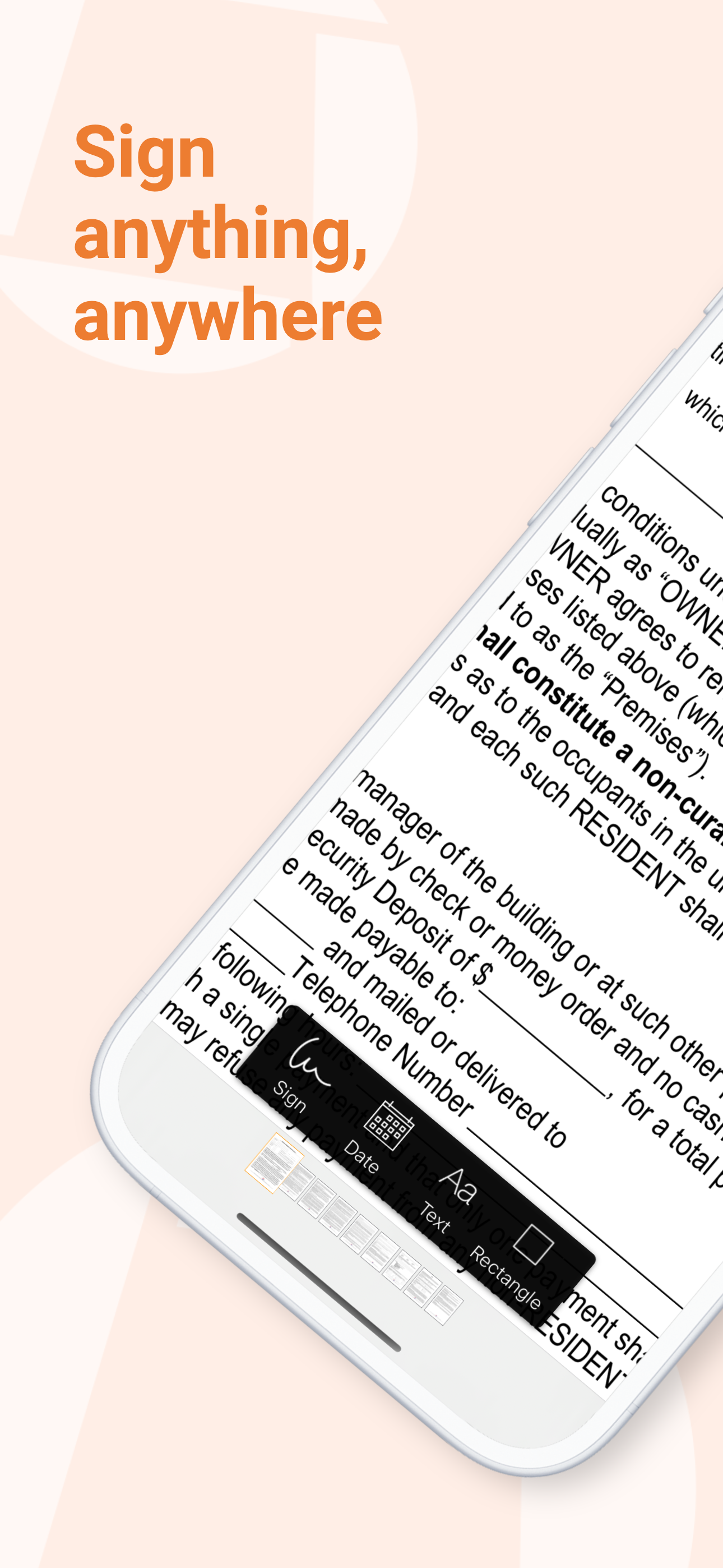



Features & Capabilities
User Growth & Download Statistics
- By:
- The Grizzly Labs
- Rating:
- 4.90 (12,166)

- Version:
- 2.19 Last updated: 2026-06-10
- Version code:
- 886737188
- Creation date:
- 2015-07-16
- Compatible devices:
- Size:
- 43.87MB
- URLs:
- Website ,Privacy policy
- Full description:
- See detailed description
- Source:
- Apple Apps Store
- Data ingested on:
- 2026-07-11
- Compare stats and ranking:
- Genius Sign: PDF doc signature vs RichSign: PDF Sign & Fill
- Genius Sign: PDF doc signature vs Signature: Fill and Sign PDF
- Genius Sign: PDF doc signature vs Genius Scan - PDF Scanner App
For Developers
Contact the developer
Chrome-Stats does not own this Apple app. Please use these information below to contact the Apple app developer.
User Reviews
Reviewers praise Genius Sign for easy, reliable signing and strong value within the Genius ecosystem, especially for sending PDFs and filling forms. Consistently noted issues center on signing usability and occasional feature/documentation gaps. Overall, it’s a practical signing solution with room for UX improvements. Pros
- Easy to create signatures and initials, making signing fast.
- Very reliable and easy to use with solid updates.
- Excellent integration with Genius Scan and the Genius ecosystem.
- Affordable pricing and good value for a signing/scanning suite.
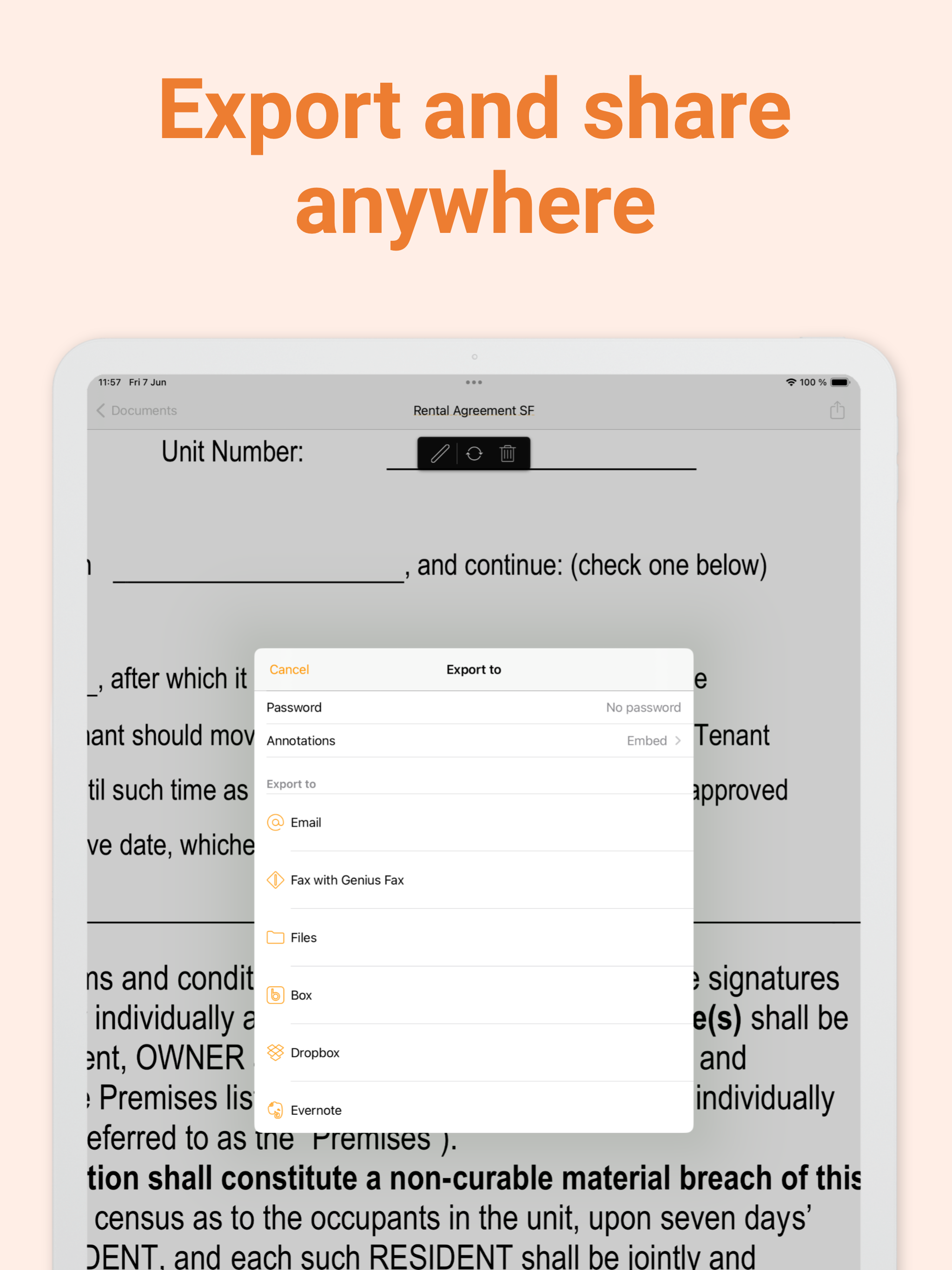
- Great for sending PDFs, filling forms, and professional workflows.
Cons
- Signing can be confusing or sometimes unavailable/failed (not always able to sign after paying).
- Some features lack intuitive use or documentation (e.g., Google Docs search integration; limited image attachments and onboarding guidance).
Recent reviews
Spent $25 for premium but still stuck with basic plan. I messaged the support team 2 weeks ago and they have yet to reply. Sent another message 2 days ago and still no reply even though they say within 24 hours. Terrible service.


by Ph*****, 2026-06-17
You can sign but the rectangle insertable are not fillable therefore you can’t redact out the document.
by Gh*****, 2026-06-13
Gilmore
by Ed*****, 2026-06-11
Best Genius Sign: PDF doc signature Alternatives
Here are some Apple apps that are similar to Genius Sign: PDF doc signature:


RichSign: PDF Sign & Fill
Serhii Borychev
5.00  (6)
(6)
(6) 
Signature: Fill and Sign PDF
SMM service, s.r.o.
4.70 (86)
(86) 
Genius Scan - PDF Scanner App
勇翰 倪
4.90 (34)
(34) 
Sign Document: Signature Maker
Ramazan Yldrm
5.00 (1)
(1) 
Sign PDF - eSign & Fill Docs
CodeCross
0.00 (0)
(0) 
Signature Creator & PDF Signer
Constantin Ginga
0.00 (0)
(0) 
Sign Expert: PDF Form Filler
Saturday Technologies, Inc
4.80 (24)
(24) 
Sign Documents: PDF Signee
Artmvstd SIA
0.00 (0)
(0) 
Document Signer: DoSign PDF
Vishal Makwana
0.00 (0)
(0) 
Signature Maker : e Sign App
Junaid Mukadam
0.00 (0)
(0) 
E-Sign Creator - Signature PDF
PIERRE,HENRI LESPAGNOL
5.00 (1)
(1) 
SignPDF - Quickly Annotate PDF
Tektrify, Inc
4.40 (105)
(105)