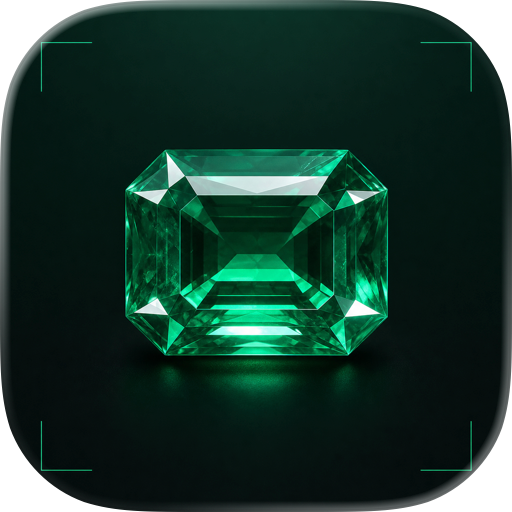
3D Gem Faceting Simulator
Design, visualize, and perfect gemstone cuts in 3D. Explore thousands of public designs, experiment freely, and share your creations - all for free.
GemSim
Design your gemstone before you cut it.
GemSim is a free 3D gemstone faceting simulator that helps you design, visualize, and refine gemstone cuts before touching a real stone. Whether you’re learning faceting, experimenting with new ideas, or recreating published designs, GemSim provides powerful tools that work anywhere—from your iPhone and iPad to your desktop browser.
Explore thousands of community-shared gemstone designs, customize every facet, and instantly preview the results in an interactive 3D model.
No installation. No expensive software. Just start designing.
Features
Interactive 3D Gem Simulation
• View gemstones from any angle with smooth real-time rendering
• Rotate, zoom, and inspect every facet
• Instantly see how design changes affect the finished gemstone
• Switch between portrait and landscape layouts
Powerful Faceting Design Editor
Create or modify gemstone designs with professional faceting controls.
• Add, edit, duplicate, reorder, or delete tiers
• Edit facet angles and index settings
• Create custom index sequences
• Reuse index groups across multiple tiers
• Toggle tier visibility while designing
• Undo changes during editing
Thousands of Public Designs
Browse an ever-growing public library of gemstone designs.
Search by:
• Shape
• File name
• Dimensions
• Designer
• Available cutting files
Load any public design with a single tap and immediately begin editing.
Share Your Designs
Share your work with other gem cutters.
• Upload designs to the public library
• Generate shareable links
• Open shared designs instantly
• Collaborate with the faceting community
Import & Export
Take your designs wherever you need them.
• Save editable project files
• Export 3D models
• Compatible with popular visualization workflows
Learn Faceting
GemSim is an excellent learning tool for:
• Beginning gem cutters
• Faceting students
• Hobbyists
• Professional lapidaries
• Design experimentation
Visualizing the cutting process makes it much easier to understand how angles, indices, and tiers work together to create a finished gemstone.
Why Use GemSim?
Traditional faceting often requires cutting a stone before knowing exactly how the final result will look.
GemSim lets you experiment freely.
Try new designs, compare variations, test proportions, and refine your ideas without risking valuable rough material. Make mistakes virtually instead of on the dop.
Built for Every Device
Use GemSim on:
• iPhone
• iPad
• Modern web browsers
Your designs can be shared across devices using simple links.
Free to Use
GemSim is completely free to use.
There are no subscriptions required to explore, edit, and share gemstone designs.
Whether you’re cutting your very first gemstone or your hundredth masterpiece, GemSim gives you a modern, intuitive way to design with confidence.
Start designing today and discover what’s possible before you make the first cut.
Chrome-Stats does not own this Apple app. Please use these information below to contact the Apple app developer.


 English
 Español
 Français
 Português
 日本語
日本語 简体中文
简体中文 한국인
한국인

 (0)
(0)