Motion-Based Mala Counter
Motion-based mala counter for meditation, mantra, prayer & breathwork.
FlickTrack Mala Counter is a simple, motion-based counter designed for meditation, mantra practice, breathwork, prayer, habit tracking, and other repetitive practices where you want to keep count without constantly touching the screen.
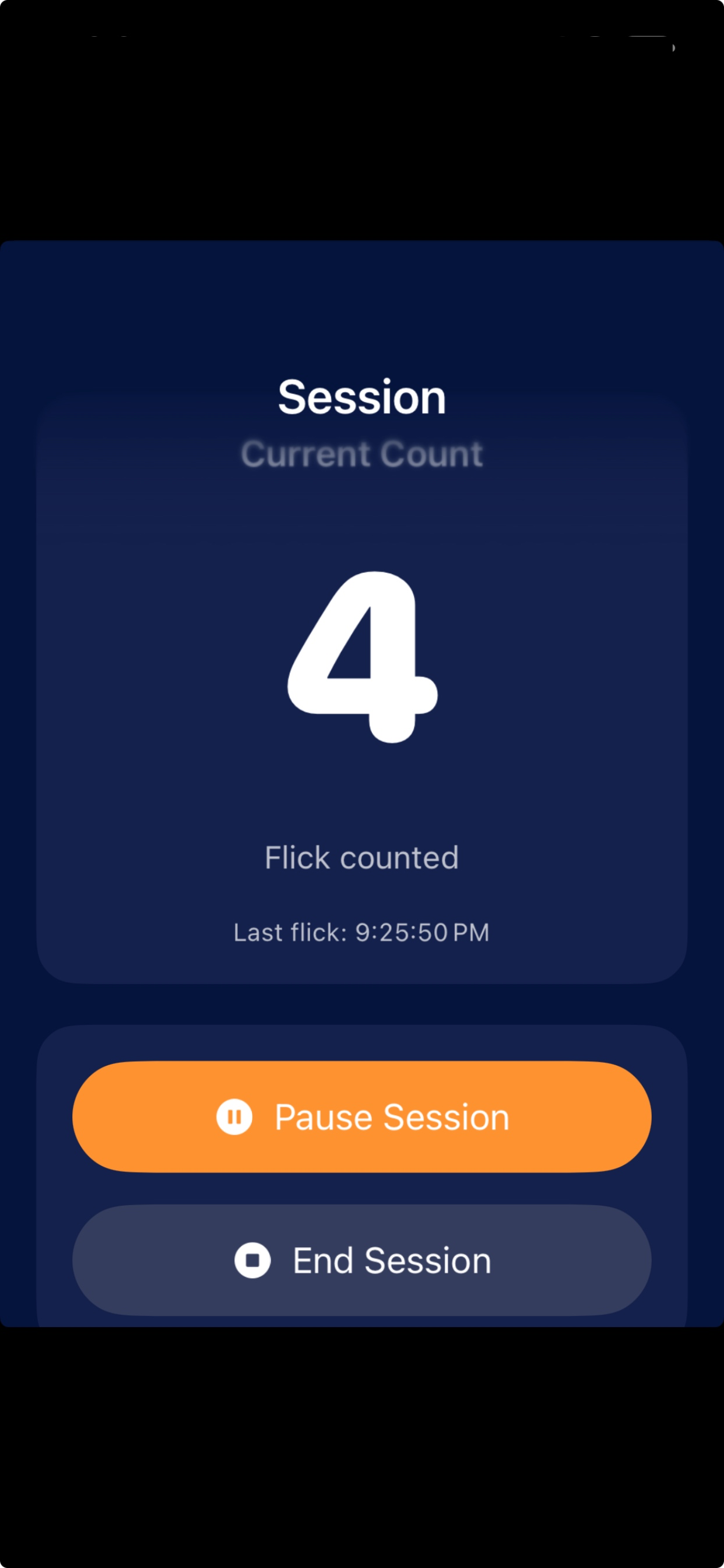
Instead of tapping a button every time, FlickTrack lets you count with a small downward flick of your phone. Begin a session, choose your preferred screen and text appearance, set your flick sensitivity, and let the app keep track while you focus on your practice.
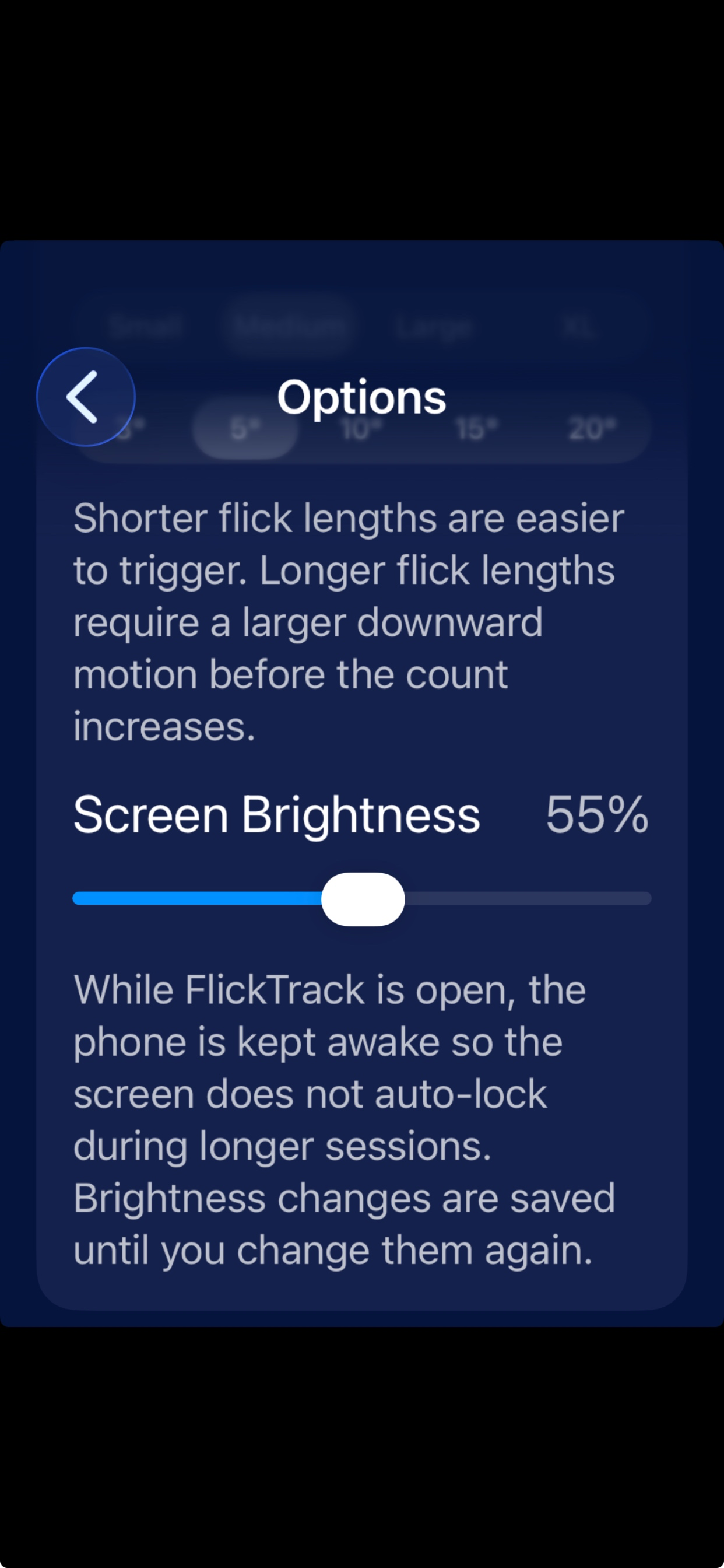
FlickTrack is especially useful for users who want a quiet, minimal counter experience during longer sessions. The screen can stay awake while the app is in use, and session history is saved so you can review previous counts over time. You can adjust screen brightness inside the app and choose whether FlickTrack keeps the screen awake during use or allows your iPhone to auto-lock normally. If an accidental flick is counted or a flick is missed, built-in count correction tools let you manually adjust the number.
To add the FlickTrack widget to your Lock Screen, run the app once, then press and hold your iPhone Lock Screen, tap Customize, choose Lock Screen, tap the widget area below the clock, and select FlickTrack. Choose the rectangular widget to show the current count with plus and minus correction buttons.
Features:
Motion-based flick counting
Begin a new session or continue the last session
Adjustable flick sensitivity
Custom screen color
Custom text color
Adjustable text size
Adjustable screen brightness
Optional screen-lock prevention while using the app
Option to allow normal iPhone screen lock behavior
Pause and resume sessions
End sessions and save results
Manual count correction for accidental or missed flicks
Correction unlock by button
Correction unlock by double tap
Option to enable both correction methods
Lock Screen count widget
Lock Screen and Control Center count controls on supported iOS versions
Add or subtract flicks from supported widgets/controls
Session history with date, end time, and total flick count
Share history by text, email, messaging apps, or CSV export
Option to share all history or only recent history
Option to share a screenshot of the history page
Designed for one-handed use, with left or right handed options
Portrait-locked session screen
Screen optionally stays awake while the app is active-you don't have to keep your screen active to avoid losing function with screen lock while concentrating on practice. Or let the screen lock and manually add or subtract flicks with an available Lock Screen widget.
FlickTrack stores your session history locally on your device. You choose when and how to share or export your data.
Whether you are counting mantra repetitions, breaths, prayers, mala rounds, affirmations, physical therapy repetitions, or personal goals, FlickTrack gives you a clean and customizable way to keep count with a simple phone motion.
Chrome-Stats does not own this Apple app. Please use these information below to contact the Apple app developer.


 English
 Español
 Français
 Português
 日本語
日本語 简体中文
简体中文 한국인
한국인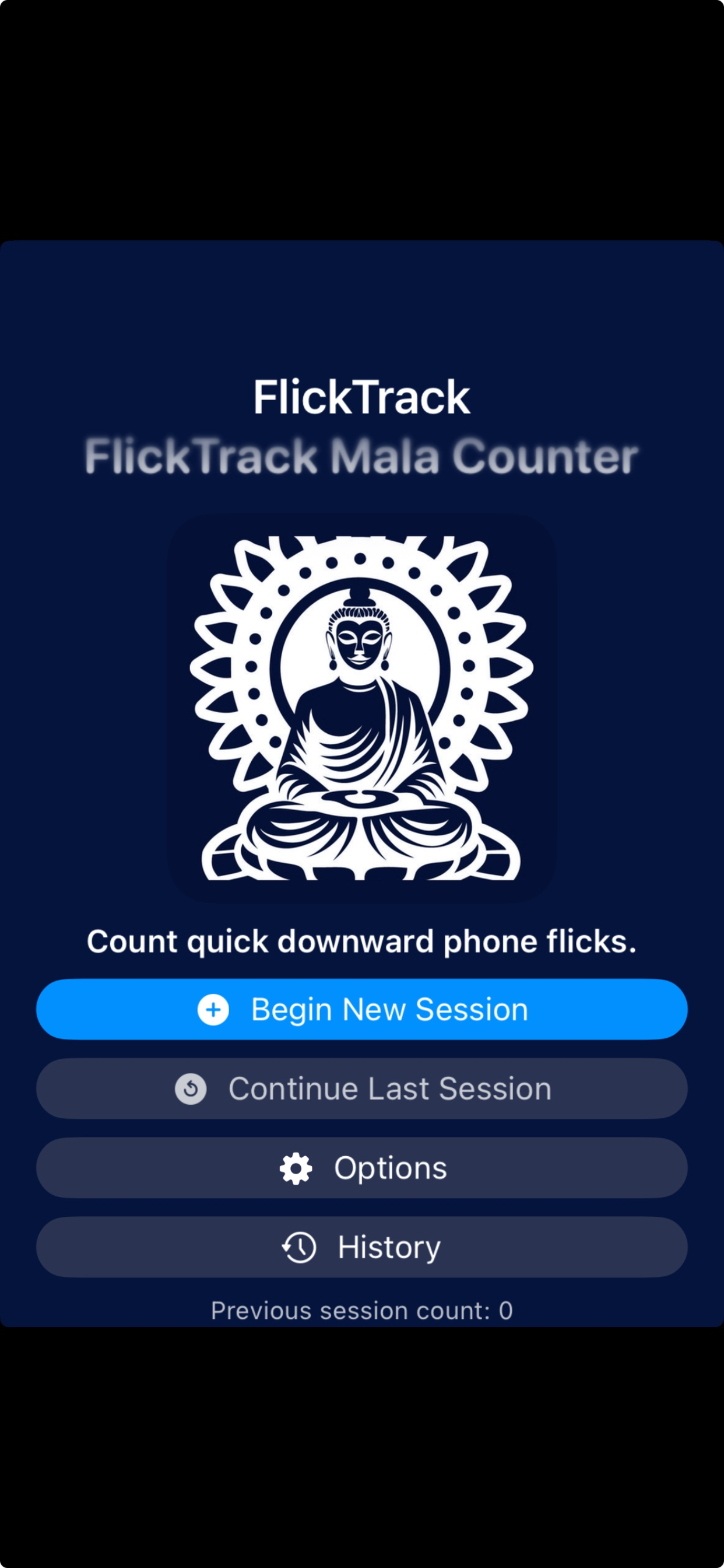








 (0)
(0)