
 English
 Español
 Français
 Português
 日本語
日本語 简体中文
简体中文 한국인
한국인










Features & Capabilities
User Growth & Download Statistics
- By:
- OpenGenius Limited
- Rating:
- 4.60 (1,032)

- Version:
- 3.4.3 Last updated: 2026-05-15
- Version code:
- 885671802
- Creation date:
- 2013-12-12
- Compatible devices:
- Size:
- 71.91MB
- URLs:
- Website ,Privacy policy
- Full description:
- See detailed description
- Source:
- Apple Apps Store
- Data ingested on:
- 2026-06-04
- Compare stats and ranking:
- AYOA - Mind Mapping vs Idea Note : MindMap AI
- AYOA - Mind Mapping vs Mind Map with Brainstorm/AI
- AYOA - Mind Mapping vs Akiiro
Other platforms


For Developers
Contact the developer
Chrome-Stats does not own this Apple app. Please use these information below to contact the Apple app developer.
User Reviews
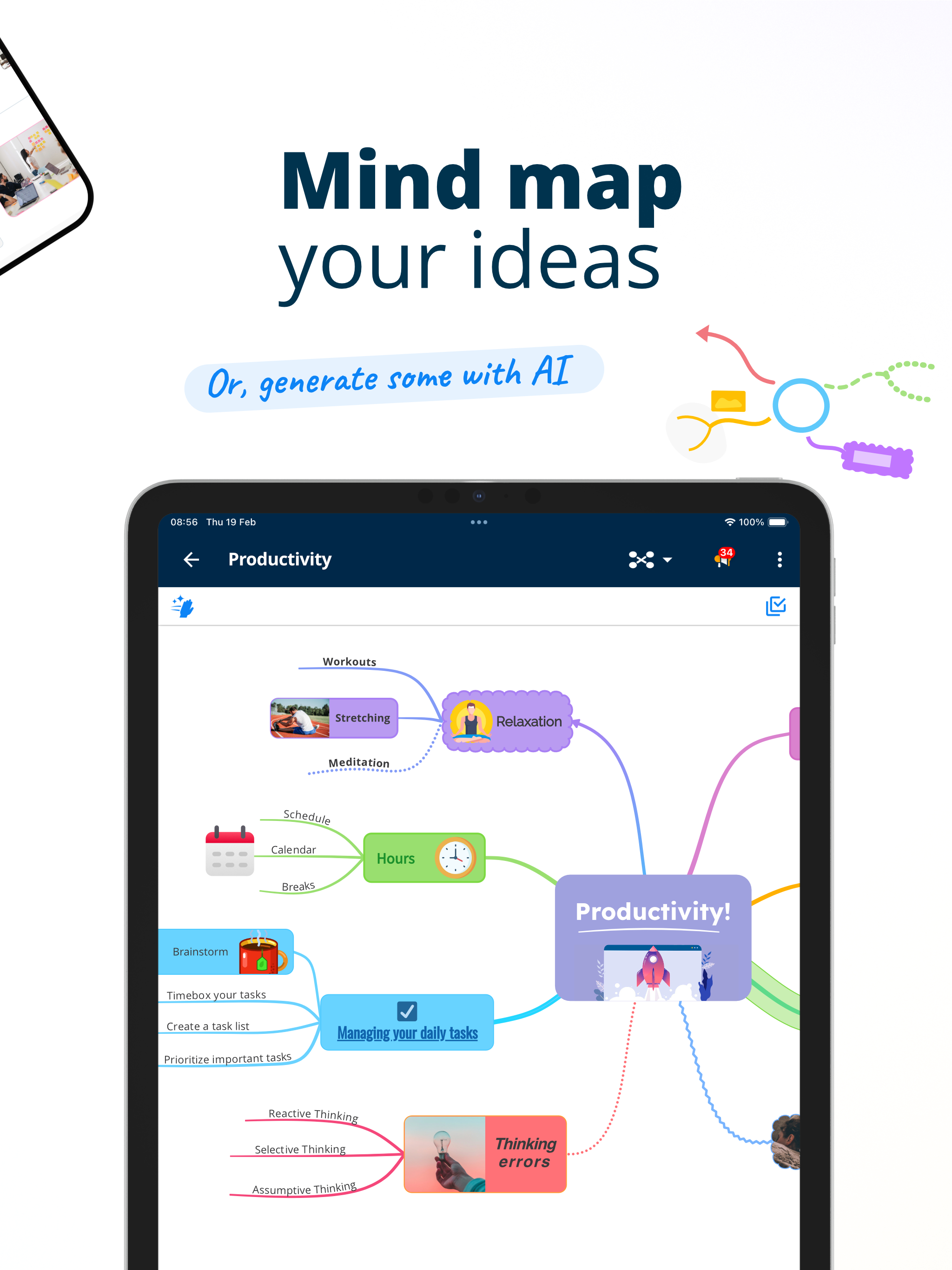
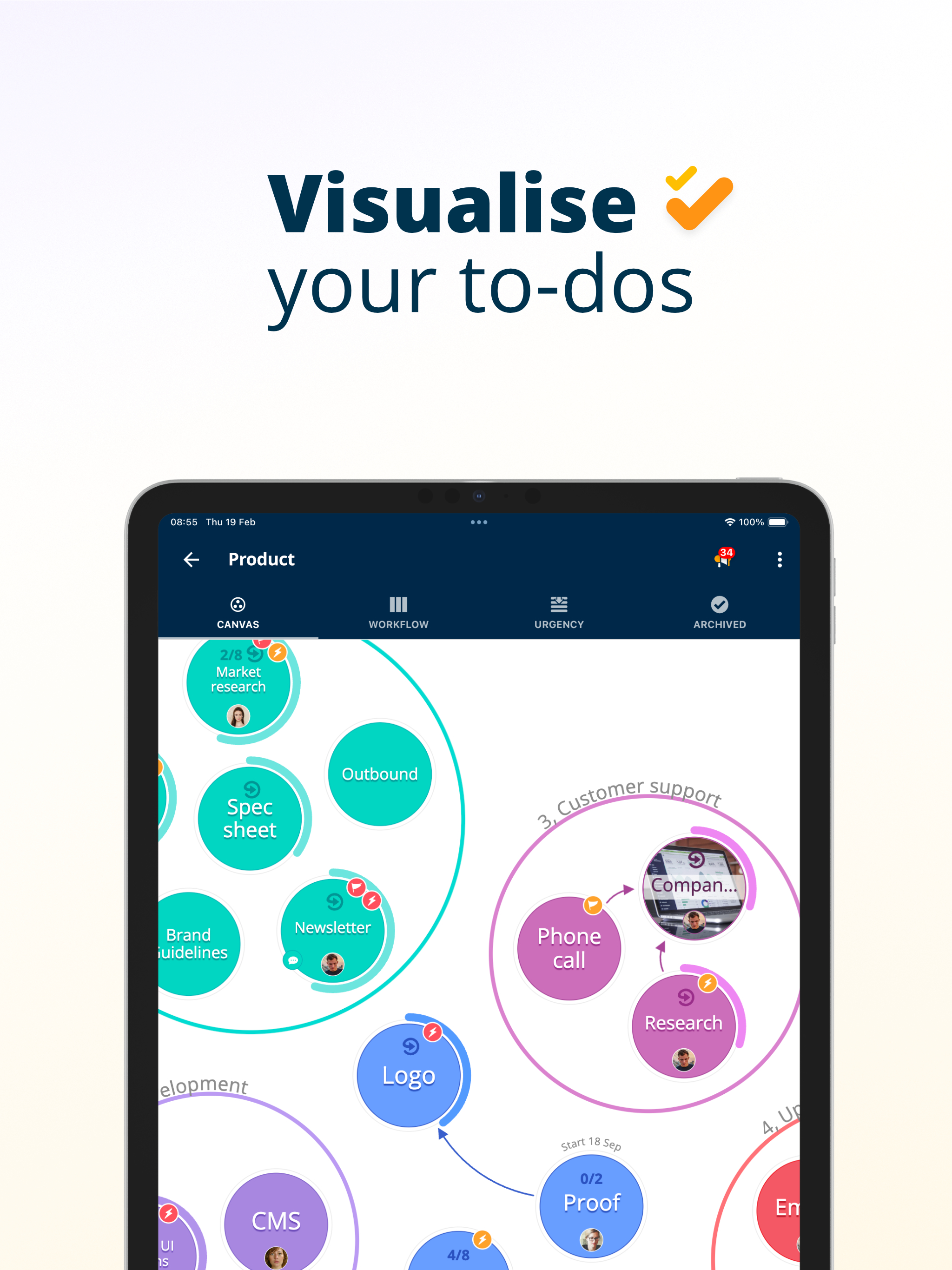
Users generally praise AYOA Mind Mapping for its clear, visual mind maps and easy-to-use interface, including strong note-taking and planning capabilities. Many report reliable cross-device syncing. However, several reviews note instability on iOS (white screens/crashes) and a lack of feature parity on mobile vs web/desktop. Pricing is a major recurring concern, with some calling it too expensive for mobile use. Usability gaps on mobile also surface. Overall, the concept is well-liked, but reliability, platform gaps, and pricing draw the negatives. Pros
- Easy to use and visually intuitive mind maps.
- Rich mind-mapping and planning features with a well-integrated toolkit.
- Cross-device synchronization across desktop, iPhone, and iPad.
- Strong value for education, notes, and planning (effective for study and organization).
Cons
- Instability on iOS with startup white screens and crashes.
- Limited feature parity on mobile vs web/desktop (missing options, clunky iPad version).
- Pricing and perceived value concerns (expensive subscription).
- Usability and navigation issues on mobile (e.g., Apple Pencil navigation).
Recent reviews
I open the app and it says “Do my free trial” and I’m like, ok fine. Click that and it takes me to a white screen. Swiped out of the app and retried and it does the logo and then white. Maybe I’m dumb, but this app just doesn’t work at all for me.


by th*****, 2026-05-06
The iOS Ayoa application is not ready primetime use. No clear way to clean up a Map. Navigation with the Apple Pencil is poor. Most of the menu options available in the web application are not available. Looks and feels a lot like an Alpha version.
by PG*****, 2025-03-02
This app got little love since before Ayoa took over, now it gets less. The features for desktop (actually the web version) are not available here. Seems like the focus now is corporations. I find little reason to justify the high cost of subscription, and annual subscription at that.
by Co*****, 2024-12-26
Best AYOA - Mind Mapping Alternatives
Here are some Apple apps that are similar to AYOA - Mind Mapping:


Idea Note : MindMap AI
won choi
0.00  (0)
(0)
(0) 
Mind Map with Brainstorm/AI
CoreBits LLC
2.00 (1)
(1) 
Akiiro
brian Bovell
0.00 (0)
(0) 
MindFlow AI AI
Basil Tsironis
0.00 (0)
(0) 
Notes,Whiteboard & AI - AFFiNE
ToEverything
4.90 (24)
(24) 
Arota: ADHD AI Assistant
Constacts Inc.
0.00 (0)
(0) 
MindPulse - AI Mind Map
晶 吴
4.10 (7)
(7) 
AI Mind Map: Visual Mind Node
Hai Nguyen Dinh
4.70 (52)
(52) 
FlowMind AI: Mind Map Maker
PixelArc Ventures LTD
0.00 (0)
(0) 
Mind Map AI - MapThese
Allegro Digital
0.00 (0)
(0) 
Mindly 2 – Mind Mapping
dripgrind Oy
2.50 (2)
(2) 
The AO Planner App
The AO Planner Company
0.00 (0)
(0)