NOTE: When installing Squint Browser, please disregard the opening Chinese website. Use DuckDuckGo.com or your website of choice. Squint Browser is working perfectly!
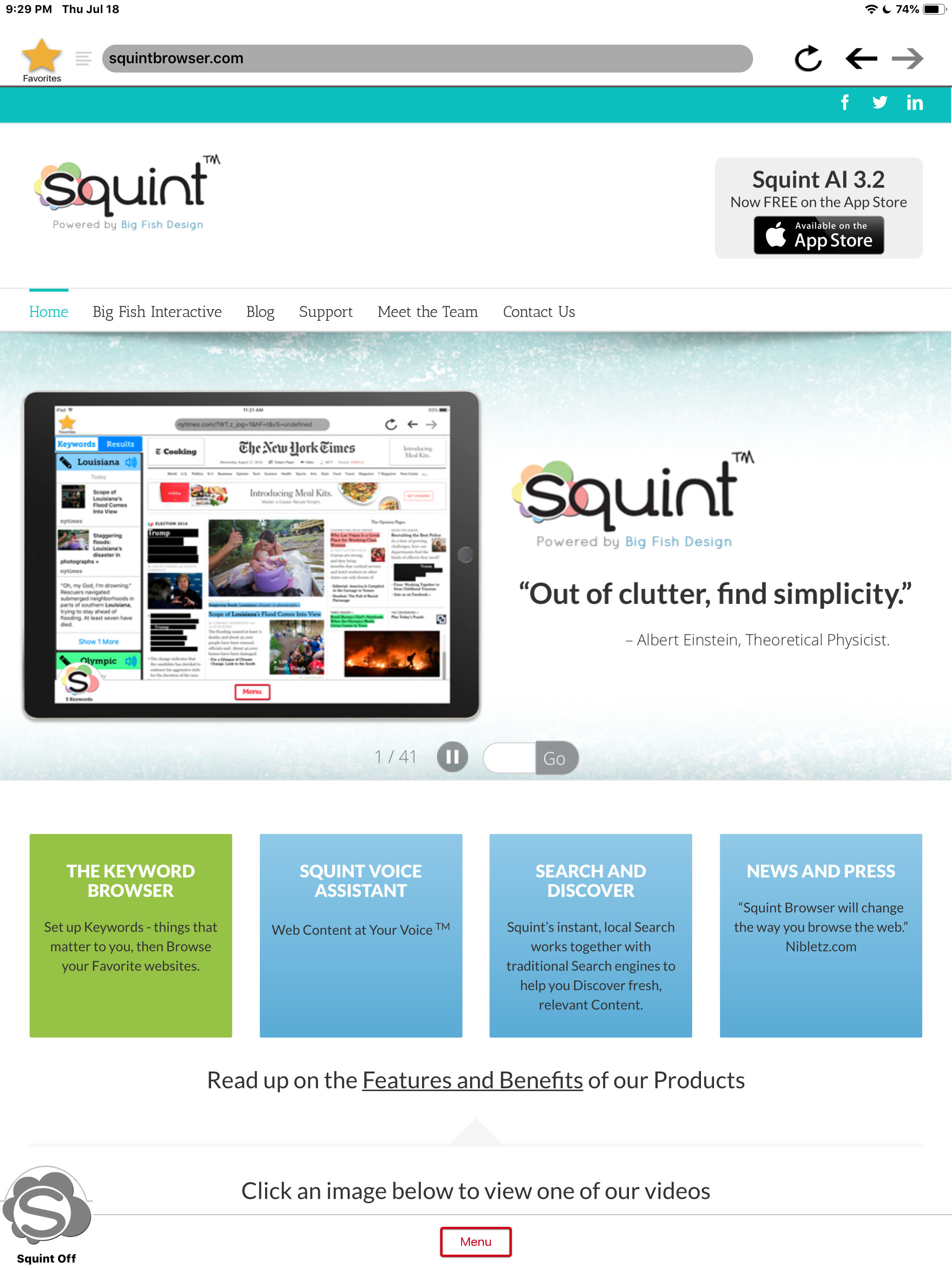
Squint Browser instantly discovers your content on ANY WEBSITE in ANY LANGUAGE.
"Out of clutter, find simplicity."
Albert Einstein, Theoretical Physicist.
iPHONE and iPAD
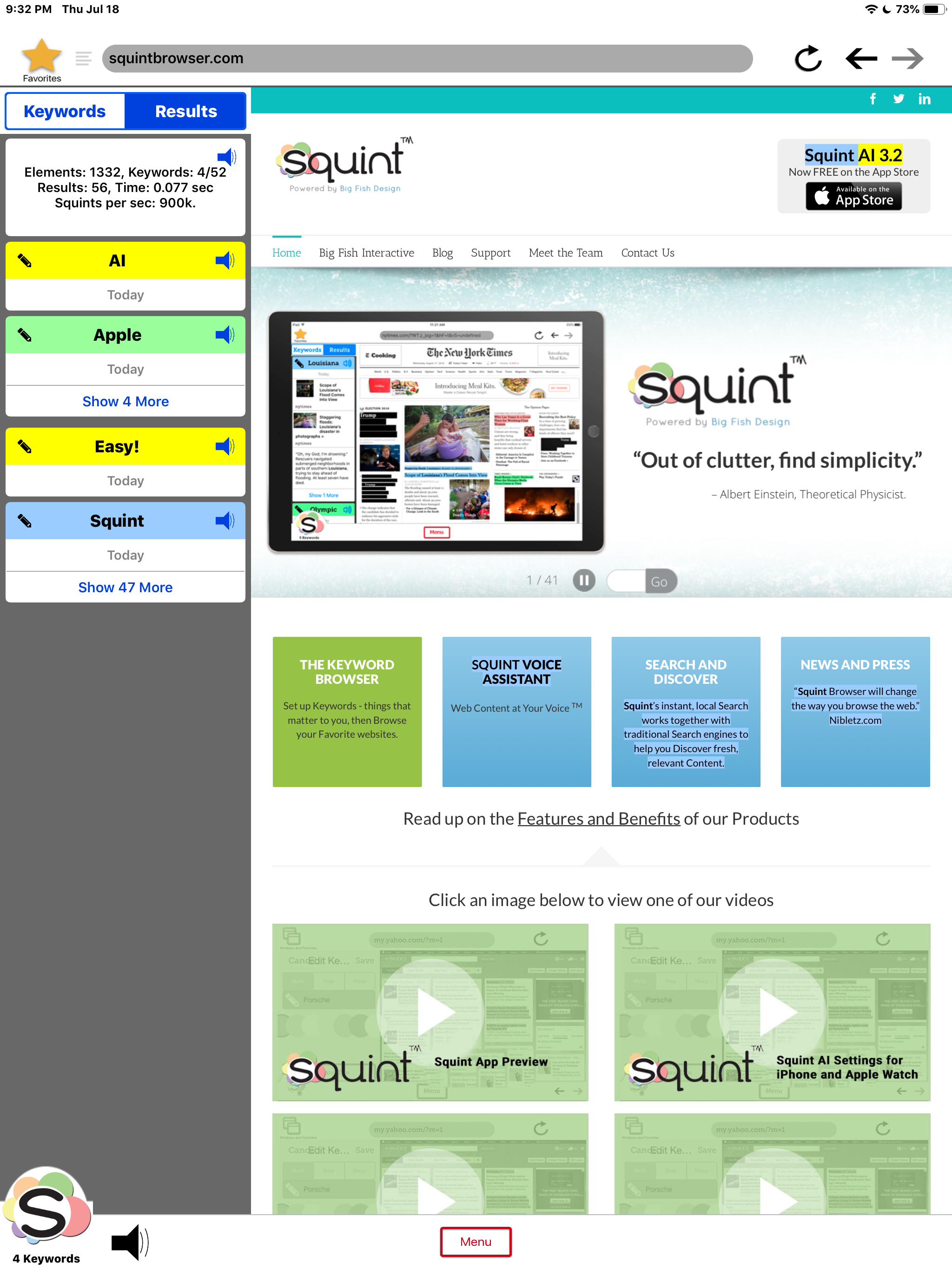
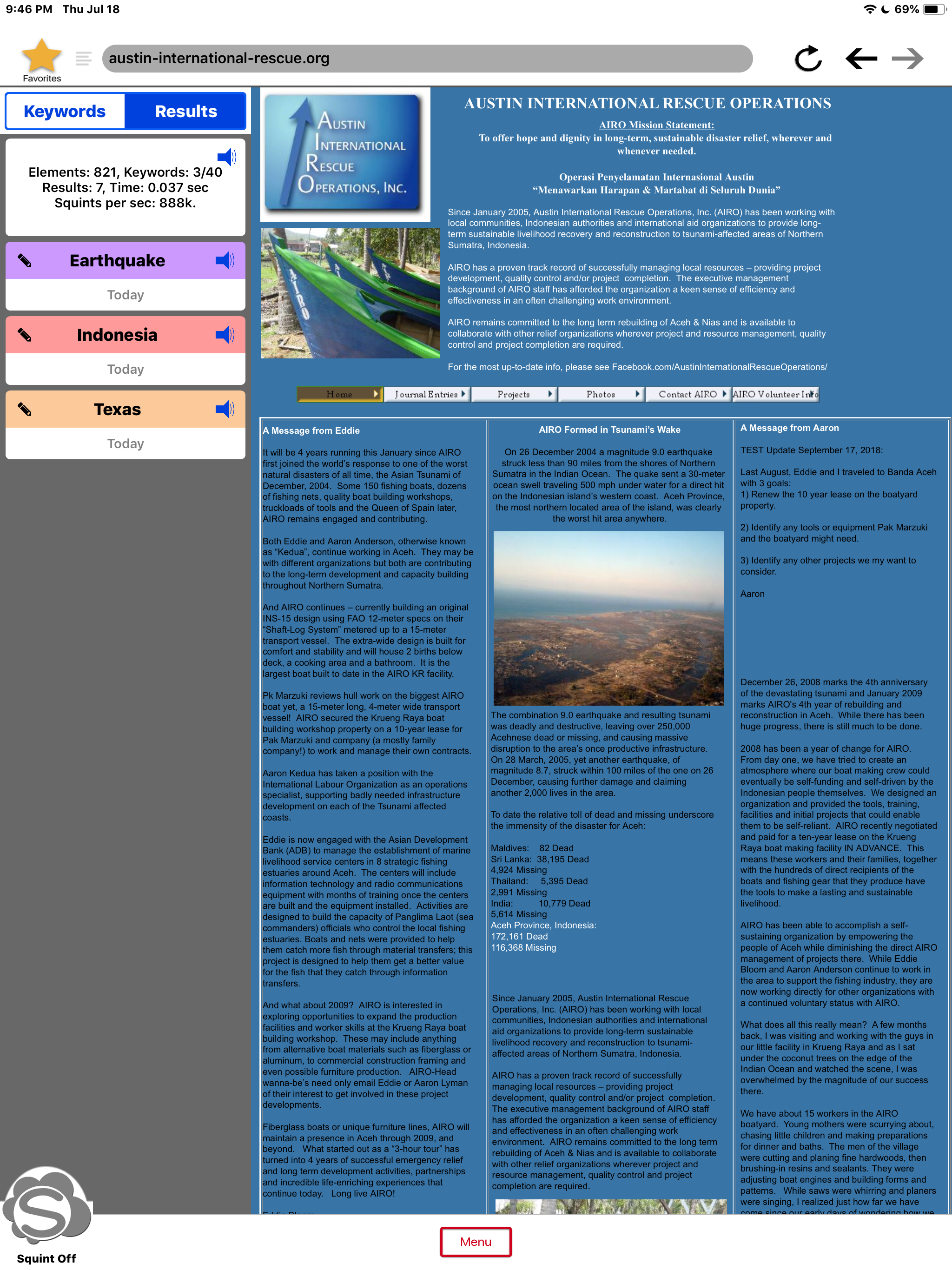
Just browse...the magic starts with the SQUINT BUTTON:
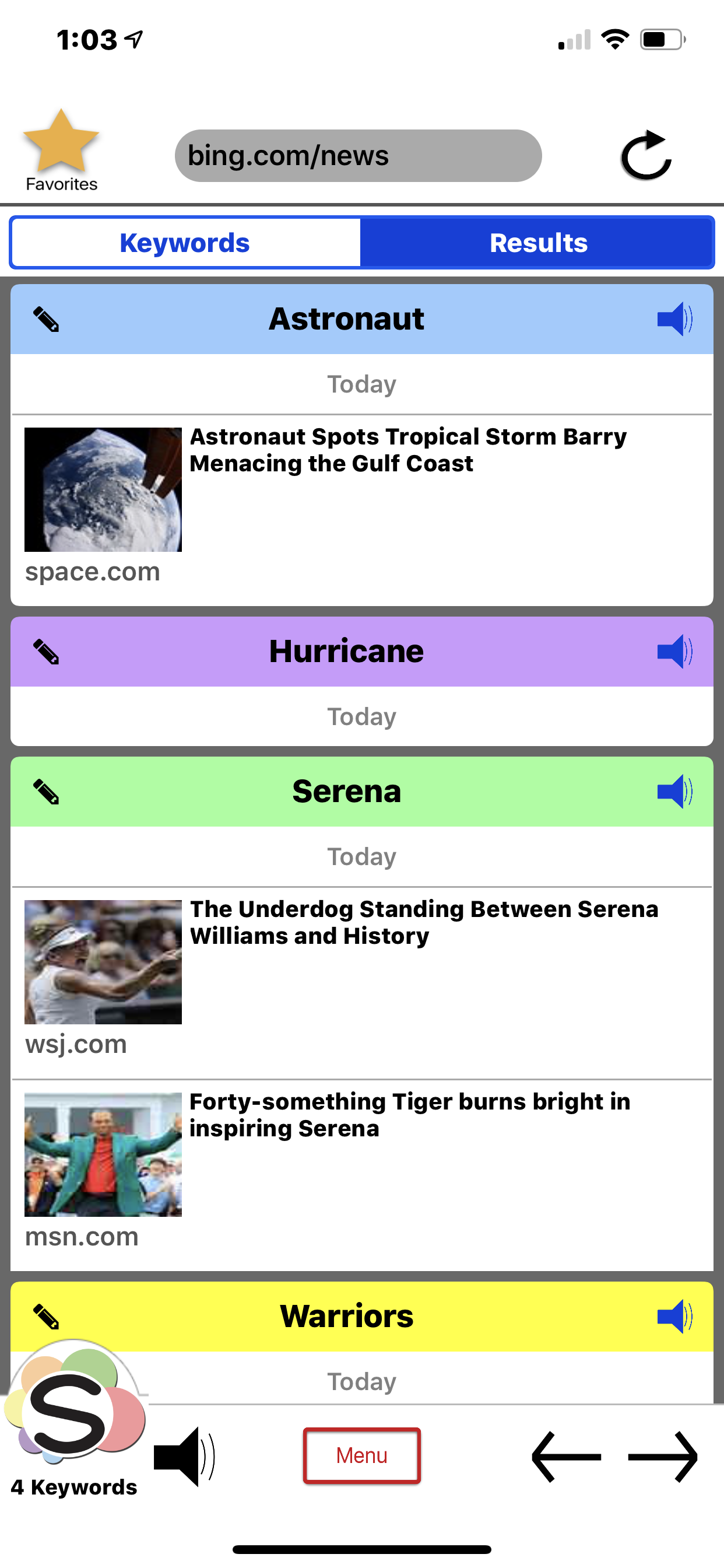
-> SINGLE TAP for Keywords and Results.
-> -> DOUBLE TAP to Turn Squint on.
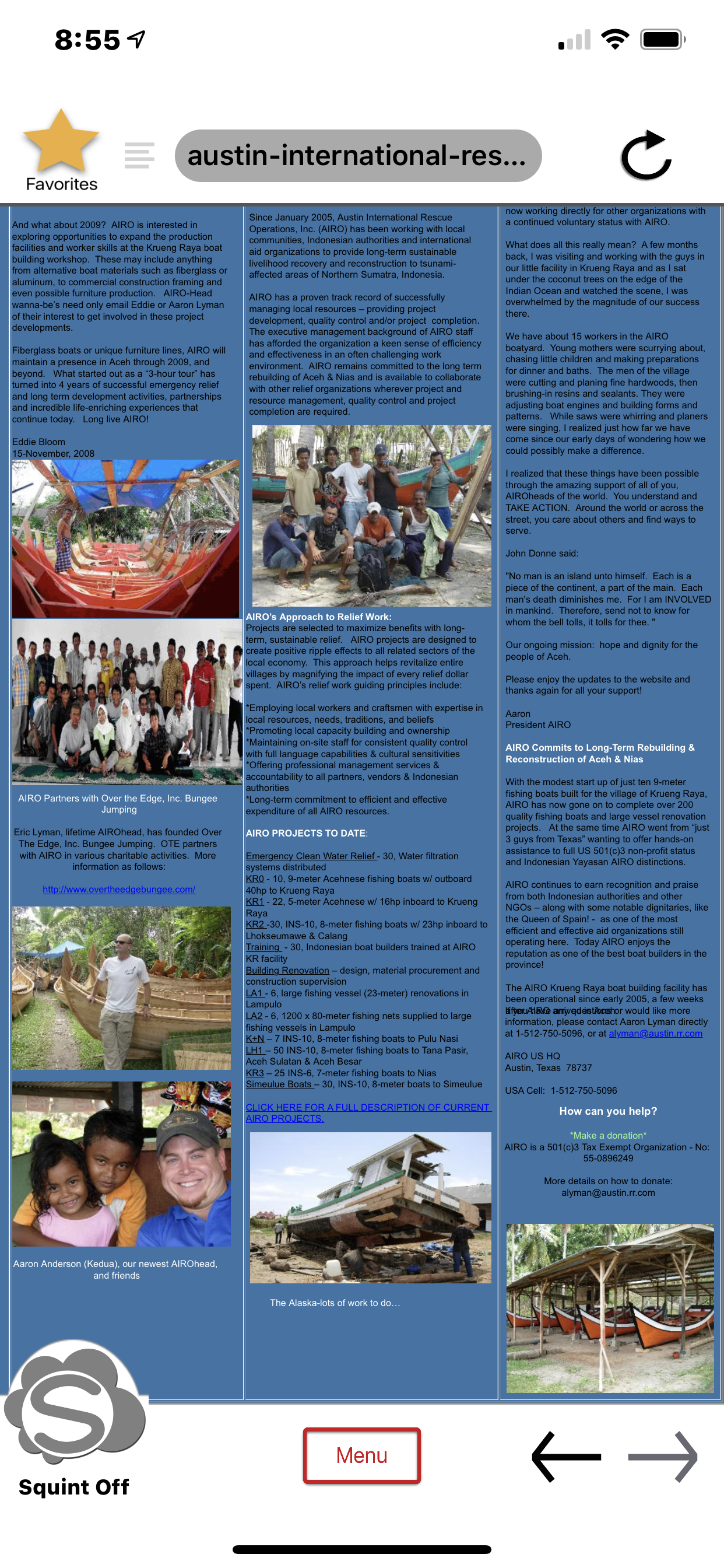
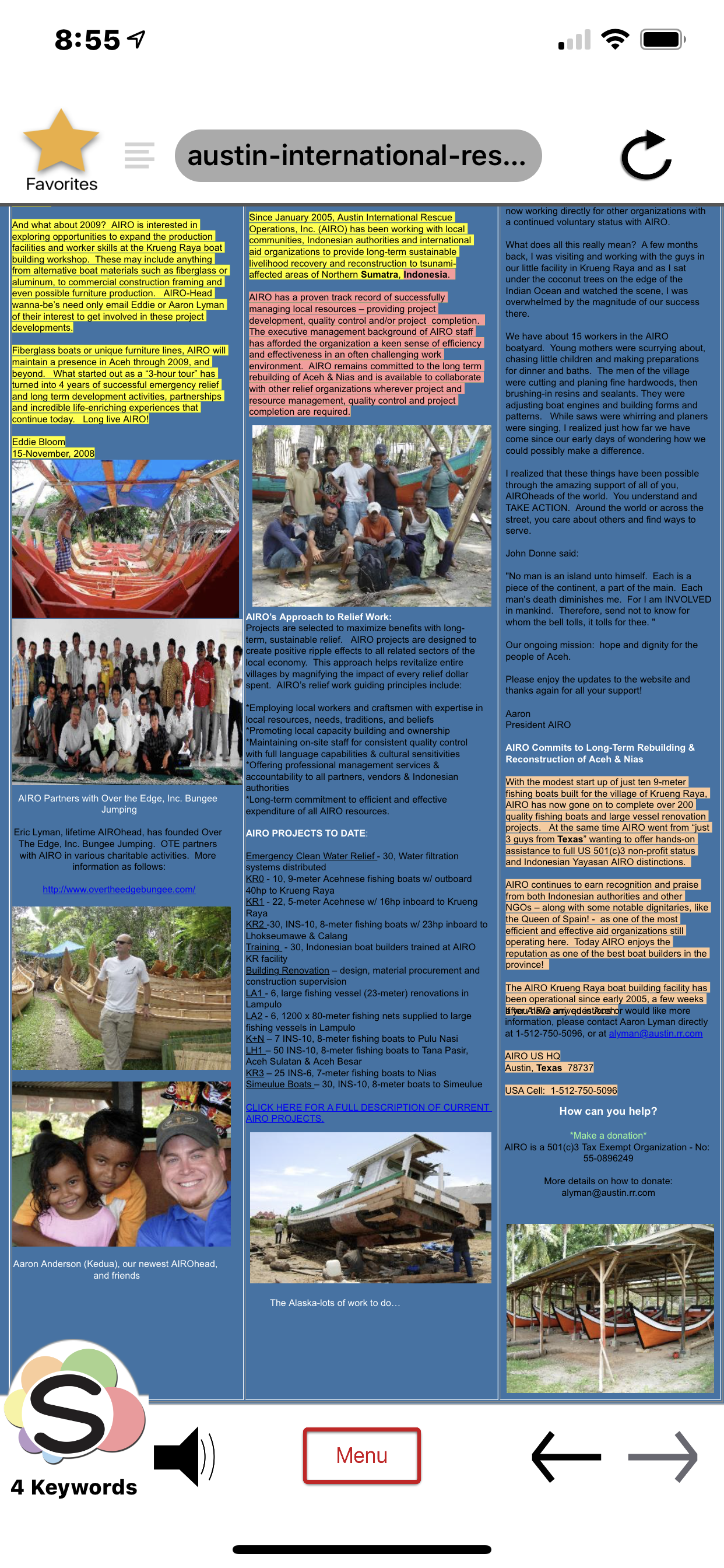
This Squints the page to highlight and extract your content. Double Tap again to turn off.
- -> LONG PRESS (+2 secs) for VOICE ACTIVATION.
Squint says "Listening..." Say your Voice Command or Tap anywhere for Listening off.
-> -> -> -> To Reset AI, turn Speaker on. DOUBLE TAP, DOUBLE TAP again. This Resets the AI so it is ready for your voice command.
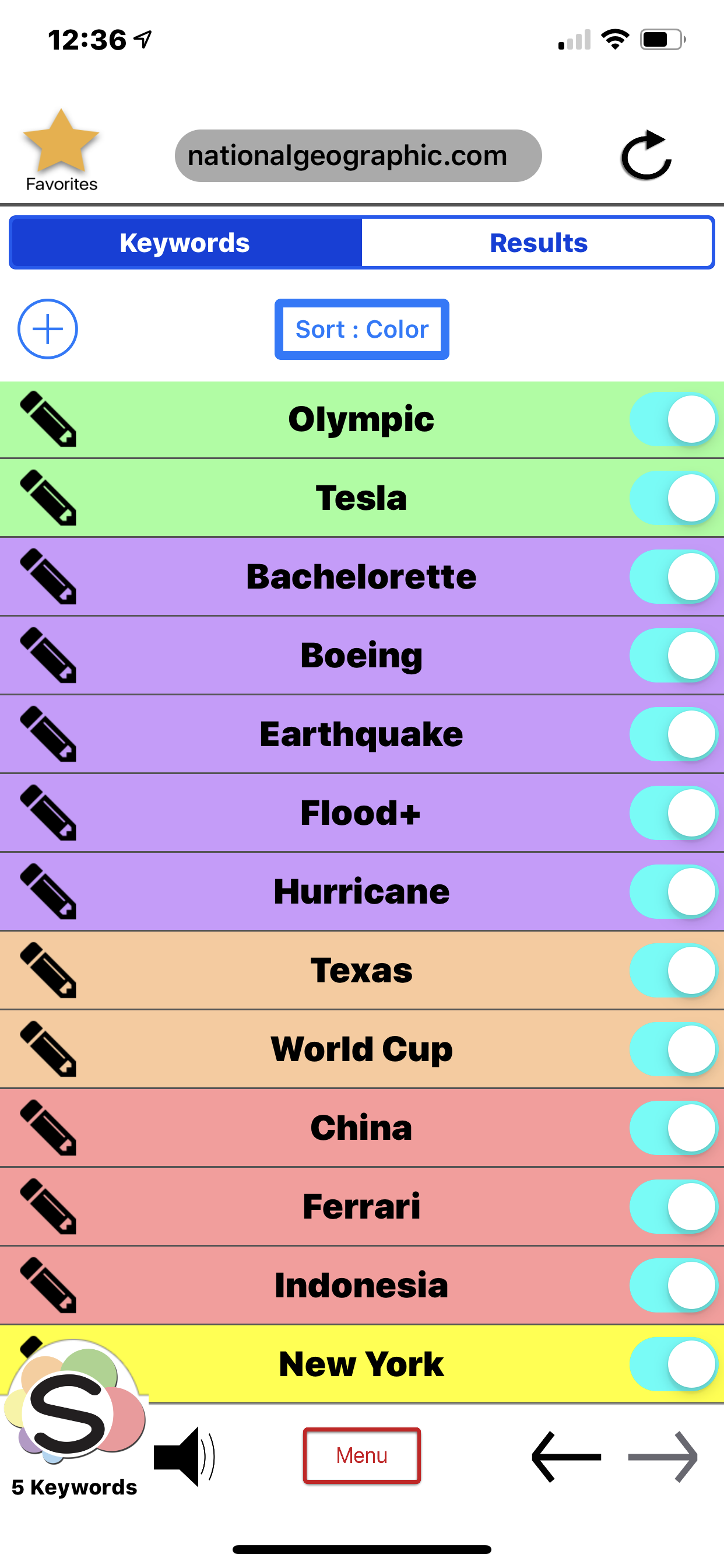
Try our PRELOADED SAMPLES. Tap or say, "Squint My News Blast", "Squint My Cool Cars" or use your own web Favorites. Squint opens the page and says, for example, "Squint found...Corvette and Ferrari”
Try the Craigslist examples and Power Searches, then delete and add your own Favorites and Keywords.
** APPLE WATCH **
Add or edit Keywords and Favorites on your iPhone, they SYNCH TO THE WATCH.
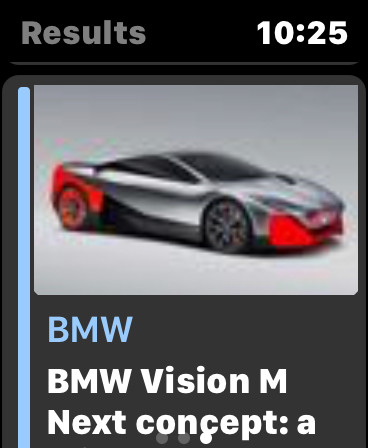
Access three views for Squint on the Watch by swiping left and right:
Keywords - Favorites - Results
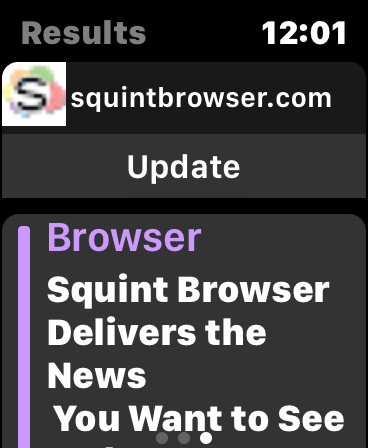
TAP-BROWSE on Watch - Tap a Favorite or Link on the Watch. Tap Update. The iPhone navigates to the Favorite and Results mirror on the Watch.
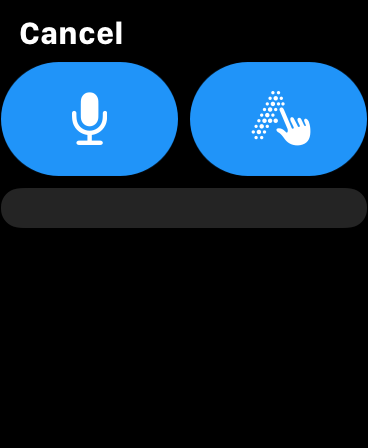
VOICE-BROWSE on Watch - In Results view, long press the favicon (web logo) to open the Command screen. Tap on Microphone or Script to enter your command. Tap Done.
EYE-BROWSE on iPhone - Results on the Watch mirror those on the iPhone (images are limited to improve performance). Turn on Squint and Turn on Auto-Assistant (Speaker).
FOR BEST RESULTS, close and reopen the Squint app on your iPhone to ensure all voice capabilities are reset and ready. Newer Watches update within a few seconds. but it can take up to 30 seconds for older Watches.
VOICE COMMANDS
"Read Everything" - read all Results. Or tap the speaker at top of Results.
"Read Article" - Assistant Reads the Article.
(Tap the speaker to Play, Pause or Resume reading).
"Pause Reading"
"Resume Reading"
"Ferrari" - Squint reads all Ferrari Results. Say just the Keyword.
** QUICK SETUP **
OPEN Squint on iPhone
Tap Menu - Settings to turn on Auto-Assistant and turn on Voice Activation.
Optional - Turn on SIRI SHORTCUTS 'Squint On' and 'Squint Off' then go to your device Settings to record your Shortcuts.
On your iPhone or iPad
Go to Settings - Squint. Turn on Microphone, turn on Speech Recognition. Tap 'Siri & Search' to record your Shortcuts.
On your Watch
Try the Squint COMPLICATION in the middle of the Modular Watch face.
** A GREAT BROWSER! **
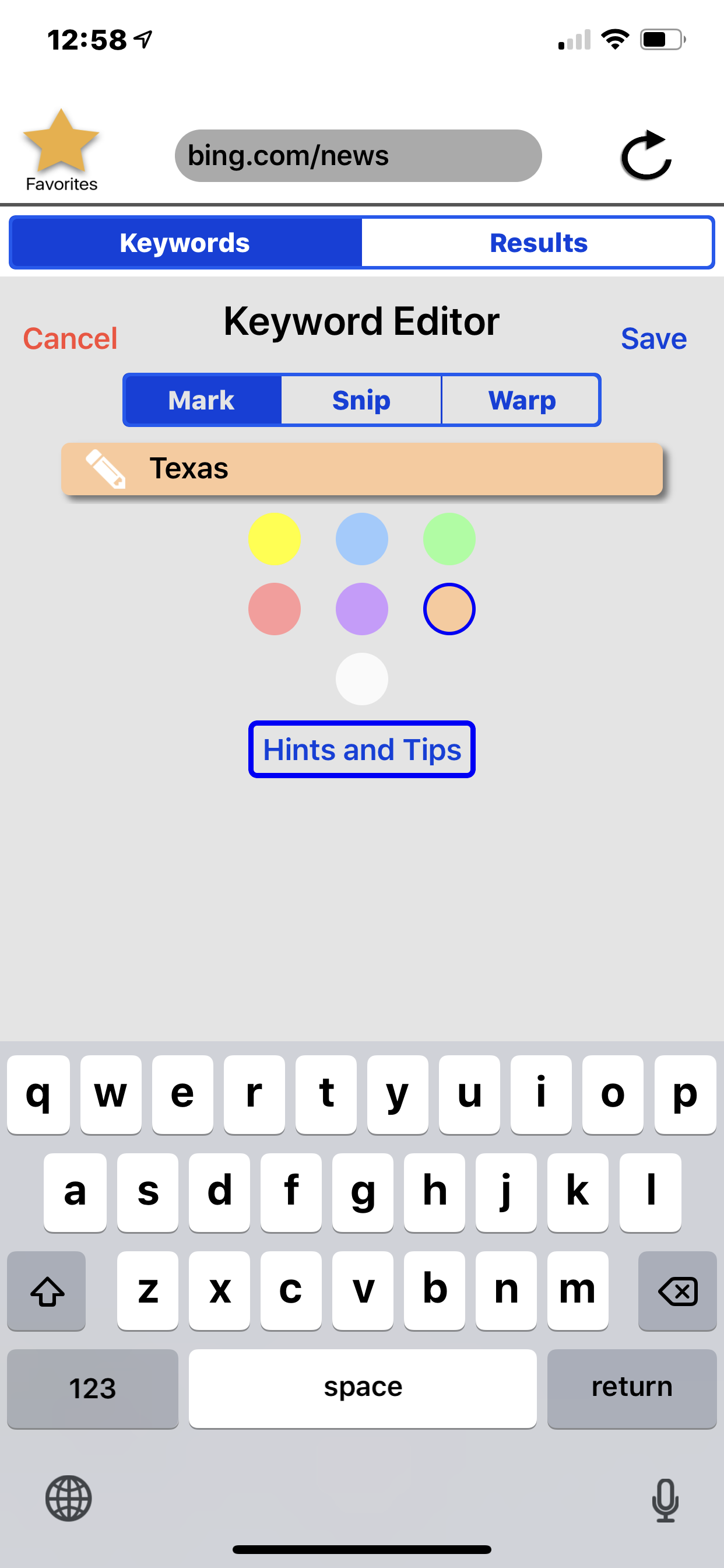
Add Keywords:
MARK - Highlight it!
SNIP - Block it!
WARP - Change it up! NICKNAME Facebook friends, celebrities and politicians. Especially politicians.
USE A BUNCH - 10, 20, 30 or more work great. Squint can handle it!
Expand and collapse Results for a QUICK SUMMARY of every page.
SMART NAVIGATION BAR. Suggestions - History - Favorites.
PRIVATE AND SECURE. No accounts. No sign-ups. No passwords. No worries!
Easily CLEAR HISTORY, COOKIES and DATA to vaporize your trail.
Squint works with TRADITIONAL WEB SEARCH ENGINES - Google, Yahoo, Bing or DuckDuckGo.
Try a SQUINT POWER SEARCH! Add a Squint Keyword with your search-engine keyword to put YOU in control.
** OTHER STUFF **
Use with Airpods, Homepod or Bluetooth speakers.
Toss those VHS tapes, flip-phones, junk browsers and annoying apps…and DISCOVER Squint AI!
TECH SUPPORT - Email Developer in Menu - Settings - Support.
SHARE IT - Tap Menu to Email Screenshots, Links and PDFs to friends.
We welcome your comments, suggestions and encouragement.
Thank you!
Big Fish Design LLC
Austin, Texas ya'll.
Chrome-Stats는 이 애플 앱을 소유하지 않습니다. 아래 정보를 사용하여 애플 앱 개발자에게 문의하세요.


 English
 Español
 Français
 Português
 日本語
日本語 简体中文
简体中文 한국인
한국인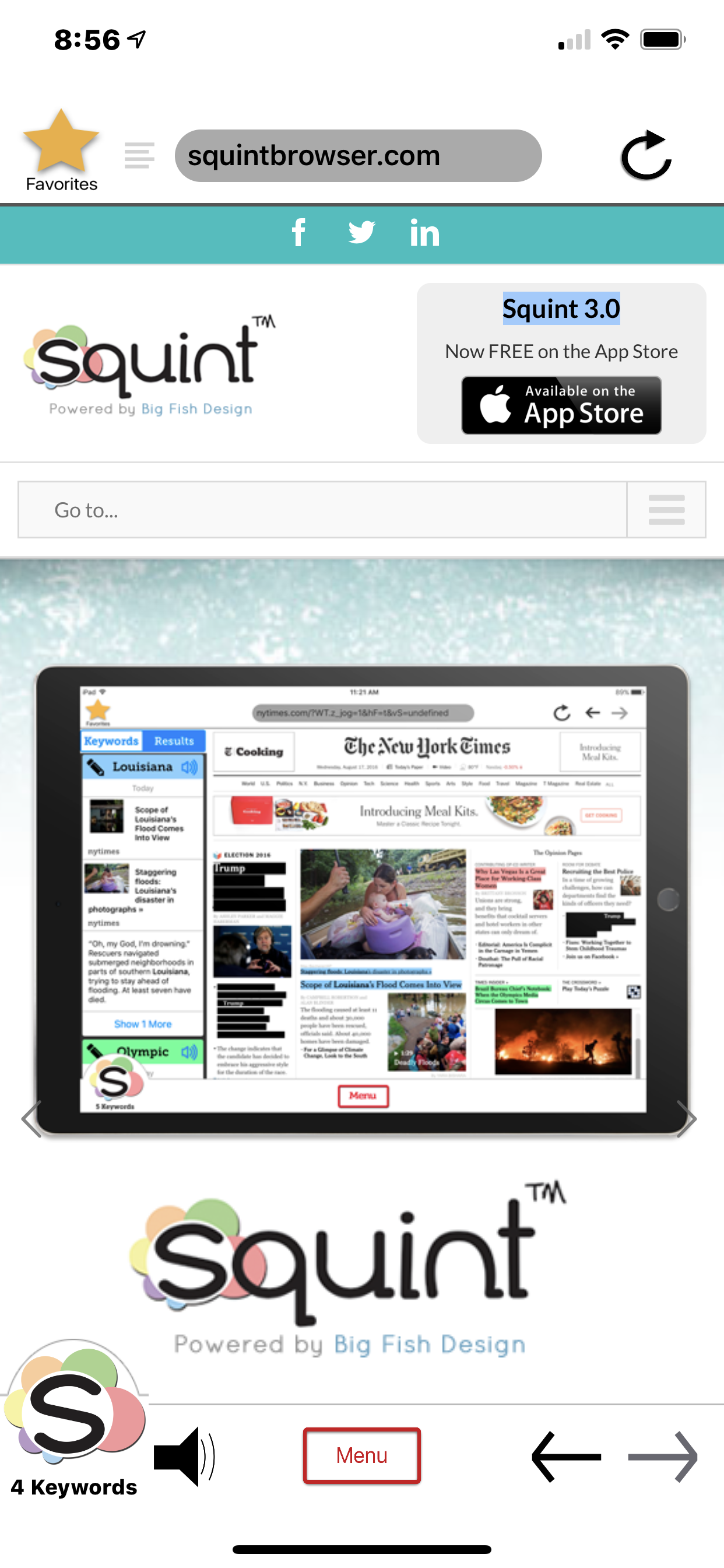
















 (0)
(0)