Hide Faces & Private Info
Redact photos and screenshots directly from the Photos share sheet. Find sensitive details on-device, then keep sharing. No uploads, ads or watermarks.
Check before you share.
SafeShare helps you spot private details in screenshots and photos before you post, send or upload them. Open it directly from the Photos share menu, review the suggestions and keep sharing—without switching apps.
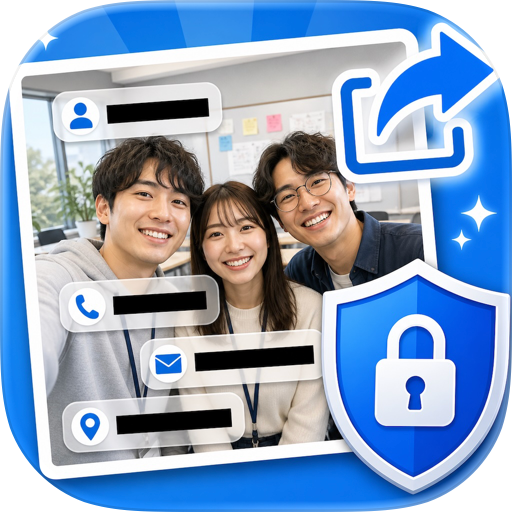
SafeShare can find likely privacy-sensitive areas such as faces, email addresses, phone numbers, addresses, QR codes, barcodes, payment details, IDs, tracking references and other identifiers—all directly on your iPhone or iPad.
Review what SafeShare finds, redact what you want and export a clean copy in seconds.
WHY SAFESHARE
• Check screenshots before posting them online
• Redact faces and private information quickly
• Detect email addresses, phone numbers and addresses
• Find QR codes and barcodes automatically
• Cover sensitive numbers and identifiers
• Add any missed area manually
• Choose blackout, blur or pixelate styles
• Remove GPS and unnecessary photo metadata
• Process everything on-device
PRIVATE BY DESIGN
Your photos and screenshots are processed on your device.
SafeShare does not upload your images for scanning.
No account is required.
No cloud processing is needed.
No ads or watermarks—even on the free plan.
YOU STAY IN CONTROL
SafeShare suggests areas that may be worth redacting, but you make the final decision.
Tap any marked area to redact or restore it. If SafeShare misses something, add a custom redaction anywhere on the image. Pinch to zoom, pan around the image, or adjust and rotate a custom area when needed.
SAFE REDACTION
Redactions are flattened into a new exported image, so covered areas are not left as removable editing layers. Your original photo is never overwritten automatically.
WORKS RIGHT INSIDE PHOTOS
In Apple Photos, tap Share and choose Redact with SafeShare. Review and redact in place, then continue sharing or save the clean copy immediately—without switching apps.
USE SAFESHARE FOR
• Screenshots shared on Reddit, X or Discord
• Order and delivery screenshots
• Messages and email screenshots
• Customer support and bug reports
• Family and group photos
• Marketplace listings
• Work dashboards and documents
• Photos containing location metadata
FREE AND PRO
SafeShare is free to download and includes one successful photo export. Scanning, previewing and editing are always available. An export counts only after a sanitized image is successfully shared, saved or copied; the built-in demo never consumes the free export. SafeShare Pro unlocks unlimited exports through a monthly subscription or a one-time lifetime purchase. Prices are shown in your local App Store. Subscriptions renew automatically unless canceled at least 24 hours before the end of the current period. Manage or cancel subscriptions in your App Store account. Purchases can be restored in the app.
Check. Redact. Share.
Privacy Policy: https://safeshare.cuenovo.com/privacy
Terms of Use (EULA): https://safeshare.cuenovo.com/terms
Support: https://safeshare.cuenovo.com/support
Chrome-Stats does not own this Apple app. Please use these information below to contact the Apple app developer.


 English
 Español
 Français
 Português
 日本語
日本語 简体中文
简体中文 한국인
한국인

 (0)
(0)