
PDF Lift: PDF to Markdown Apple

PDF Lift: PDF to Markdown

By: Zain Aaban App
Scans & PDFs, On-Device

Overview

Version:
1.1
Last updated: 2026-07-16
Ranking
#1,708,990
Overall

Features & Capabilities

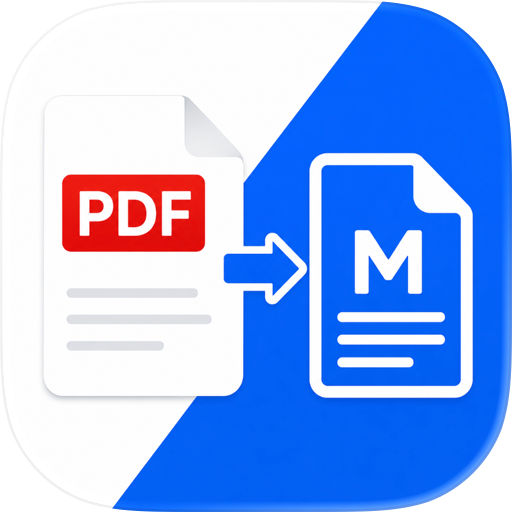
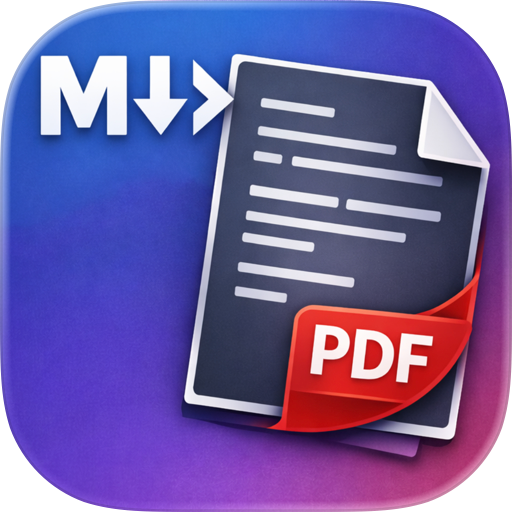
PDF Lift turns any PDF into clean, editable Markdown, right on your iPhone or iPad, completely offline.

Open a PDF and get back well-structured Markdown in seconds, with headings, lists, tables, links, and images all preserved. It works on ordinary text PDFs and on scanned or photographed documents alike. Built-in on-device OCR reads image-only pages, so you can pull text out of a scan without sending anything to the cloud. Review the result side by side with the original, make any tweaks, and export. Whether you're lifting quotes from a research paper, turning a scanned handout into notes, or getting a document into your favorite Markdown editor, PDF Lift does the tedious formatting for you. Nothing ever leaves your device: no account, no servers, no tracking.

Features

  • Convert any PDF to Markdown, with headings, lists, links, and structure preserved
  • On-device OCR for scanned and image-only PDFs (powered by Apple Vision)
  • Side-by-side review: original PDF · Markdown source · live preview
  • Full-screen review mode for distraction-free reading and editing
  • Tables reconstructed as Markdown, including bordered and grid tables
  • Images extracted and exported right alongside your Markdown
  • Export your Markdown and share it or save to Files
  • Recents: every conversion is saved on your device so you can reopen it anytime
  • Open password-protected PDFs
  • Import options: choose whether to extract images or limit the page range
  • Works on both iPhone and iPad

Also handles

  • Blockquotes, inline code, and code blocks
  • Emoji baked into PDFs as images, recovered back into real text
  • Words split across line breaks, automatically rejoined
  • Bare links turned into clickable Markdown links cloud upload, and no data collection, so your documents stay yours.

Free & Pro PDF Lift is free to convert up to 5 pages per document, plus one full-length conversion on the house to try it out. A one-time Pro unlock ($4.99, no subscription) removes the per-document page limit, so you can convert entire PDFs of any length. Buy once and it's yours forever, on every device you own.

By downloading this app, you agree to Apple's Standard EULA: https://www.apple.com/legal/internet-services/itunes/dev/stdeula/

User Growth & Download Statistics

App
By:
Zain Aaban
Version:
1.1 Last updated: 2026-07-16
Version code:
887798159
Creation date:
2026-07-16
Compatible devices:
Size:
3.53MB
URLs:
Privacy policy
Full description:
See detailed description
Source:
Apple Apps Store
Data ingested on:
2026-07-22
Compare stats and ranking:

Contact the developer

Chrome-Stats does not own this Apple app. Please use these information below to contact the Apple app developer.
Developed by:
Zain Aaban
Apple Apps Store
https://apps.apple.com/us/app/pdf-lift-pdf-to-markdown/id6787136765

Best PDF Lift: PDF to Markdown Alternatives

Here are some Apple apps that are similar to PDF Lift: PDF to Markdown: