Overview

Version:
1.0.3
Last updated: 2026-07-17
Ranking
#1,317,511 355,110
Overall

Features & Capabilities

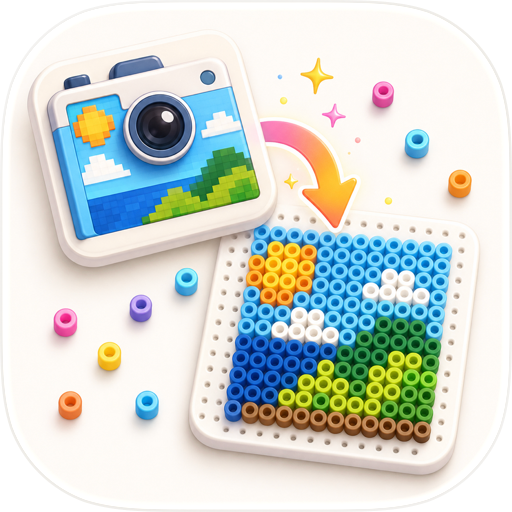
Turn any photo into a pattern you can make — beads, cross-stitch, LEGO, pixel art & more. One-time purchase unlocks everything. No subscription, ever.

Your photo, turned into a pattern you can actually make.

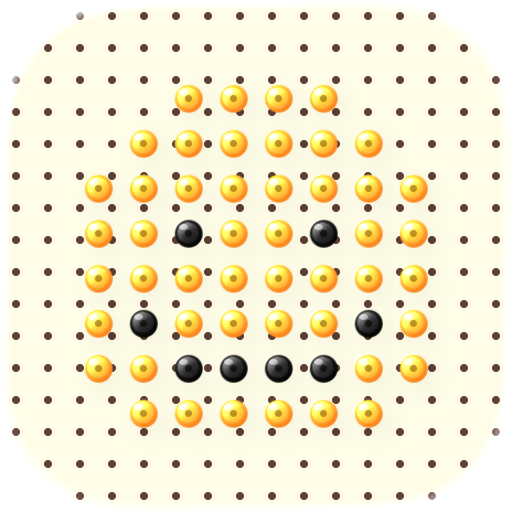
Pixela turns any picture into a crisp pixel grid with a tidy color palette and a printable chart — so you can recreate it however you like:

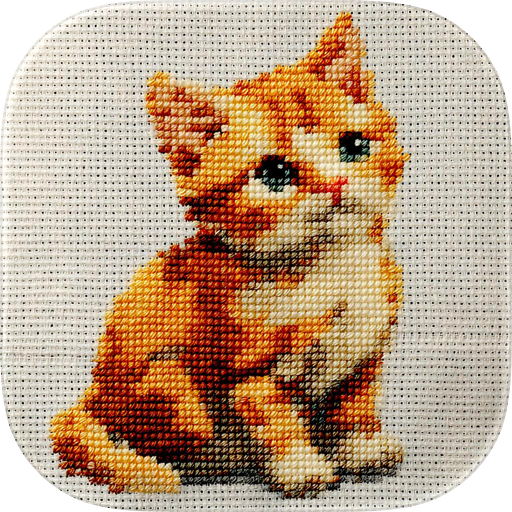
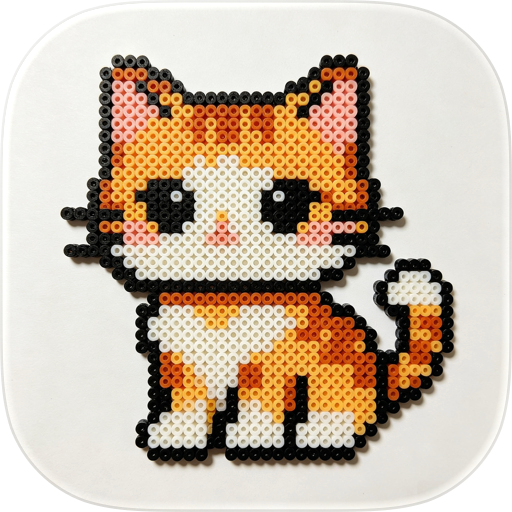
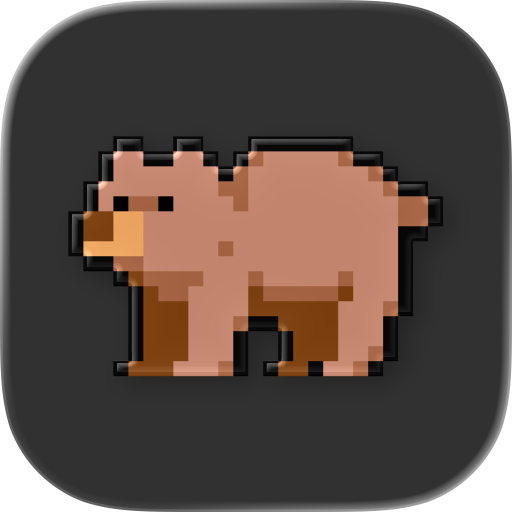
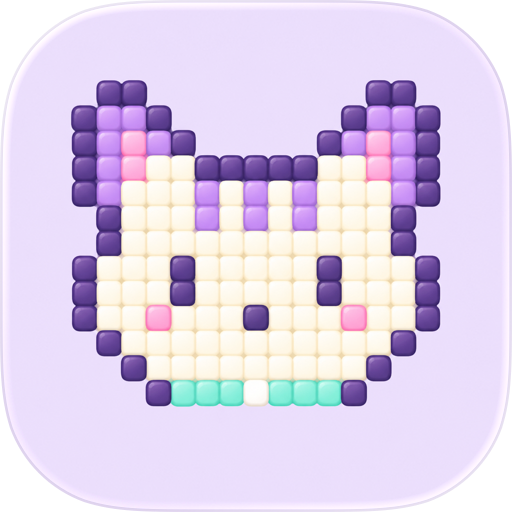
• Perler / Hama beads — get the bead-by-bead layout for your next fuse-bead art. • Cross-stitch & embroidery — symbols per color and a printable chart to stitch from. • Knitting & crochet — color-work charts (intarsia, tapestry, C2C, jacquard): one square per stitch/block. • Quilting & patchwork — each pixel becomes a fabric square. • Pixel art, sprites & icons — turn a photo or your own drawing/sketch into true pixels with a controlled palette; export a clean PNG. • Event & stadium mosaics — plan "pixel performances" and card stunts, seat by seat, sized in meters. • Wall decor & murals — set the centimeters per tile and get the real wall size to paint or tile. • LEGO & brick mosaics — each pixel is one brick on the baseplate. • LED matrices & low-res screens — a pixel map to wire or program each LED. • Gifts & keepsakes — turn a pet, a portrait, or a logo into a handmade piece. • Drawings, coloring pages & templates — a ready-made grid to trace, color, or hand off.

WHY YOU'LL LOVE IT • Pick a photo — Pixela builds the pattern in seconds. • Control the look — set the number of columns and palette colors with live sliders. • Color symbols — every color gets a letter so it's easy to follow (great for color-vision needs). • Printable PDF — a clean legend plus the full symbol chart, ready to print or share. • Export a clean PNG — the pure pixel art with no grid or symbols, ready to use as a sprite, sticker, or poster. • Real thread colors — see the nearest DMC floss for every color, and swap any color for the one you prefer. • Real finished size at any scale — stitches (Aida), beads, or big tiles; shown in cm or meters, so you can size a wall mural or a whole stadium mosaic. • Track your progress — mark finished cells and watch your % climb. • Pinch to zoom, tap "1:1" to see the whole thing — built for big, detailed pieces. • Works offline — everything is processed on your device. Your photos never leave it.

FAIR PRICING Unlock everything with a single one-time purchase — no subscription, ever.

Private by design: your photos are processed on-device and are never uploaded.

User Growth & Download Statistics

App
By:
Abraham Munguia
Version:
1.0.3 Last updated: 2026-07-17
Version code:
888438245
Creation date:
2026-07-09
Compatible devices:
Size:
73.90MB
URLs:
Privacy policy
Full description:
See detailed description
Source:
Apple Apps Store
Data ingested on:
2026-07-21
Compare stats and ranking:

Contact the developer

Chrome-Stats does not own this Apple app. Please use these information below to contact the Apple app developer.
Developed by:
Abraham Munguia
Apple Apps Store
https://apps.apple.com/us/app/pixel-a/id6784915894

Best Pixel-A Alternatives

Here are some Apple apps that are similar to Pixel-A: