Practice Lock Combination
Walk up to your locker already knowing how it opens.
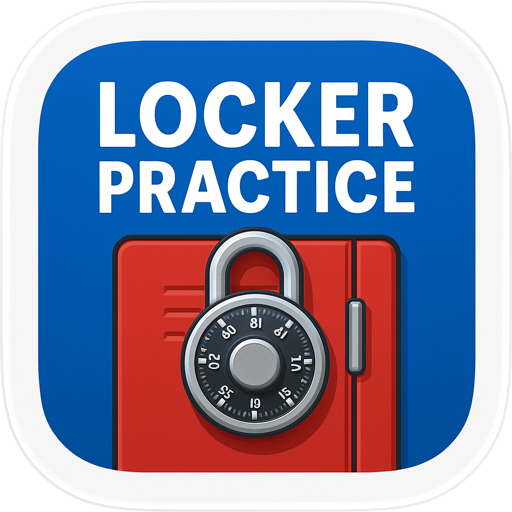
Locker Practice is combination lock practice on a dial that behaves like the real thing. Spin it with your finger, follow the true right-left-right sequence, and open your locker combination again and again until your hands remember it. No real padlock needed, no hallway audience, no daily limit.
A dial with real weight
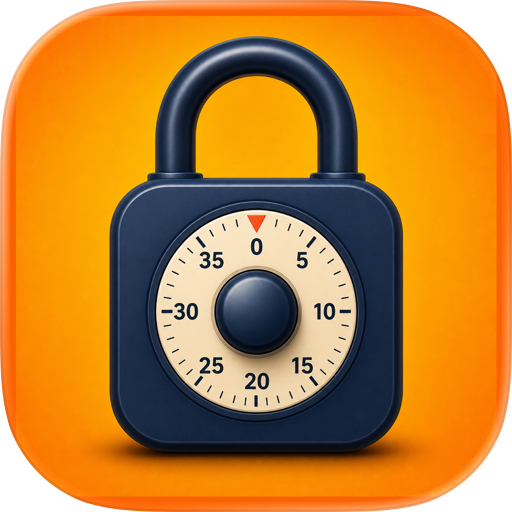
Drag the dial and it turns with you, giving a haptic pulse at every notch, then settling on the nearest number when you let go — just like the padlock on your locker door. That feel is what a school handbook diagram can never teach you, and it is the whole point of locker practice.
The real sequence, enforced
A combination lock is a sequence, not a password. So it makes you do it properly:
• Spin clockwise at least three full turns to clear the dial, then stop on your first number
• Spin counter-clockwise one full turn past it, then stop on your second number
• Spin clockwise straight to your third number — do not go past it
• Swipe the shackle up
Get a direction or the extra turn wrong and it stays shut, exactly like the real one. That is what separates real lock practice from tapping digits into a keypad.
It tells you what you did wrong
"It didn't open" is useless feedback. When you make one of the classic mistakes, this app names it: wrong way to start, not spun far enough to reset, forgot the extra full turn, spun past the third number. One tap resets the dial and you go straight into the next attempt.
Practice the code you were actually given
Type in the lock combination your school handed you and rehearse that exact one, or generate a random one when you just want reps. Switch on "new code after each open" for fresh combinations, so you train the motion rather than memorise one answer. Save the codes you use most and name them, so gym locker memory is one less thing to carry.
When you want pressure
Use it as a school practice lock at home. Challenge mode hides the code and starts a countdown on the practice lock. School Sim tightens it to 20 seconds, so the first time you feel rushed is not the first morning of term.
Watch yourself get better
Progress tracks success rate, best time, streaks and attempts — you see the moment a lock combination stops needing conscious thought.
What is inside
• A true-to-life rotary dial you drag, with per-notch haptics
• Enforced clockwise, counter-clockwise, clockwise sequence with the extra full turn
• Step-by-step walkthrough showing the current step and direction
• Named, instant correction for the mistakes that keep lockers shut
• Reset any time, plus how to reset a borrowed or second-hand padlock
• Your own code or a random one; optional new code after every open
• Dial ranges 0-29, 0-39 and 0-49
• Challenge countdown and School Simulation modes
• Named saved combinations, success rate, best time and streaks
• Haptics you can switch off; offline, 33 languages, light and dark
What this app is not
This is a practice lock for a code you already have. It does not open, crack or decode anyone else's lock and it teaches no lock picking. It does not pair with bluetooth or smart locks and does not cover keypad or fingerprint locks. No account, no cloud sync — everything stays on your device.
Set your code, spin the dial, and make locker combination practice something you did at home instead of something you fumble in the hallway.
Terms of Use: https://zeroplay.io/docs/legal/terms-of-service
Privacy Policy: https://zeroplay.io/docs/legal/privacy-policy
Chrome-Stats does not own this Apple app. Please use these information below to contact the Apple app developer.

 English
 Español
 Français
 Português
 日本語
日本語 简体中文
简体中文 한국인
한국인 0.10
0.10

 (268)
(268)