
Air Fryer: Visual Study Timer Apple

Air Fryer: Visual Study Timer

Focus Sessions & Deep Work

Overview

Version:
1.0.3
Last updated: 2026-08-03
Ranking
#1,220,178 ▼ 4,569
Overall

Features & Capabilities

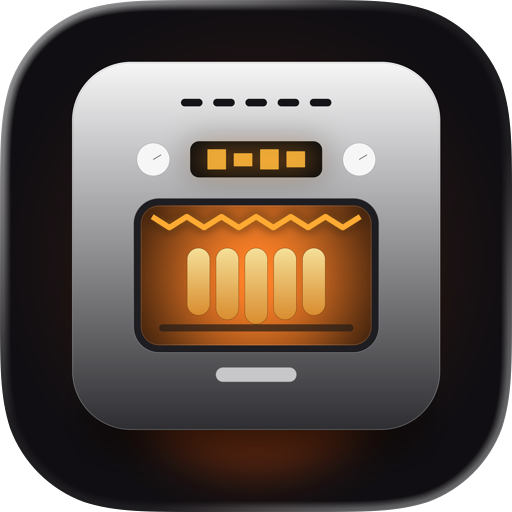
Most timers are easy to ignore. This one isn't. Air Fryer: Visual Study Timer turns your focus session into something you can see cooking — set a duration, hit Start, and watch fries go pale, golden, crispy as the minutes tick down. When you're done, the basket slides out, confetti flies, and your stats update. Finishing a session finally feels like finishing a session.

Built for students cramming for exams, designers in deep focus, writers who need a soft container for a draft, and anyone in the ADHD community who finds that a tangible, externalized timer is easier to actually use than a number on a screen.

— Why visual? A glance at "23:14" tells you very little about how far you are or how long you have left. Your brain has to do the math. Visual timers skip that step — progress is just there, in the shape and color of something familiar. Easier to glance at, harder to ignore, and completion feels like an actual moment.

— What's inside • A real-looking air fryer with stainless chassis, glass window, glowing coils, rising steam — built entirely in SwiftUI, no images, all live shapes • 1 to 180 minute sessions with handy presets: 25-min Focus, 50-min Deep Work, 90-min Exam Prep • Five food themes: French fries, chicken wings, cookies, donuts, roasted veggies • Five built-in soundscapes: white noise, rain, coffee shop, brown noise, and fireplace • Focus Mode — one tap hides everything except the fryer and the time • Background-correct timing: keeps perfect time when you lock your phone • Live Activity and Dynamic Island indicator • Local notification when your session completes • Statistics: total focus, current and longest streak, 7-day chart, 12-week heatmap • Five quiet achievements that unlock as you do the work — no streak guilt • iPhone and iPad, light mode and dark mode, adaptive layouts

— Your data Your session history, achievements, and preferences live only on your device. JTR Labs never receives them. An occasional interstitial ad after a completed session keeps the app free; iOS lets you decline tracking and the app works exactly the same. Reset All Data wipes everything in one tap. Full details in the in-app Privacy Policy.

— Not a medical device This is a focus tool, not a clinical product. Many people in the ADHD community find visual timers helpful in general, but that's an observation about a tool — not a medical claim. If you're working with a clinician, this app is one of many things you might find useful (or not).

— Designed and built by JTR Labs A small independent studio. We design and build apps for focus, learning, and curiosity — quietly opinionated, free of dark patterns, made to be kept.

Questions or feedback? hello@jtrlabs.com

User Growth & Download Statistics

App
By:
JTR Labs LLC
Version:
1.0.3 Last updated: 2026-08-03
Version code:
889217514
Creation date:
2026-06-23
Compatible devices:
Size:
8.88MB
URLs:
Website ,Privacy policy
Full description:
See detailed description
Source:
Apple Apps Store
Data ingested on:
2026-08-13
Compare stats and ranking:

Contact the developer

Chrome-Stats does not own this Apple app. Please use these information below to contact the Apple app developer.
Developed by:
JTR Labs LLC
Apple Apps Store
https://apps.apple.com/ge/app/air-fryer-visual-study-timer/id6776078493
Website:
https://jtrlabs.com/airfryer/

Best Air Fryer: Visual Study Timer Alternatives

Here are some Apple apps that are similar to Air Fryer: Visual Study Timer: