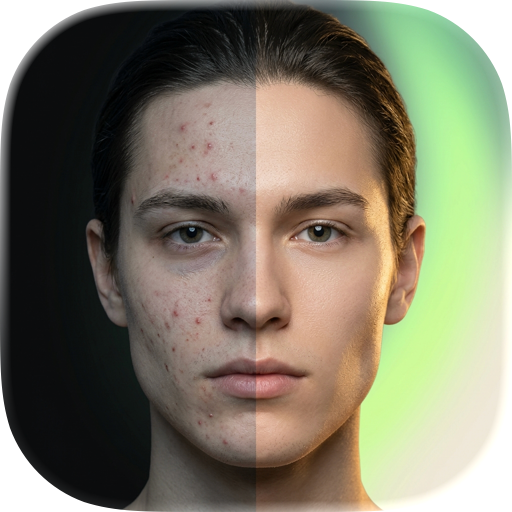
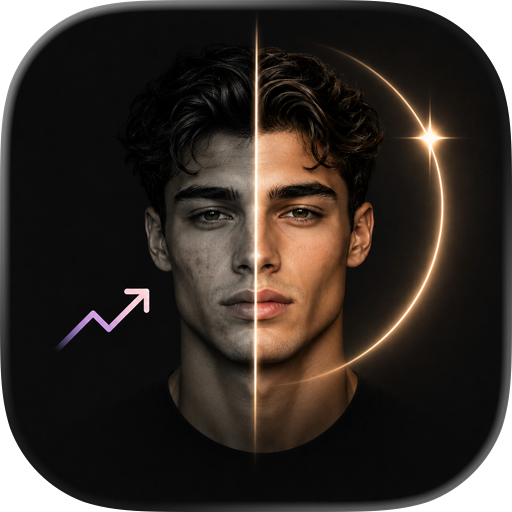
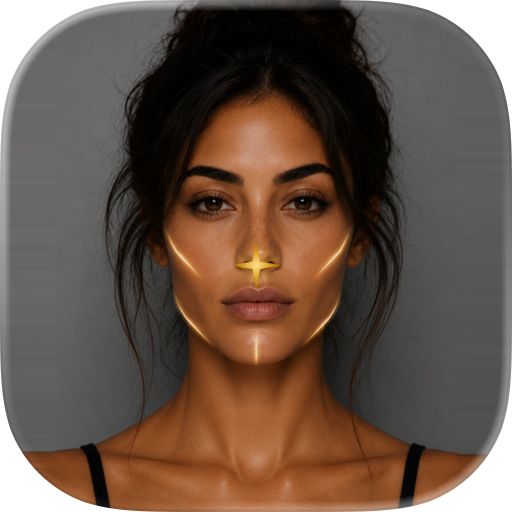
Get your AI face scan and track your visual progress.
Scan your face and get AI-powered scores for symmetry, skin quality, jawline, and overall appearance.
Track changes over time, compare scans, and follow routines focused on your weakest categories.
How Glowly AI works:
- Capture a clear front-facing photo with neutral expression.
- The app detects face structure and key visual zones.
- It estimates category scores for symmetry, jawline, skin quality, eye area, and face leanness.
- It builds a personalized routine based on the weakest categories and your selected goals.
- It tracks changes across scans so users can measure visible progress over time.
What makes results more reliable:
- Similar lighting between scans
- Similar camera distance and angle
- Neutral expression and centered framing
- Consistent scan cadence (for example weekly)
Score interpretation:
- Category scores represent relative visual quality signals, not medical diagnosis.
- Single-scan variation can happen due to lighting, lens distance, or facial tension.
- Trend data across multiple scans is usually more useful than one isolated result.
Who this is for:
- Users focused on practical appearance optimization
- Users who want measurable progress with routines
- Users who want to compare before/after scans with consistent conditions
Feature summary:
- AI face scan with category-level scoring
- Personalized daily routine suggestions
- Progress tracking and scan comparison
- Premium deep insights and advanced guidance
Important notice:
Glowly AI is an appearance analytics and habit-support tool. It is not a medical device, not a mental health service, and not a substitute for professional care. For skin disease, pain, or health concerns, consult a qualified professional.
Frequently asked questions:
Q: How often should I scan?
A: Most users get cleaner trend signals when scanning every 5–10 days under similar lighting.
Q: Why can scores change quickly?
A: Hydration, sleep, inflammation, camera angle, and light can all affect visible features.
Q: How do I improve score stability?
A: Keep camera setup and scan conditions consistent, then compare trends rather than single snapshots.
How Glowly AI works:
- Capture a clear front-facing photo with neutral expression.
- The app detects face structure and key visual zones.
- It estimates category scores for symmetry, jawline, skin quality, eye area, and face leanness.
- It builds a personalized routine based on the weakest categories and your selected goals.
- It tracks changes across scans so users can measure visible progress over time.
What makes results more reliable:
- Similar lighting between scans
- Similar camera distance and angle
- Neutral expression and centered framing
- Consistent scan cadence (for example weekly)
Score interpretation:
- Category scores represent relative visual quality signals, not medical diagnosis.
- Single-scan variation can happen due to lighting, lens distance, or facial tension.
- Trend data across multiple scans is usually more useful than one isolated result.
Who this is for:
- Users focused on practical appearance optimization
- Users who want measurable progress with routines
- Users who want to compare before/after scans with consistent conditions
Feature summary:
- AI face scan with category-level scoring
- Personalized daily routine suggestions
- Progress tracking and scan comparison
- Premium deep insights and advanced guidance
Important notice:
Glowly AI is an appearance analytics and habit-support tool. It is not a medical device, not a mental health service, and not a substitute for professional care. For skin disease, pain, or health concerns, consult a qualified professional.
Frequently asked questions:
Q: How often should I scan?
A: Most users get cleaner trend signals when scanning every 5–10 days under simila
Privacy Policy: https://developing-comet-b87.notion.site/3511f542e1a3808cb917f873990d4b0e?source=copy_link
Terms of Use: https://www.apple.com/legal/internet-services/itunes/dev/stdeula/
Chrome-Stats does not own this Apple app. Please use these information below to contact the Apple app developer.

 English
 Español
 Français
 Português
 日本語
日本語 简体中文
简体中文 한국인
한국인

 (0)
(0)