
Features & Capabilities

Check speech and text to see if they are AI-generated

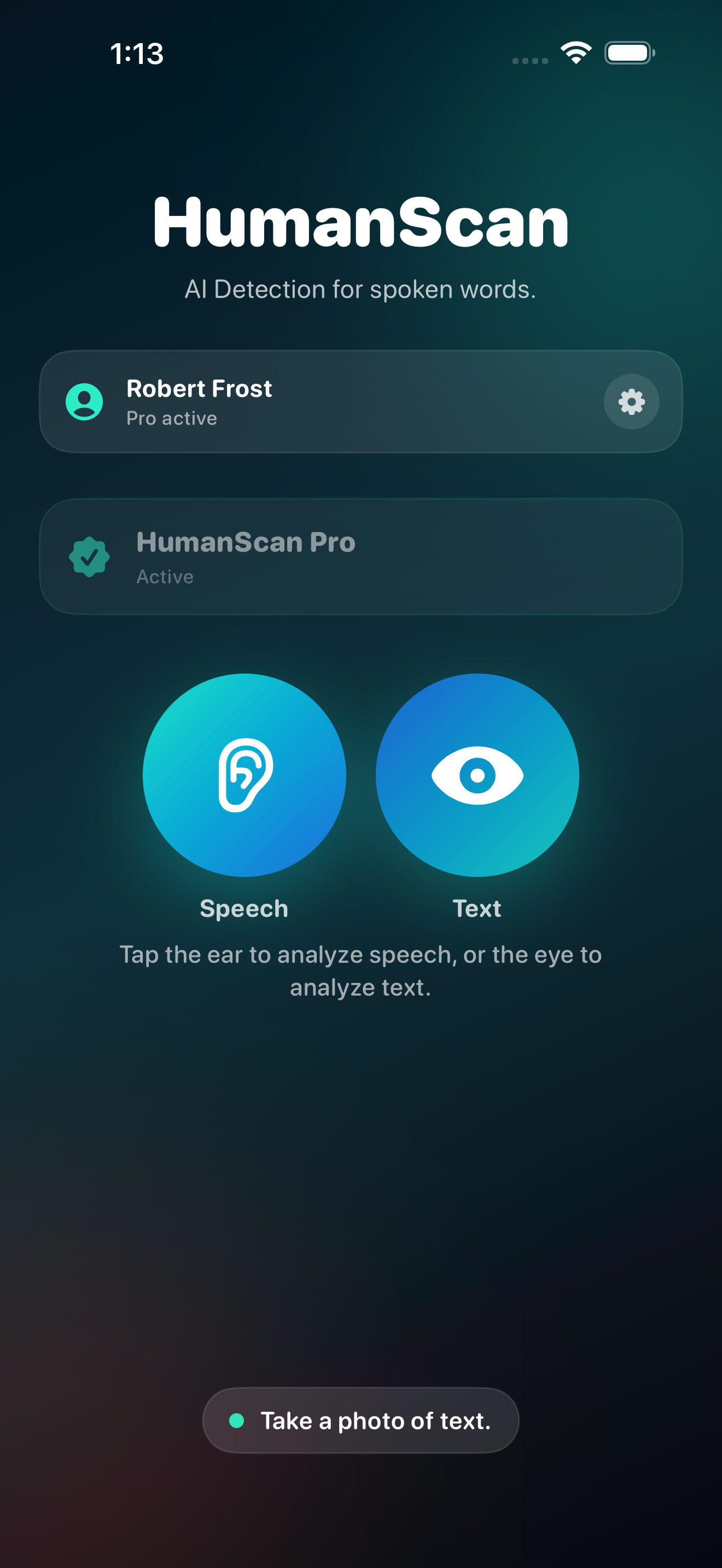
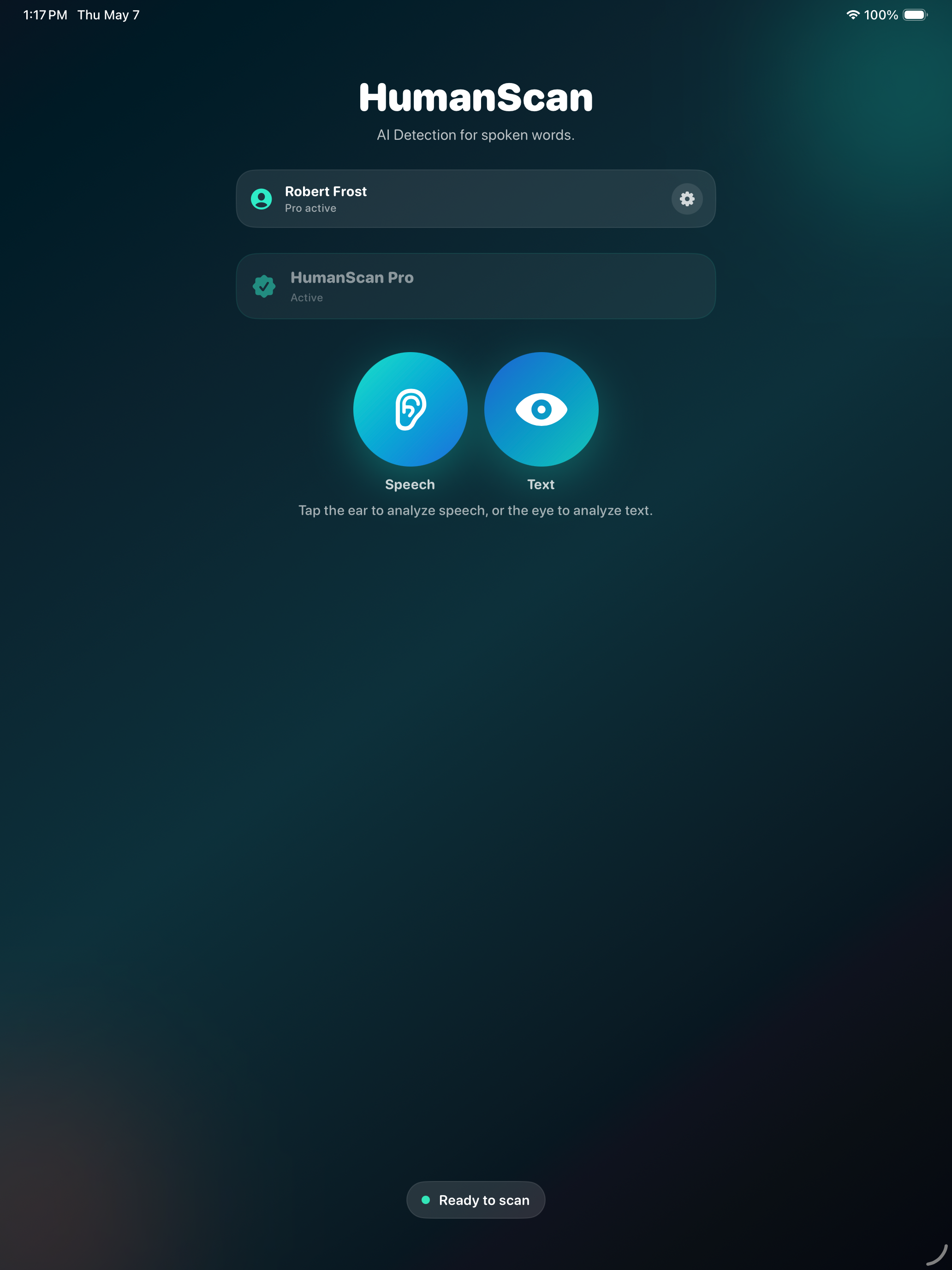
HumanScan helps you analyze spoken or written content for AI-like writing patterns.

Record a short speech sample, scan a photo of text, or review captured wording to see whether it resembles AI-generated writing. Whether you are listening to a presentation, reviewing a speech, checking a printed script, looking at notes, evaluating social content, or simply curious about how human something sounds or reads, HumanScan gives you a fast, simple way to take a closer look.

HumanScan does not analyze a person’s voice, identity, or intent. Instead, it focuses on the words themselves — the phrasing, structure, and patterns in the transcript or captured text.

How it works

Record spoken content Capture a short speech sample and convert it into a transcript.

Scan text from a photo Take a photo of written or printed text and use HumanScan to analyze the captured wording.

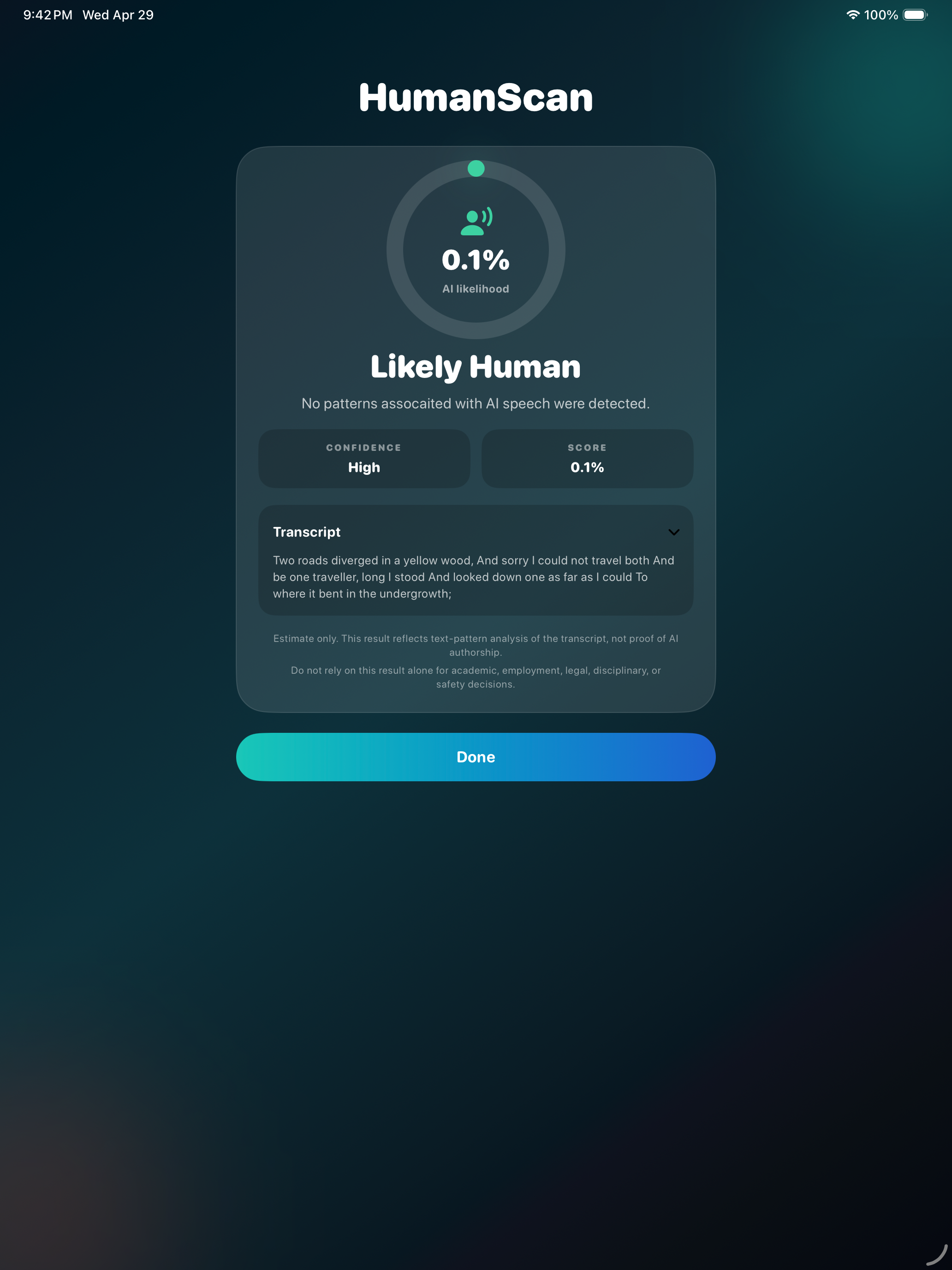
Analyze the text HumanScan checks the wording for patterns commonly associated with AI-generated writing.

Review the result See a clear result, confidence level, and text preview so you can better understand what was analyzed.

Key features • Record speech directly in the app • Convert spoken words into text • Take a photo of written or printed text • Analyze transcripts and captured text for AI-like writing patterns • View confidence-based results • Review the text used for analysis • Simple, fast, focused interface • Designed for speeches, presentations, videos, podcasts, conversations, scripts, notes, and short written samples

HumanScan can be useful when you want to check whether content may have started as AI-written text. It is ideal for reviewing speeches, social videos, podcasts, presentations, prepared statements, lectures, sales scripts, printed notes, screenshots, handouts, or any short sample where the wording feels unusually polished, generic, or scripted.

Important note HumanScan provides an estimate based on text analysis. It cannot prove whether someone used AI, and results should not be treated as definitive evidence. Use HumanScan as a helpful signal, not a final judgment. HumanScan Pro Upgrade to HumanScan Pro to unlock 100 scans per month and analyze more speech samples, transcripts, and captured text whenever you need them. Get a fast second look at whether content sounds human, scripted, or AI-like with HumanScan.

End User License Agreement: https://www.apple.com/legal/internet-services/itunes/dev/stdeula/

User Growth & Download Statistics

App
By:
Excelltech Inc.
Version:
1.01 Last updated: 2026-05-08
Version code:
885395139
Creation date:
2026-05-01
Compatible devices:
Size:
3.80MB
URLs:
Website ,Privacy policy
Full description:
See detailed description
Source:
Apple Apps Store
Data ingested on:
2026-06-06
Compare stats and ranking:

Contact the developer

Chrome-Stats does not own this Apple app. Please use these information below to contact the Apple app developer.
Developed by:
Excelltech Inc.
Apple Apps Store
https://apps.apple.com/co/app/humanscan/id6763174183?l=en-GB
Website:
https://excelltechmobile.com/humanscan.html

User Reviews

I was right in my suspicions that commercials are all AI these days.
by jo*****, 2026-05-01
View all user reviews ›

Best HumanScan Alternatives

Here are some Apple apps that are similar to HumanScan: