Features & Capabilities

■Visual Data Analysis / データの視覚化 Switch between histograms for two data types and X-Y scatter plots. 2種類のデータのヒストグラムとX,Y散布図の切り替え表示が出来ます。 

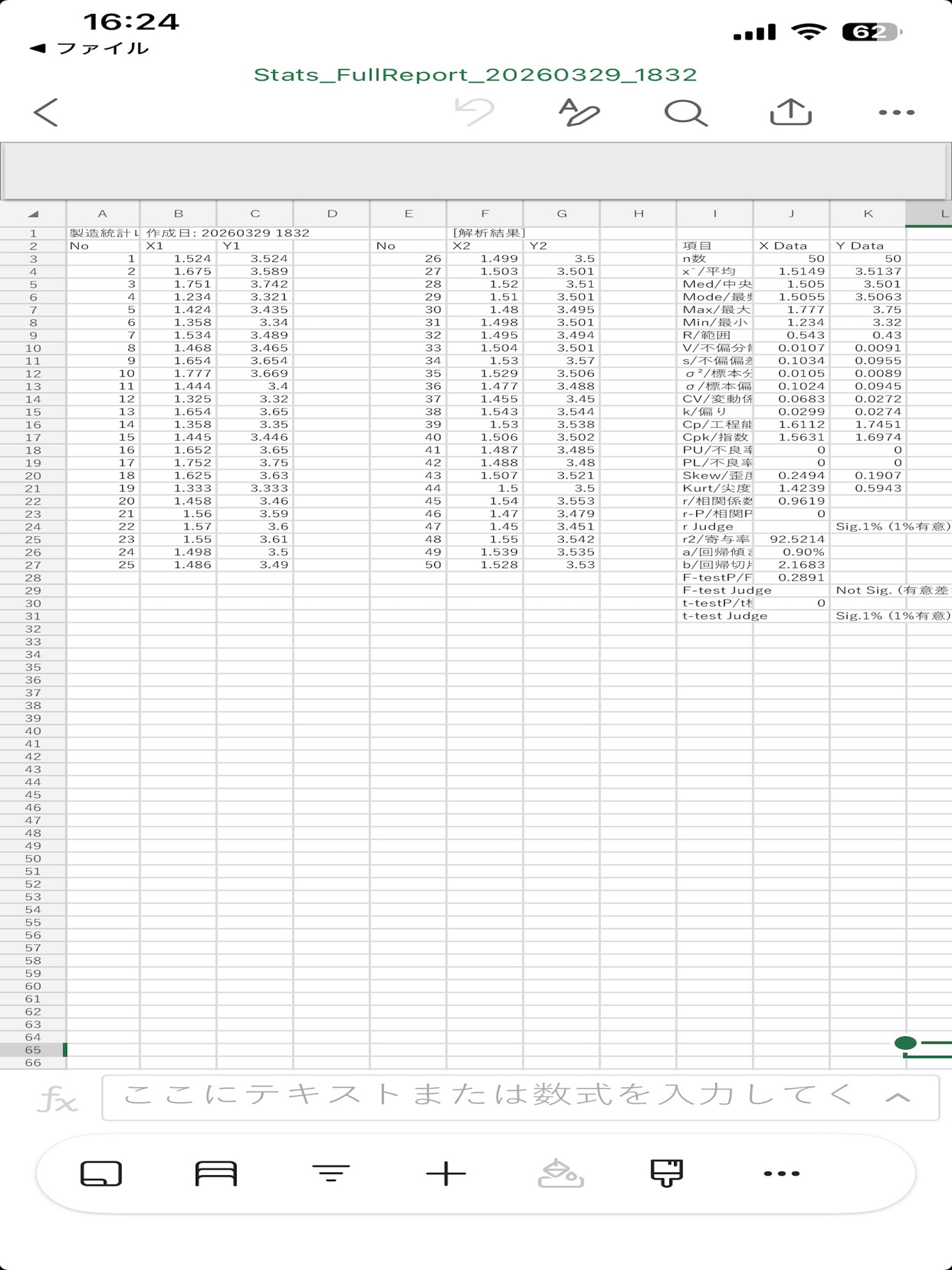
■ Seamless Data Export / ファイル出力 Export all statistical results to files. すべての統計結果は、ファイルに出力します。  ・ Statistics: CSV format / 統計数値:CSV形式 ・ Charts: PNG format / ヒストグラム・散布図:PNG形式 

■ Flexible Data Input / 柔軟なデータ入力 Input up to n=50 for two data types (X and Y). データは、X,Y2種類、各n=50の入力が可能です。 Supports manual keyboard entry and Copy & Paste from spreadsheet apps. キーボードからの打ち込みの他に表計算アプリのデータをコピー&ペーストで入力可能。  ■ Comprehensive Support / 充実のサポート In-app user guide and explanations for each statistical indicator are available. 使用方法の説明や、各統計指標の解説を簡単に確認できます。 Bilingual interface (English and Japanese). 言語は英日文を併記しております。 

■ Quality Control Indicators / 規格・工程能力 Calculate Cp, Cpk, and estimated fraction defective by entering specifications. 規格を入れると、Cp、Cpk、推定不良率を算出します。 

■ Advanced Correlation & Regression / 相関・回帰分析 Enter paired X and Y data to obtain correlation coefficients, correlation tests, coefficients of determination, and regression lines. XデータとYデータに1対1のデータを入れると、相関係数、相関検定、寄与率、回帰直線などのデータを入手できます。

■ Statistical Testing / 統計的検定 Perform tests for equality of variances and tests for the difference between means for X and Y data. XデータとYデータの等分散性の検定、平均値の差の検定を行えます。

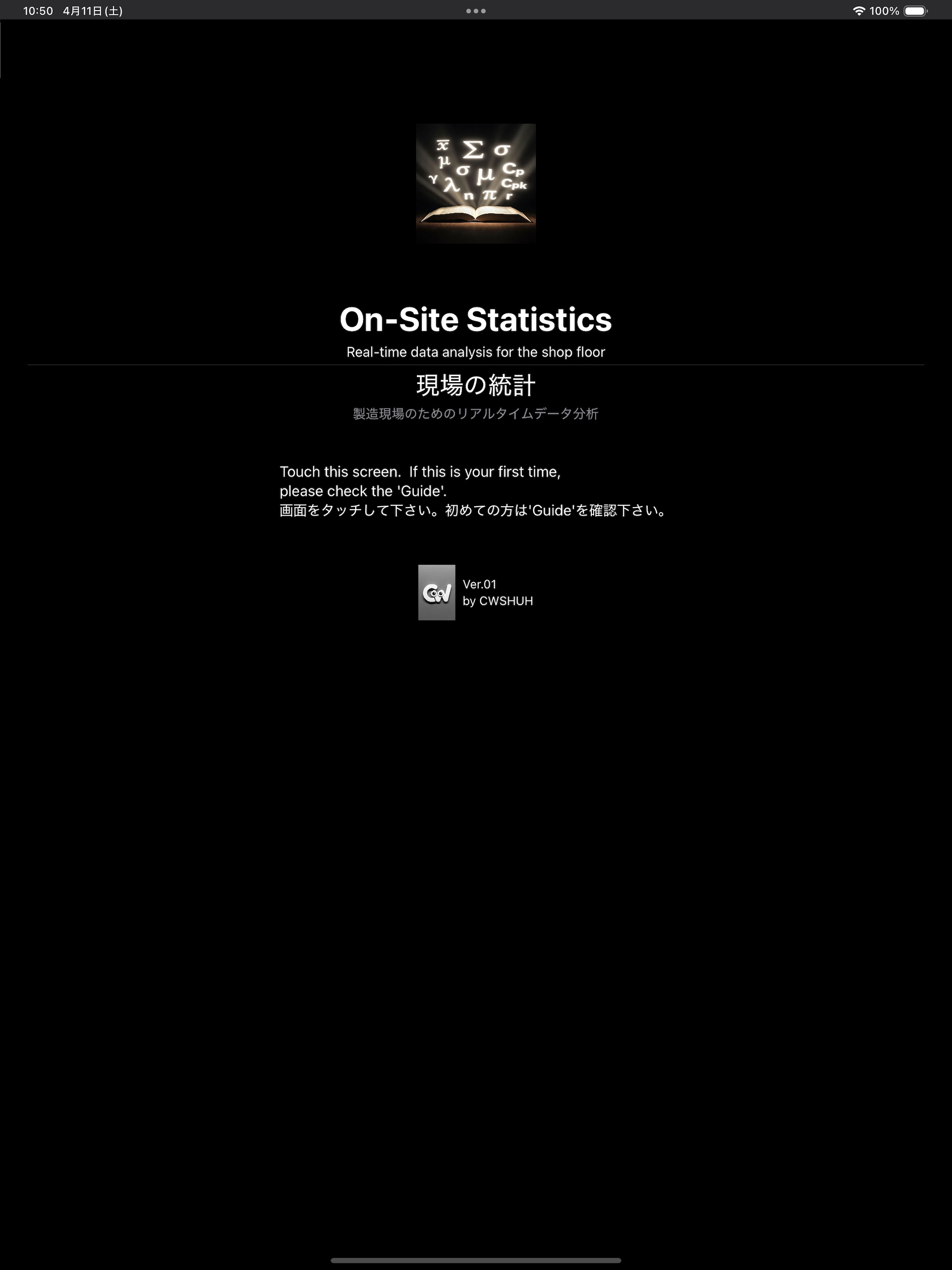
■Image description/画像の説明 【Image1】 Data Entry / データ入力 Comprehensive data input for X and Y (up to n=50) with an easy-to-use keyboard. 規格とn=50のデータ入力。キーボード表示でスムーズに打ち込めます。 【Image2】 Layout description / レイアウト説明 Input/Output Layout Explanation (Graph is histogram) 入出力のレイアウト説明(グラフはヒストグラム) 【Image3】Scatter Plot Analysis / 散布図分析 Analyze correlations between X and Y data with high-definition scatter plots. データ入力後の全体像:相関関係を可視化する散布図表示。 【Image4】[Guide] User Guide / ガイド目次 Quickly access instructions and tutorials from the table of contents. 必要な情報をすぐに見つけられる目次。 【Image5】[Guide] How to Input / 入力方法 Step-by-step guidance on manual entry and copy-paste functions. キーボード入力とコピペ機能の分かりやすい解説。 【Image6】[Guide] Indicator Glossary / 統計指標の解説 Understand the meaning of each statistical indicator with in-depth descriptions. 各統計指標の意味を詳しく解説。 【Image7】 Home Screen / トップページ Simple and intuitive interface for seamless on-site statistics. トップページ:現場ですぐに使い始められる直感的なデザイン。 【Image8】 CSV Output / ファイル出力 CSV output example: Statistical results can be output as a CSV file, and histograms and scatter plots can also be output as PNG images. CSVアウトプット例:統計結果をCSVで出力、ヒストグラムと散布図もPNG画像で出力可能。

■Disclaimer / 免責事項 While every effort has been made to ensure the accuracy of the calculations in this app, the developer shall not be held responsible for any losses or damages arising from the use of the results. Please use at your own risk. 本アプリの計算結果については万全を期しておりますが、使用によって生じたいかなる損害についても開発者は責任を負いません。ご自身の責任においてご利用ください。

User Growth & Download Statistics

Contact the developer

Chrome-Stats does not own this Apple app. Please use these information below to contact the Apple app developer.
Developed by:
Shuhei Shimizu
Apple Apps Store
https://apps.apple.com/jp/app/on-site-statistics-%E7%8F%BE%E5%A0%B4%E3%81%AE%E7%B5%B1%E8%A8%88/id6761886864?l=en-US
Website:
https://cwshuh.github.io/

Best On-Site Statistics 現場の統計 Alternatives

Here are some Apple apps that are similar to On-Site Statistics 現場の統計: