
Bluetooth Finder - FindIQ Apple

Bluetooth Finder - FindIQ

Find Devices + Tracker Scan

Features & Capabilities

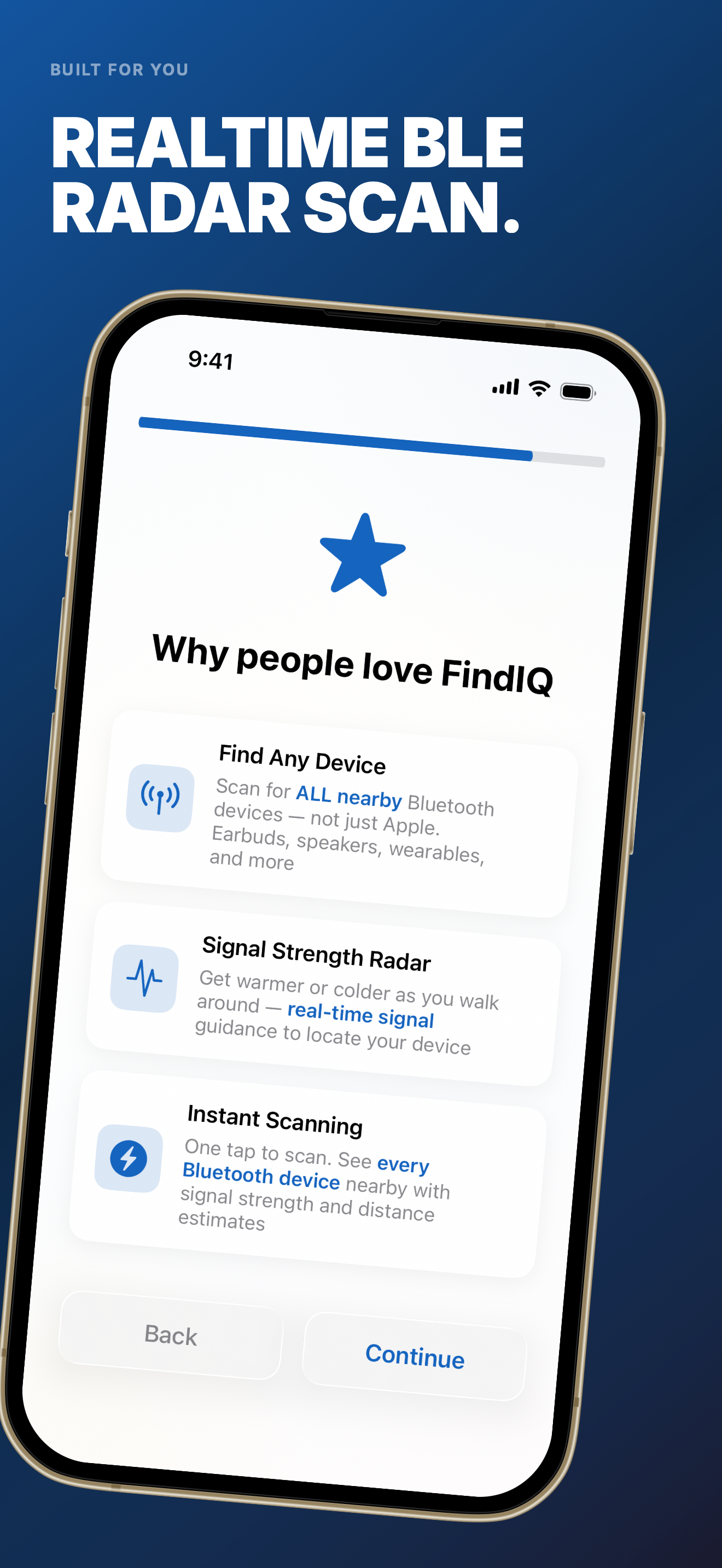
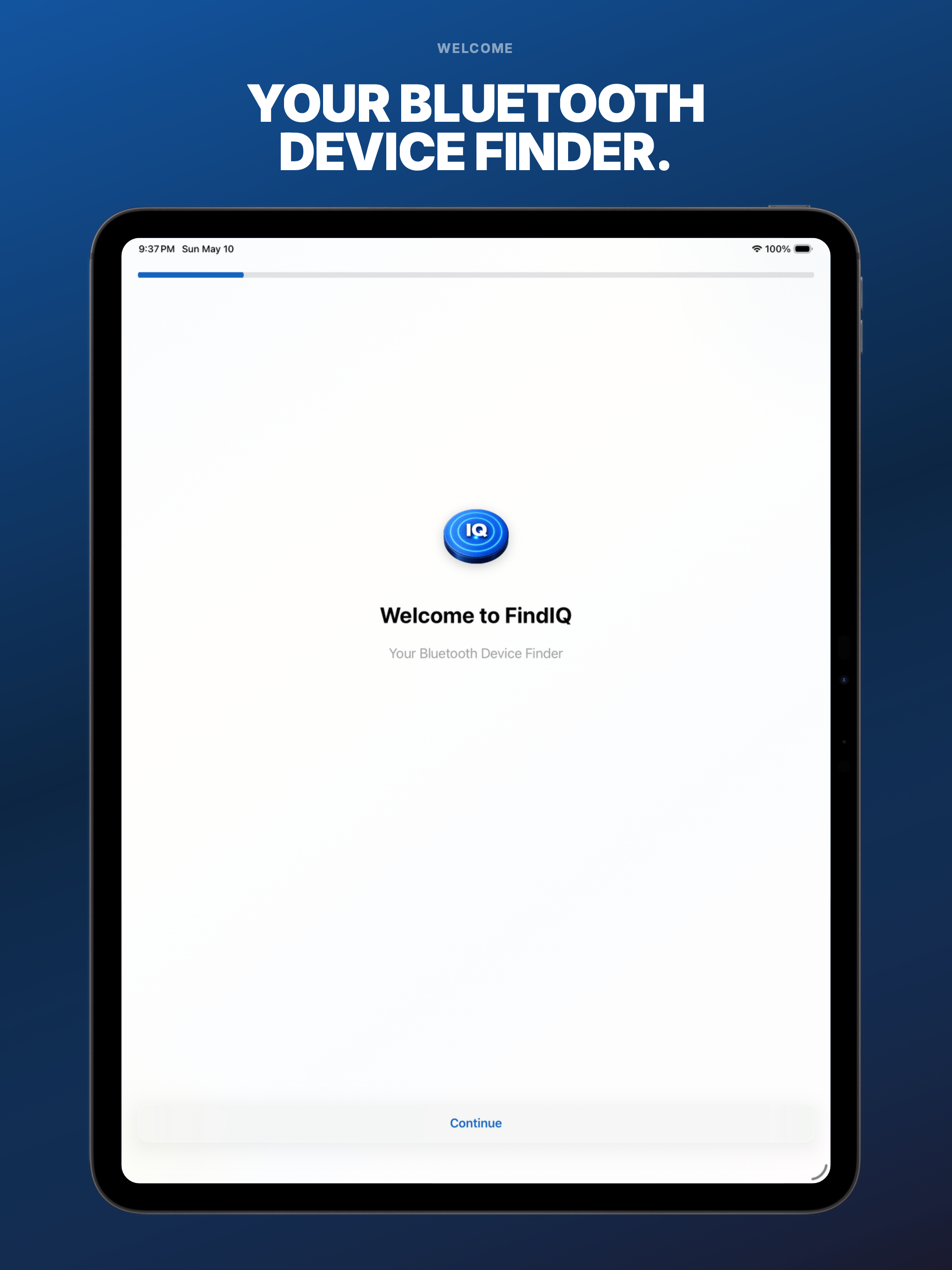
Lost your earbuds? FindIQ scans for ANY Bluetooth device nearby and guides you with real-time signal strength. Not just Apple — every BLE device. Walk closer. Found it.

Your earbuds are somewhere in this room. FindIQ will find them.

FindIQ scans for every Bluetooth device nearby and shows you their signal strength in real time. Walk around — the signal gets stronger as you get closer. It works for ANY Bluetooth device: earbuds, headphones, speakers, smartwatches, fitness trackers, keyboards, game controllers — if it has Bluetooth, FindIQ can find it.

Most built-in device finders only work within their own ecosystem. FindIQ works for everything else.

HOW IT WORKS: Open FindIQ. It immediately scans for all Bluetooth Low Energy (BLE) devices in range. Every device shows up with its name (if available), signal strength, and estimated proximity. Tap any device to enter tracking mode — a real-time signal strength radar that updates as you move. Walk toward the signal. When it peaks, you've found it.

FINDS ANY BLUETOOTH DEVICE: • Earbuds and AirPods (including the case) • Over-ear headphones • Bluetooth speakers • Smartwatches and fitness trackers • Wireless keyboards and mice • Game controllers • Smart home devices • Bluetooth tags and trackers • Any BLE-enabled device

SIGNAL RADAR: Real-time signal strength visualization that updates as you move. Watch the signal bar climb as you get closer. Simple, intuitive, no technical knowledge required.

DEVICE LIST: See every Bluetooth device around you. Sort by signal strength, name, or last seen. Save favorites so you can quickly track the devices you lose most often.

FEATURES: • BLE scanning for all nearby Bluetooth devices • Real-time signal strength tracking • Proximity radar visualization • Device list with sorting and filtering • Favorites for quick access to frequently lost devices • Works completely offline — no internet required • No account, no setup, no pairing needed

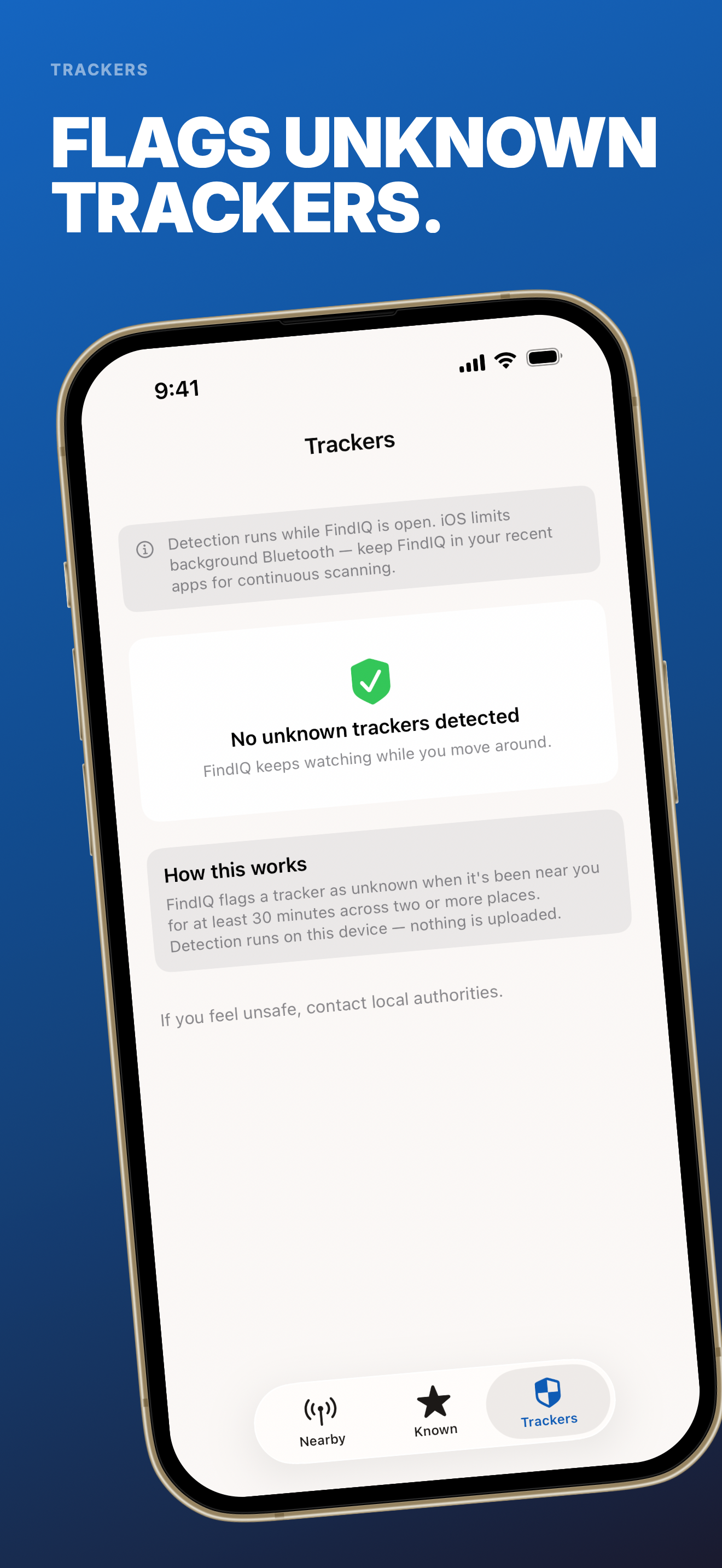
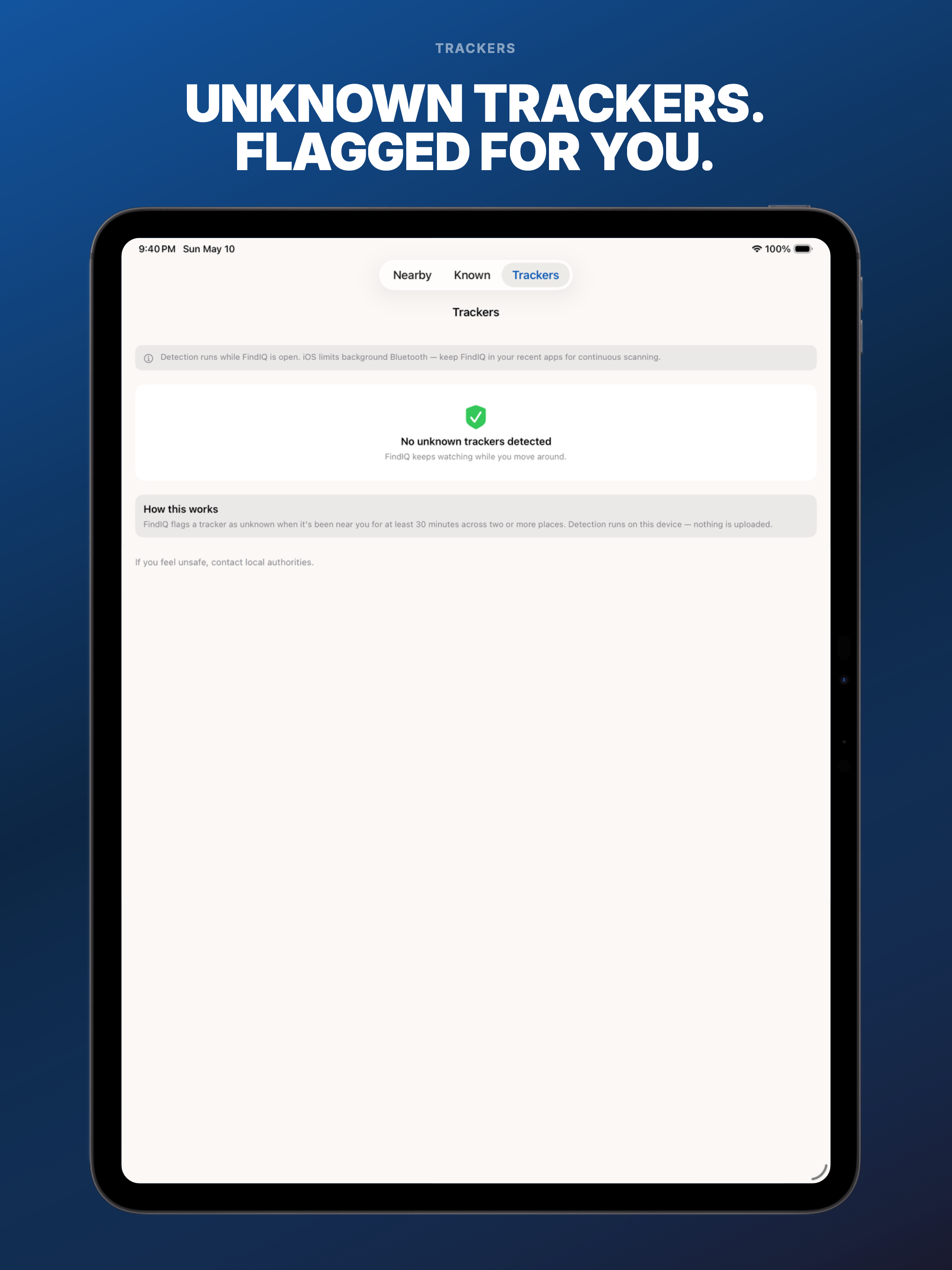
UNKNOWN TRACKER SCAN: FindIQ also watches for trackers that may be following you. AirTags, Tile, Samsung SmartTags, Chipolo, Pebblebee — if a stranger's tracker stays near you for 30+ minutes across multiple locations, FindIQ flags it. Calm, on-device, never alarmist. If you feel unsafe: RAINN 1-800-656-HOPE.

FindIQ requires a subscription or purchase to use premium features, plans detailed below:

PREMIUM PLANS ($2.99/week, $4.99/week with 3-day free trial, $7.99/month, $14.99/month, $24.99/year discount, $39.99/year, $49.99/year, $59.99/lifetime): • More device tracking • Full signal radar visualization • Device favorites and history • Advanced signal strength tools

By downloading this app, you agree to our terms and conditions and privacy policy: Terms: https://www.apple.com/legal/internet-services/itunes/dev/stdeula/ Privacy: https://www.format.partners/findiq-privacy-policy Support: https://www.format.partners/support Contact: hello@format.partners

FindIQ uses Bluetooth Low Energy (BLE) scanning to detect nearby devices. Signal strength is an approximation of proximity — not a precise distance measurement. Detection range and accuracy depend on the device, environment, and physical obstacles. FindIQ can only detect devices that are powered on and have Bluetooth enabled.

User Growth & Download Statistics

App
By:
Format Partners LLC
Version:
1.0 Last updated: 2026-05-12
Version code:
883032337
Creation date:
2026-05-12
Compatible devices:
Size:
43.51MB
URLs:
Website ,Privacy policy
Full description:
See detailed description
Source:
Apple Apps Store
Data ingested on:
2026-06-06
Compare stats and ranking:

Contact the developer

Chrome-Stats does not own this Apple app. Please use these information below to contact the Apple app developer.
Developed by:
Format Partners LLC
Apple Apps Store
https://apps.apple.com/vn/app/bluetooth-finder-findiq/id6760044821
Website:
https://www.format.partners/findiq

Best Bluetooth Finder - FindIQ Alternatives

Here are some Apple apps that are similar to Bluetooth Finder - FindIQ: