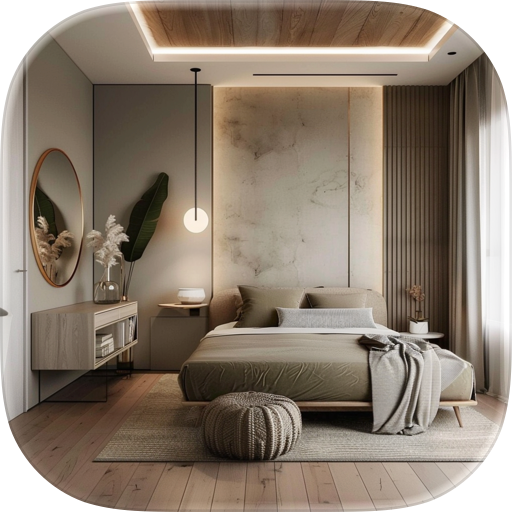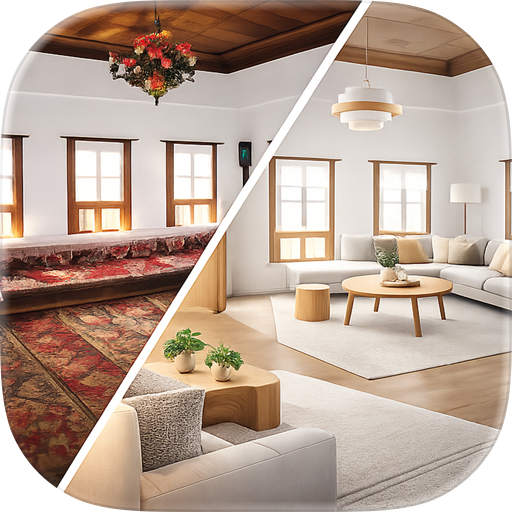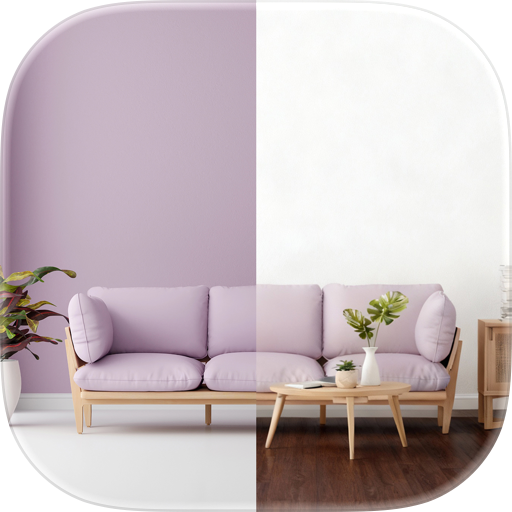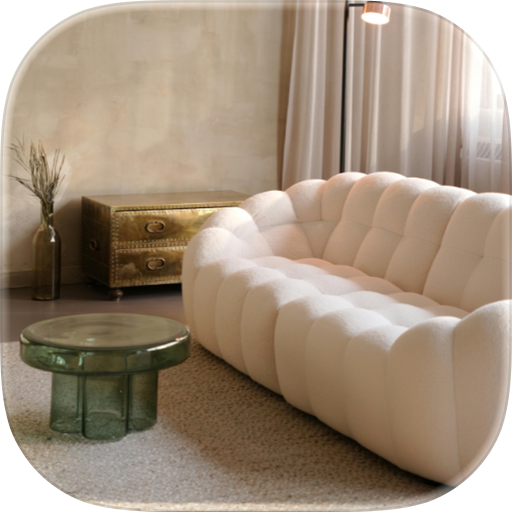

Features & Capabilities

Advanced Living Interior Design AI (ALIDA) is a new intelligent design platform that turns your ideas into realistic room visuals with AI.

Refurnish Studio: Partial Renovation and Precision Editing If you do not want to redesign the entire room and prefer more detailed local edits, Refurnish Studio is your go-to workspace.

It offers four powerful features:

  1. Furniture Eraser Brush over or highlight furniture you want to remove, such as a sofa, wall art, table, or other objects. AI will erase the selected item and naturally fill in the background for a cleaner result.

Perfect for:

  • Testing an empty-room look
  • Removing unwanted furniture
  • Making space for a new layout
  1. Smart Staging Just describe your needs, for example:
  • A family of three
  • A two-year-old child at home
  • Need more storage
  • Prefer rounded furniture for safety AI can understand your lifestyle needs and automatically rearrange the room layout and furniture placement.

You can also use built-in quick inspirations such as:

  • Scandinavian style
  • Japanese Zen style
  • Hotel suite style It also includes Smart Clear, which lets you clear all furniture from the room with one tap to create an empty-room effect instantly.
  1. Redesign Brush Apply style changes only to specific selected areas. Simply brush over a furniture item or a small section, and AI will redesign only that part while keeping the rest of the room unchanged.

Perfect for:

  • Replacing the style of a sofa only
  • Redesigning a chair, table, or bed
  • Fine-tuning details without affecting the full space
  1. Smart Furniture Go beyond concept images by placing real, purchasable furniture products directly into your room photo.

After selecting items from the built-in furniture catalog, AI naturally composites them into your space so you can preview how they look in real life. The catalog includes multiple product categories and provides purchase links, making it easier to turn inspiration into reality.

Why Choose LATOTE?

  • Start with just one photo
  • Generate design ideas quickly with AI
  • Supports both full redesign and partial renovation
  • Remove, replace, clear, or restyle furniture
  • Add real products and preview them in your space
  • Compare before and after results easily
  • Edit with history tracking, undo, and redo
  • Supports multiple languages
  • Ideal for renovation, home styling, moving, remodeling, and design inspiration

Use Cases LATOTE is ideal for people who:

  • Want to renovate or refresh their home
  • Rent and want to preview layout ideas before making changes
  • Want to replace furniture but are unsure what fits best
  • Want to quickly test multiple interior styles
  • Prefer to see before-and-after results before making purchase decisions

Start Your AI Interior Design Journey Whether you want to fully restyle your living room, fine-tune part of your bedroom, or preview real furniture in your own space, LATOTE AI Interior Design helps you bring your ideas to life faster and more intuitively.

Upload your room photo now and start creating a home that feels more like you.

Terms of Use: https://www.apple.com/legal/internet-services/itunes/dev/stdeula/

User Growth & Download Statistics

App
By:
CHING PING KWOK
Rating:
5.00
(2)
Version:
1.1 Last updated: 2026-04-22
Version code:
884796577
Creation date:
2026-04-09
Compatible devices:
Size:
85.38MB
URLs:
Website ,Privacy policy
Full description:
See detailed description
Source:
Apple Apps Store
Data ingested on:
2026-06-08
Compare stats and ranking:

Contact the developer

Chrome-Stats does not own this Apple app. Please use these information below to contact the Apple app developer.
Developed by:
CHING PING KWOK
Apple Apps Store
https://apps.apple.com/hk/app/latote-alida/id6758048445?l=en-GB
Website:
https://app.latote.io/

Best Latote ALIDA Alternatives

Here are some Apple apps that are similar to Latote ALIDA: