Graph · Backlinks · Private
1.0.12 makes single-file import much faster, redesigns the editor mode switcher, and fixes silent failures in Import and Summarize.
GMemor is a private note-taking app built for Markdown writing, secure storage, and knowledge management. It helps you capture sensitive thoughts with confidence, keep your notes connected through bi-directional links, and visualize your knowledge network with an interactive graph.
Privacy First
• Built-in lock screen with Face ID / Touch ID support
• Optional passcode protection for sensitive notes
• Your data stays on your device and in your private iCloud account, and we cannot access your content
Bi-Directional Links & Knowledge Graph
• Type [[ in the editor to search and link any note, building a web of knowledge
• Backlinks panel at the bottom of the editor shows every note that references the current one
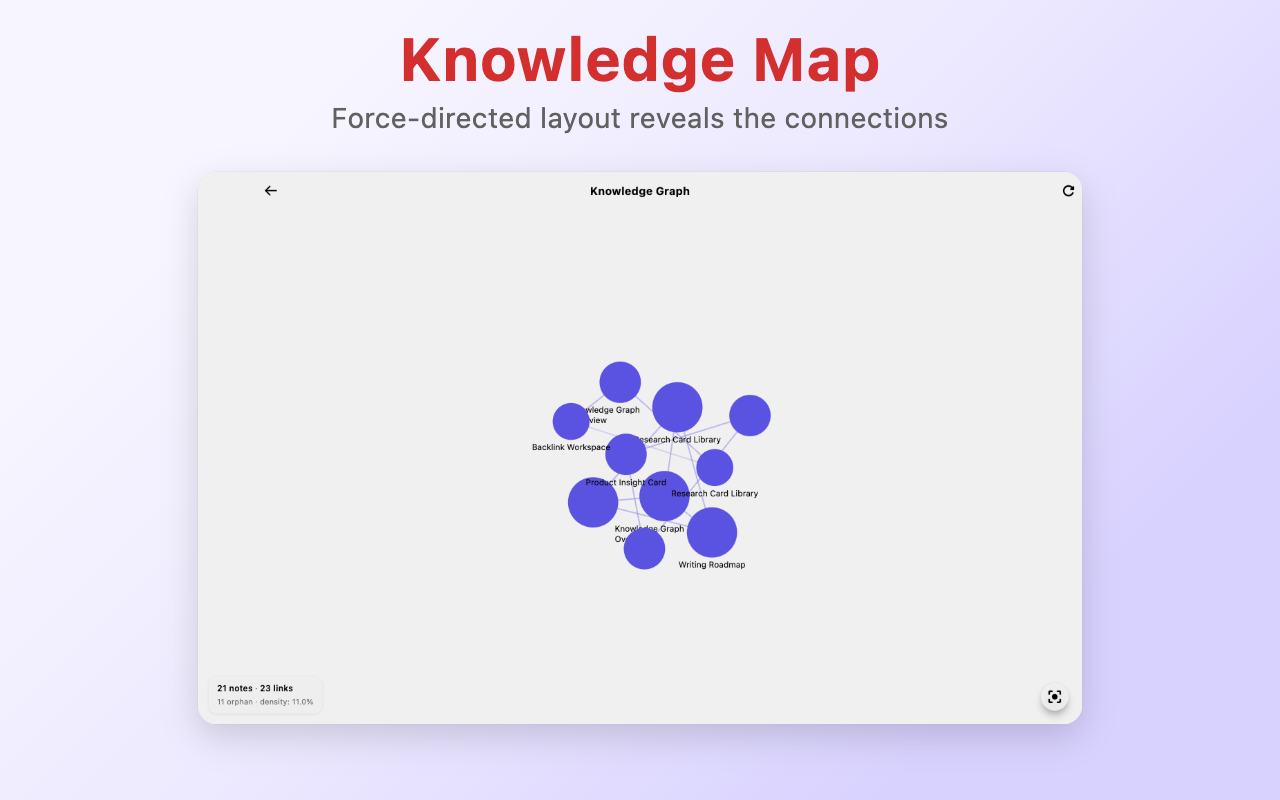
• Knowledge graph visualization: force-directed layout reveals how your notes are connected
• Tap a node to highlight related notes, double-tap to open, long-press to preview
Enhanced Markdown Editing
• Floating toolbar above the keyboard: headings, bold, italic, lists, code blocks in one tap
• Insert images from Photos, Camera, Files, or clipboard paste
• Hybrid preview mode: see headings, bold, and italic rendered inline as you write
• Auto-save and reliable sync for a safer writing flow
Note Templates
• Built-in templates for daily journals, meeting notes, study notes, and checklists
• Create custom templates with auto-fill variables (date, time, weekday)
• Long-press the create button to start from any template
Seamless Sync
• Automatic iCloud sync in the background
• Real-time updates across iPhone, iPad, and Mac
• Offline-first experience so you can keep writing anywhere
• Live sync status indicator keeps you informed
Notebook Organization
• Organize and archive notes by notebook with clear, focused structure
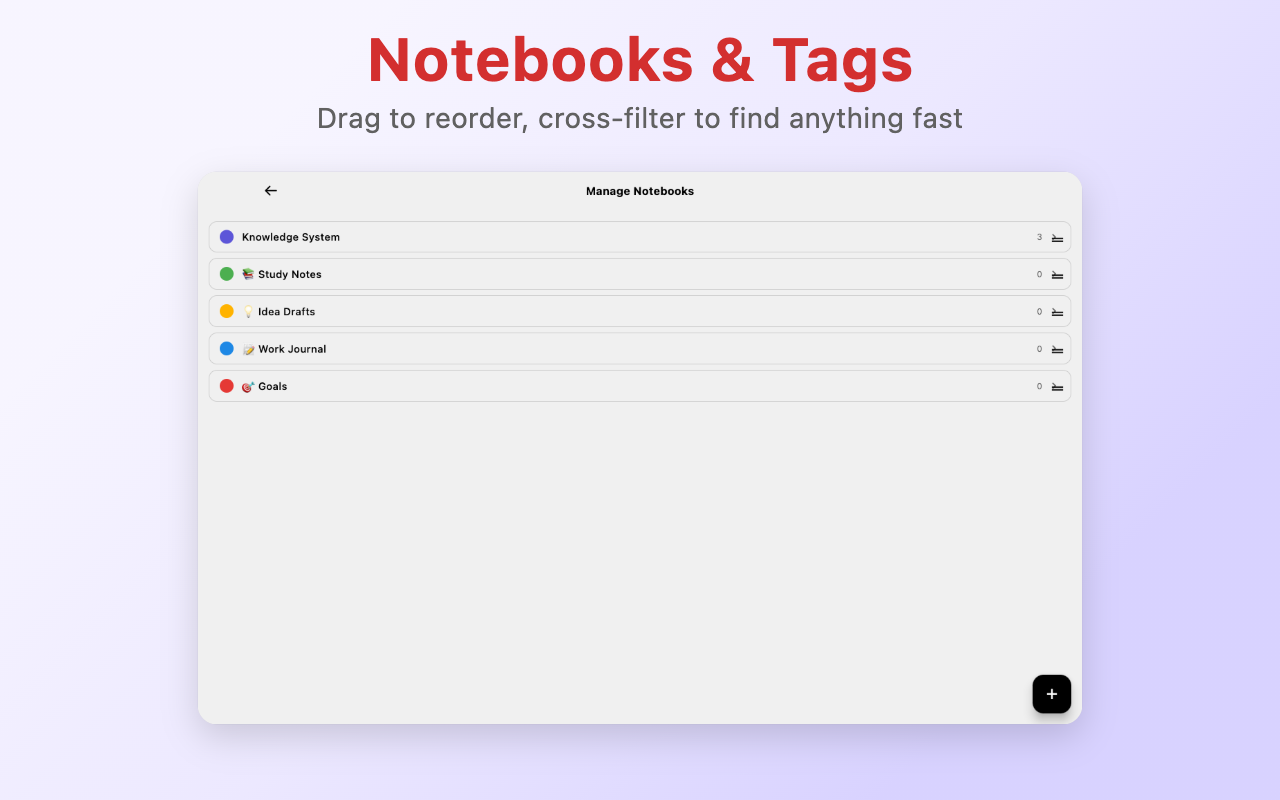
• Notebooks support custom emoji icons and drag-to-reorder
• Cross-filter notebooks and tags to find target notes faster
• Advanced search syntax: filter by notebook, tag, links, date, and more
Smarter Organization
• Flexible tags with create, edit, delete, and batch tagging support
• Quick tag filter bar below the search field — tap to filter instantly, no popup needed
• Batch export notes as Markdown/image zip or merged PDF
• Multiple sort options with time grouping (Today / Yesterday / Last 7 Days / Earlier)
macOS Experience
• Full keyboard shortcut system: create, search, format, and navigate without the mouse
• Native menu bar integration with File, Edit, Format, View, and Note menus
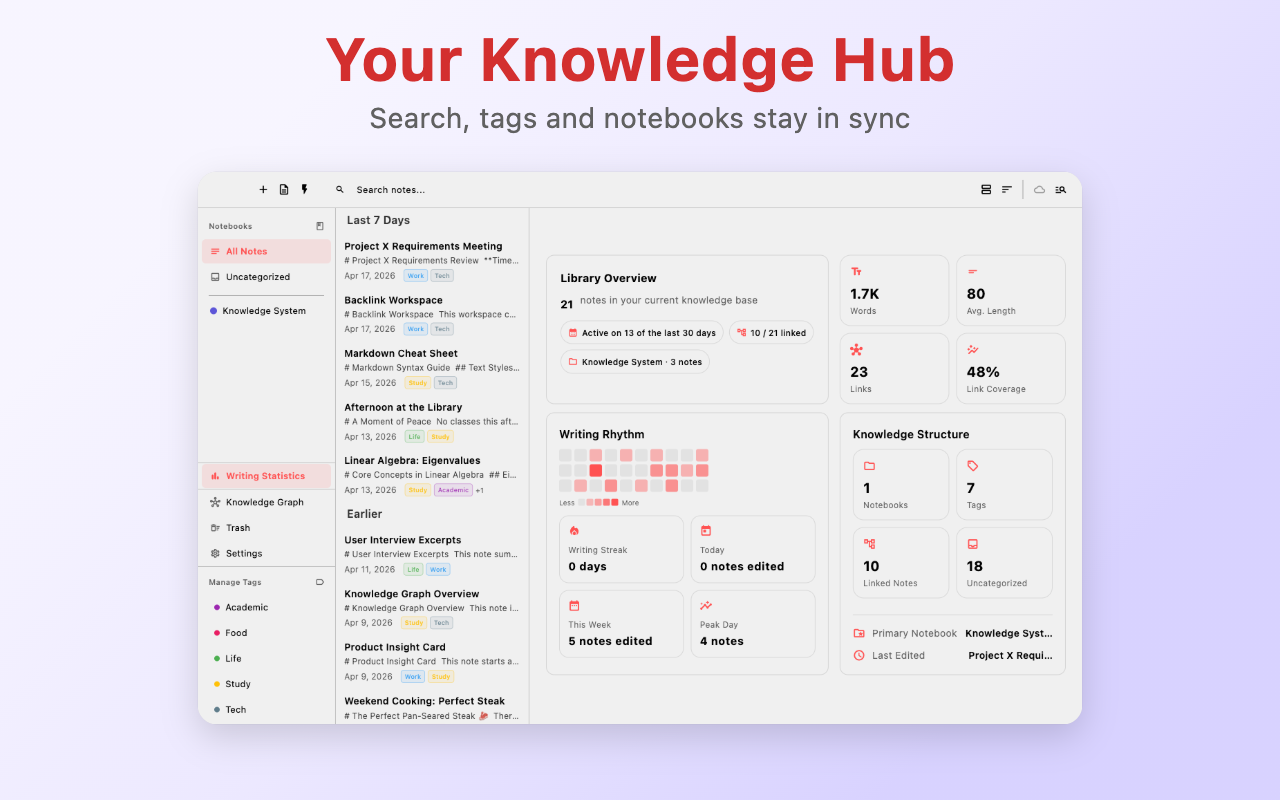
• Stats panel: note overview, writing trends, and knowledge network health at a glance
iPad Experience
• Wide-screen three-pane layout: notebook navigation, note list, and editor side by side
• Drag and drop: move notes to notebooks, drag images and files from the Files app
• Stage Manager multi-window support for viewing multiple notes at once
Multi-Format Import
• One-tap convert PDF, Word (.docx), HTML, CSV, and JSON files into Markdown notes
• Preserves headings, lists, and tables; automatically sanitizes unsafe links
• Batch import with live progress and a result summary; expand any failure to see why
• Duplicate detection auto-skips, safe title numbering for name collisions
• Large files convert in an isolate so the UI stays smooth; iOS supports background continuation and cold-start resume
On-Device AI Summary
• One-tap summary for long documents; the model runs entirely on your device, nothing leaves the phone
• Bilingual (English / Chinese) with streaming output
• After importing a long document, pick "Import and summarize" to jump straight to the gist
Insights
• View note count, notebook count, tag count, link count, total words, and recent activity
• Great for journals, study notes, work memos, and idea drafts
If you want a note app that balances privacy, knowledge management, and writing comfort, GMemor is built for that job.
Chrome-Stats does not own this Apple app. Please use these information below to contact the Apple app developer.


 English
 Español
 Français
 Português
 日本語
日本語 简体中文
简体中文 한국인
한국인












 (2)
(2)