
Constellation: Mind Atlas Apple

Constellation: Mind Atlas

3D Markdown Note Graph Viewer

Overview

Version:
1.3
Last updated: 2026-08-04
Ranking
#1,713,222 ▼ 13,393
Overall

Features & Capabilities

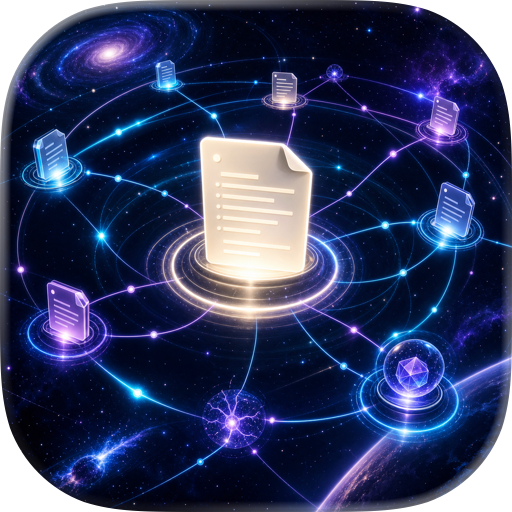
Constellation turns a folder of Markdown notes into a spatial "atlas" you can explore on Apple Vision Pro.

Select any local folder of .md files (from Files / iCloud Drive or on-device storage). Constellation parses structure and links (including [[wikilinks]]), then builds a navigable 3D constellation where ideas become places: clusters form naturally, connections become visible, and isolated notes stop hiding in plain sight.

Constellation is not a note editor. It's a way to understand what you already have — faster than scrolling a list, and calmer than wrestling a web of tabs.

What it understands • Plain Markdown files and folders • Wikilinks ([[like this]]) and regular links • Backlinks and "neighbors" of a note • Tags (#tag) and (when present) frontmatter metadata • File timestamps for "recent notes" views

What you can do with it • See clusters and themes at a glance (by folder and tag) • Follow paths between notes and spot the "bridge" notes that connect topics • Surface orphans and dead ends, then decide what to link next • Start from any note and explore outward, one connection at a time • Keep your context: you're moving through the space, not hopping between screens

Filters & lenses to cut noise • Filter by folder or tag • Show only high-degree hubs (or only low-degree, overlooked notes) • Highlight orphans • Focus on recent work • Reduce density for large vaults so the scene stays readable

Designed for visionOS • Calm, cinematic 3D rendering with depth cues and subtle atmosphere • Gaze + pinch to select, focus, and navigate • Comfort modes (including "pull the graph to me" style navigation) • Adjustable density and progressive loading for medium-to-large vaults

A clean reading experience • Open any note in a floating panel with crisp typography • See outgoing links and tags alongside the content • Keep one or more panels anchored while you continue exploring

Fast setup, no accounts • Point Constellation at a folder, index, and explore • Rebuild the index whenever your vault changes • Local caching for quicker reloads

Made for people who live in Markdown Writers, researchers, developers, and anyone with a "second brain" full of links: Constellation helps you spot what's connected, what's missing, and what's worth revisiting.

Offline-first and private by default Your files stay on-device. Constellation doesn't upload your vault, doesn't require an account, and doesn't modify your files — it simply indexes and visualizes them locally.

Compatibility: works with Markdown vault folders from apps such as Obsidian and Logseq. Not affiliated with or endorsed by them.

User Growth & Download Statistics

App
By:
Drobinin Limited
Version:
1.3 Last updated: 2026-08-04
Version code:
889183570
Creation date:
2026-01-17
Compatible devices:
Size:
18.30MB
URLs:
Privacy policy
Full description:
See detailed description
Source:
Apple Apps Store
Data ingested on:
2026-08-13
Compare stats and ranking:

Contact the developer

Chrome-Stats does not own this Apple app. Please use these information below to contact the Apple app developer.
Developed by:
Drobinin Limited
Apple Apps Store
https://apps.apple.com/us/app/constellation-mind-atlas/id6756132557

Best Constellation: Mind Atlas Alternatives

Here are some Apple apps that are similar to Constellation: Mind Atlas: