Overview

Version:
1.0.4
Last updated: 2026-01-20
Ranking
#1,505,103 ▼ 411,004
Overall

Features & Capabilities

Visualize Your Day Like Never Before

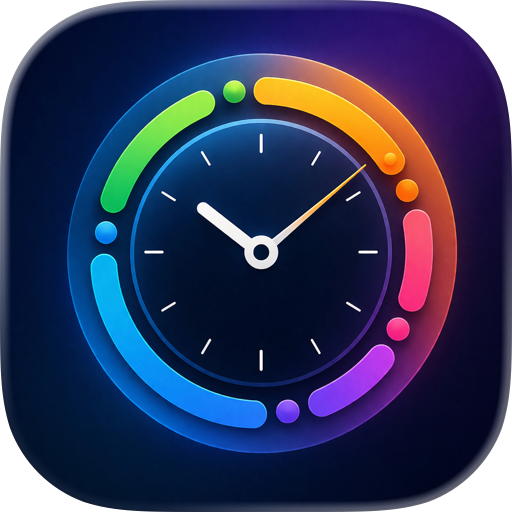
Meguru transforms how you plan and manage your time with an innovative circular interface. Instead of scrolling through endless lists, see your entire day flow naturally around a clock-like ring. This makes it instantly clear how your schedule flows and where opportunities for free time exist.

Circular Time View (Radial View) See all 24 hours at once in a beautiful circular layout Events are positioned precisely by their actual start and end times A real-time indicator shows exactly where you are in your day Easily switch between a full 24-hour view and a focused 12-hour AM/PM mode Color-coded event arcs for instant visual recognition

Free Plan Features Google Calendar Import - View your Google Calendar events in the radial interface Full Analytics - Track completed tasks, hours invested, and productivity trends Smart Notifications - Event reminders and daily planning notifications Home Screen Widgets - All sizes (Small, Medium, Large) with mini radial view Local Sleep Events - Visualize your sleep schedule Privacy-First Design - All data stored locally on your device

Free Plan Limitations Cannot create or edit tasks (view-only mode) Google Calendar is read-only (cannot create or edit events from Meguru) Cannot create recurring events

Pro Features (Subscription) Unlimited Task Creation - Create and manage as many tasks as you need Google Calendar Two-Way Sync - Create, edit, and delete events that sync between Meguru and Google Calendar Recurring Events - Set up daily, weekly, monthly, and custom repeating events Edit Recurring Series - Modify single occurrences or entire event series Sleep Event Google Sync - Sync your sleep schedule to Google Calendar

Why Choose Meguru?

Traditional task apps show your schedule as a vertical list, forcing you to scroll and lose context. Meguru's circular design lets you see your morning, afternoon, and evening simultaneously. You'll instantly spot scheduling conflicts, find free time, and understand your day's rhythm at a single glance.

Perfect for professionals, students, fitness enthusiasts, and anyone who wants to visualize time differently.

How It Works

Free users can connect their Google Calendar to view all events in the beautiful radial interface, use full analytics, receive notifications, and access all widget sizes. Upgrade to Pro to unlock task creation, two-way Google Calendar sync, and recurring events.

Get Started Today

Download Meguru now - import your Google Calendar for free and upgrade when you're ready to create tasks!

Term of Use: https://www.apple.com/legal/internet-services/itunes/dev/stdeula/

User Growth & Download Statistics

App
By:
株式会社ideaccept
Version:
1.0.4 Last updated: 2026-01-20
Version code:
880778400
Creation date:
2025-12-11
Compatible devices:
Size:
16.77MB
URLs:
Privacy policy
Full description:
See detailed description
Source:
Apple Apps Store
Data ingested on:
2026-07-21
Compare stats and ranking:

Contact the developer

Chrome-Stats does not own this Apple app. Please use these information below to contact the Apple app developer.
Developed by:
株式会社ideaccept
Apple Apps Store
https://apps.apple.com/de/app/meguru/id6755647783?l=en-GB

Best Meguru Alternatives

Here are some Apple apps that are similar to Meguru: