Body Preview & Muscle Rating
NEW: AI Body Preview shows the future you. Muscle Rating scores 8 muscle groups from a photo. Plus weight forecast, calorie tracking & AI food scan.
LyteFast is a weight-tracking app built to keep you moving—not just logging numbers. Now with AI Body Preview and AI Muscle Rating to make progress visible from day one.
NEW: AI Body Preview
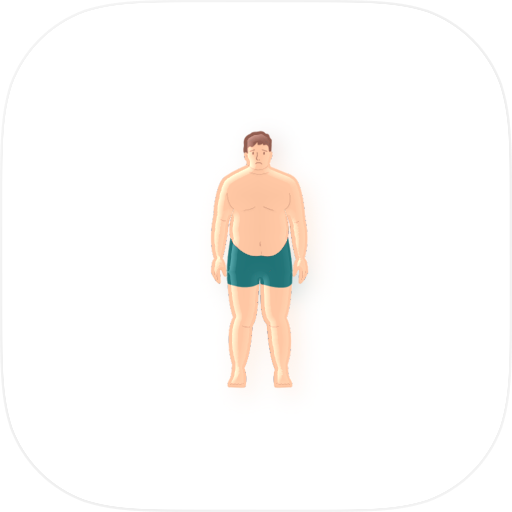
See the future you. Pick a photo and the AI renders a realistic supermodel-physique preview of how you could look. Share the before/after to Instagram or TikTok.
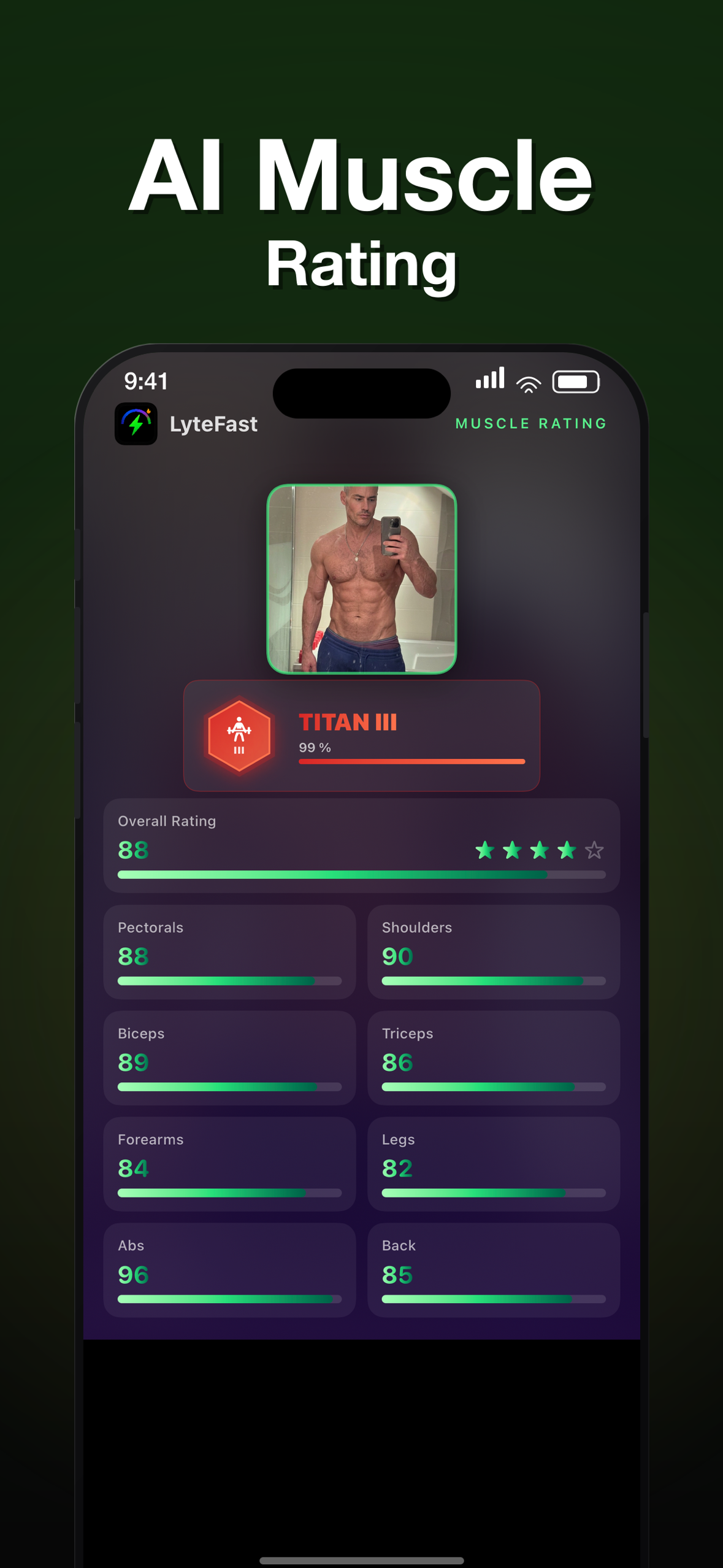
NEW: AI Muscle Rating
Snap a photo and get an instant 1-100 score for each of 8 muscle groups (pectorals, shoulders, biceps, triceps, forearms, legs, abs, back), plus an overall rating and a gamified rank — Wood, Bronze, Silver, Gold, Platinum, Diamond, Champion, Titan, Olympian. See where you stand on the bell curve, get a comment per muscle, and share your card.
What also makes LyteFast different
Auto-Zoom chart that focuses on the most relevant slice of your journey, smooths daily noise, and projects a near-term weight forecast: Am I on track? When is the next milestone?
Budget-based calories (simple "spend vs. budget"):
- AI Food Scanner recognizes common foods and portions.
- Barcode Scanner pulls verified nutrition for packaged items.
- Instant budget status (on/near/over) plus remaining calories and friendly guidance.
Fasting, made actionable
Log fasting windows and see their measurable impact. An animated %-to-goal gauge shows where you stand. The Auto-Zoom prediction chart shows where you're headed. Grounded in research: benefits of time-restricted eating are largely mediated by total intake and consistency—LyteFast links fasting back to your budget, trend, and forecast.
Sustainability & sensitivities
Each meal scan includes estimated CO₂e (carbon footprint) so you can see environmental impact over days and weeks. Packaged items can display a gluten status indicator for quick screening. Insights inform—never judge.
Always know what to do next
A clear, always-visible calorie deficit view translates energy balance into plain language: how far you are from goal, what's driving the current trend (intake, activity, fasting), and the smallest effective changes to close the gap. On-budget notifications help you course-correct early.
Syncs when you do—works even if you don't
Fitness tracker & connected scale sync: steps, workouts, heart-rate-based estimates, and weigh-ins automatically. No tracker or smart scale? Manual weight entry. Choose from 60 activity types (from walking meetings to HIIT) to estimate calories burned—so your budget reflects your real day.
Fast logging without scanning
Use the Calorie Estimator with 60 predefined foods to compute intake quickly. Each item includes a simple carbon-footprint range (low / medium / high) and gluten status.
Evidence-based under the hood
Energy balance is the primary driver of weight change. Trend smoothing reduces day-to-day noise (hydration, sodium, timing). Short-horizon predictive modeling turns your recent trajectory into actionable forecasts. Self-monitoring + timely feedback supports adherence and long-term habits.
Why people stick with LyteFast
- Visual proof of progress: Body Preview lets you see the goal before you reach it.
- Gamified motivation: Muscle Rating turns your physique into a score worth chasing.
- Instant feedback after each scan.
- Fasting insights tied to outcomes—not hype.
- Eco & dietary signals at a glance.
- Activity-aware budgeting (sync or manual).
- Deficit clarity: always see the gap—and the best lever to close it.
Bottom line: LyteFast isn't just another calorie app. It's a motivation system built on proven principles. Open the app, scan or estimate a meal, see your body preview, check your muscle rating, and take the next step—with a forecast that shows exactly where those steps will lead.
All features are estimates for informational purposes and do not replace medical advice. AI Body Preview is a visualization, not a medical projection.
Chrome-Stats does not own this Apple app. Please use these information below to contact the Apple app developer.

 English
 Español
 Français
 Português
 日本語
日本語 简体中文
简体中文 한국인
한국인






 (1)
(1)