Features & Capabilities

This app helps you store and manage all the essential information you need for international travel and business trips, so you can access everything anytime, anywhere.

All your travel essentials in one place. With this app, both overseas trips and business travels are stress-free.

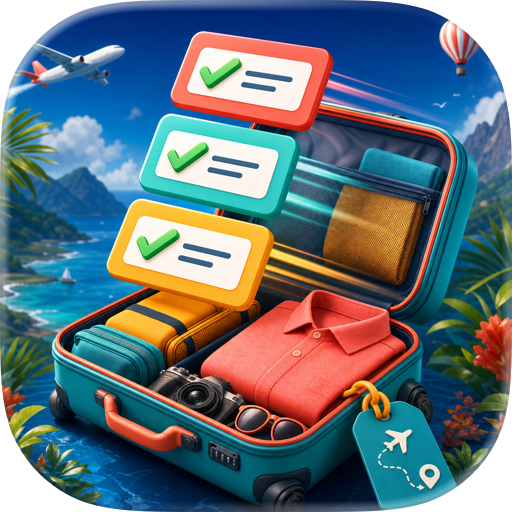
Recommended for: - Those who want to organize and manage all their travel or business trip information in one place - Those who want to tidy up scattered booking details saved on paper or screenshots - Those who want quick access to passport or driver’s license information - Those who want to check their packing list, shopping list, or TODO list before departure

Initial Setup: When you open the app, tap the gear icon in the top right to set up the information you need for overseas travel. In particular, registering your driver’s license details in English is useful. In countries like Hawaii, where you can drive with just a Japanese license, you’ll be able to smoothly present the required license information to rental car companies. You can also edit the default packing list to create your own personalized packing checklist. Every time you create a new travel plan, this list will be automatically copied, making it very convenient.

Adding a Travel Plan: Tap the plus button on the home screen to create a new travel plan. Each plan gives you access to essential information, packing list, shopping list, and TODO list, with progress tracking available for each. You can also edit the packing list to tailor it to your trip (e.g., adding snorkeling gear).

Adding Detailed Plans: Open your travel plan and tap the “Add Detail” button in the top right to register flights, hotels, activities, and more. Time zones are automatically set based on the location name, but you can adjust them manually if incorrect. By setting the correct time zone, your itinerary will always display at the right local time.

Viewing Your Travel Plan: Travel plans are folded by day, and on the actual day, that day’s schedule will automatically expand. If you want to see all schedules at once, press the “Expand” button in the top right. Tap each detail to see it displayed in an easy-to-read card format, and swipe to move to the next schedule. Links or phone numbers entered in the notes field can be tapped to open a browser or make a call directly.

By simply filling in your travel plan, the excitement for your trip will build. Now all that’s left is to enjoy your journey to the fullest.

Have a great trip! Bon Voyage!

User Growth & Download Statistics

App
By:
GOICHI NAGATANI
Version:
1.0.2 Last updated: 2025-12-12
Version code:
880499936
Creation date:
2025-10-03
Compatible devices:
Size:
5.18MB
URLs:
Website ,Privacy policy
Full description:
See detailed description
Source:
Apple Apps Store
Data ingested on:
2026-06-08
Compare stats and ranking:

Contact the developer

Chrome-Stats does not own this Apple app. Please use these information below to contact the Apple app developer.
Developed by:
GOICHI NAGATANI
Apple Apps Store
https://apps.apple.com/my/app/voyage-planner/id6752379797
Website:
https://sites.google.com/view/neurocybertech

Best Voyage Planner Alternatives

Here are some Apple apps that are similar to Voyage Planner: