Image Upscale,resize & Convert
Image converter, compress, resize, and upscale and enhance to 4K/8K. Share photos to social media. Fast HEIC, JPEG, PNG, PDF converter. Secure, private, unlimited edits!
FormatFlow – Batch Image Converter, Compressor & Photo Toolkit
FormatFlow is your essential iOS app for fast, simple, and private photo editing. Effortlessly convert, compress, resize, and manage your photos in batches — all from your iPhone or iPad, with full photo library integration.
Designed for speed, privacy, and ease of use, FormatFlow gives you everything you need to edit smarter, faster, and with complete control.
Key Features
Batch Image Processing (Need Premium Subscription)
• Batch convert, compress, and upscale multiple images at once. Save time with efficient batch workflows, progress tracking, and error recovery.
• Merge multiple images into a single, high-quality PDF.
Smart Format Conversion
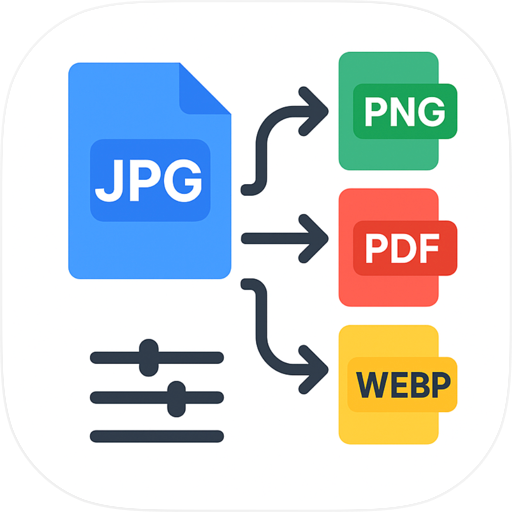
• Convert photos between JPEG, PNG, HEIC, HEIF, and PDF
• Preserve image quality and important photo details
• Keep all your photo metadata intact
• Perfect for sharing, storage, and cross-platform compatibility
Premium Image Enhancement
• Enlarge images using AI CoreML- powered upscaling .
• Upscale photos to stunning 4K and 8K quality
• Perfect for printing, professional presentations, and digital displays
• Real-time preview of enhanced photos
• Ideal for restoring old photos or improving low-resolution images
Intelligent Photo Compression
• Reduce file size by up to 90% while keeping photos crystal clear
• Smart compression automatically balances quality and size
• Perfect for email attachments, messaging, and cloud storage
• Free up space on your iPhone without losing photo quality
Image Resizing
• Resize photos to any dimension with perfect clarity
• Ready-made presets for Instagram, Facebook, Twitter, and LinkedIn
• Custom sizes for websites, printing, and professional use
• Maintain aspect ratios automatically
• Create perfect thumbnails and profile pictures
Photo Library Integration
• Seamlessly access and manage your photos. Save processed images directly into your albums.
Privacy First
• All image processing is done locally on your device for maximum privacy. An internet connection is required only for app logging and future ad services.
• 100% offline processing - your photos never leave your device
• No cloud uploads, no data collection
• Complete control over your photos
Beautiful & Easy to Use
• Clean, modern interface designed for iOS
• Quick actions for common tasks
• Real-time previews of all changes
• Multi Themes support
• Premium themes available
Subscription Support
• Subscribe for unlimited photo edits and exclusive access to powerful batch processing, image upscaling, format conversion, and theme options — with no ads.
Why Choose FormatFlow?
• Batch convert, resize, and compress images effortlessly
• Supports JPEG, PNG, HEIC, HEIF, PDF, and more
• Fast offline photo processing for speed and privacy
• Unlimited photo editing and batch features with Premium
• No data collection, no unnecessary tracking
• Simple to use, modern design, built for iPhone and iPad
Perfect for:
• Social media creators and influencers
• Photographers and content creators
• Business professionals
• Anyone who wants to organize and optimize their photo collection
• Web developers and designers
• Digital artists and hobbyists
Terms of use:
https://www.apple.com/legal/internet-services/itunes/dev/stdeula/
Privacy Policy:
https://formatflow.digitalrockhub.com/privacy.html
Chrome-Stats does not own this Apple app. Please use these information below to contact the Apple app developer.


 English
 Español
 Français
 Português
 日本語
日本語 简体中文
简体中文 한국인
한국인

 (1)
(1)