Features & Capabilities

Project images onto paper using your phone’s screen and trace them with confidence. Unlock your creativity with DrawMate, the handy drawing assistant. Whether you’re learning to sketch, practicing art, or just seeking a relaxing hobby, DrawMate makes it effortless and fun.

  • 50+ step-by-step drawing lessons
  • 100+ ready-to-use images in various categories
  • Custom uploads to trace your own photos
  • Adjustable scale, rotation, and transparency
  • Quick setup guide for accurate tracing

Learn to draw with ease

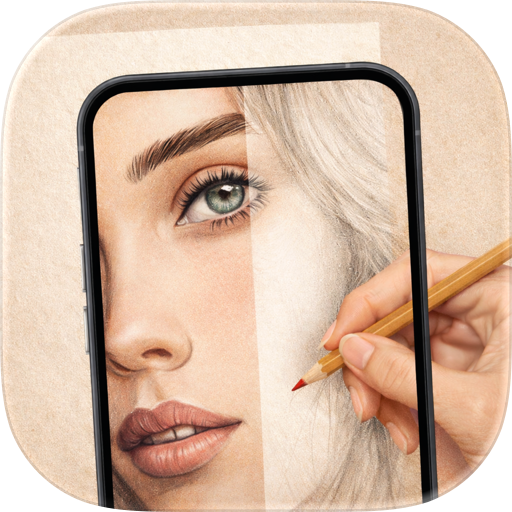
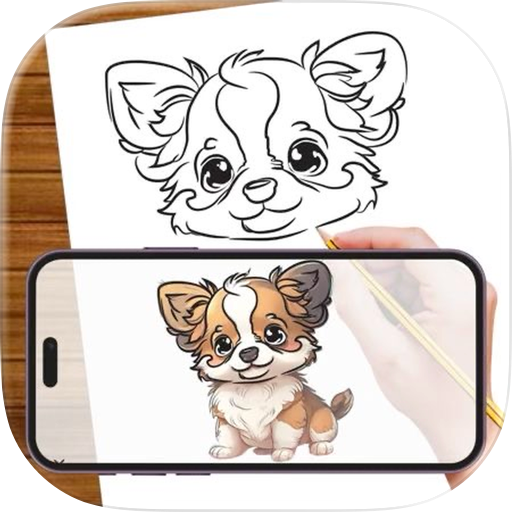
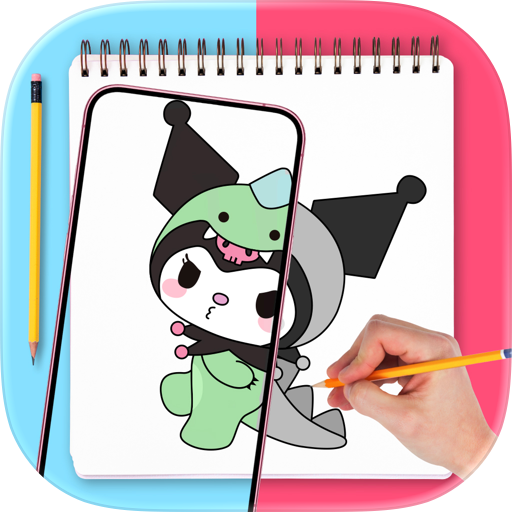
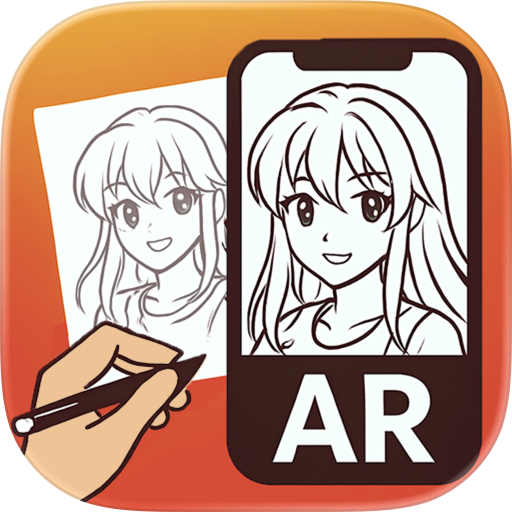
DrawMate works like a pocket augmented reality (AR) projector. Simply put, it overlays the image onto your drawing surface using your phone camera. This helps you trace it with precision and learn key drawing techniques anytime, anywhere. All you need is your phone, paper, pencil, and that creative feeling.

Perfect for any skill level

Start with our beginner lessons to guide your hand. Trace step by step to learn the drawing basics: from design and perspective to positioning, outlining, shading, and more. Experienced artists can explore DrawMate’s library of 50 more lessons to perfect their sketching skills.

Works for any art style or project

Want to master painting techniques? Practice tracing with 100+ ready-to-use images from nine categories - including anatomy, anime, and nature - or upload your own photos. Draw a car, something beautiful, or trace a favorite pet photo - DrawMate does it all easily.

Fun for kids and adults alike

DrawMate teaches drawing interactively, which is perfect for any age. Use it to help both kids and beginners learn accurate tracing easily, step by step. Try a stress-free way to introduce art and push the creative boundaries.

Boost creativity with technology

Use adjustable tools to scale, rotate, and position images precisely on your surface. Always keep your drawing process smooth - whether you’re practicing realistic portraits, cartoon-style illustrations, or intricate images. Our app will help you discover the joy of art in a whole new way. Start your drawing journey today with DrawMate – Download now!

Premium features

You will need a paid subscription to fully access the drawing lessons, image library for practice, and custom image uploads.

PAYMENT AND SUBSCRIPTION OPTIONS

Choose between the below to access the best DrawMate features: • Monthly Subscription • Annual Subscription Your subscription will automatically renew at the same price unless you cancel. You can turn auto-renewal off at least 24 hours before the end of the billing period. You can also cancel your subscription at any time through your Apple account settings.

Support: support@drawmate.ai.

Terms of Use: https://drawmate.ai/terms-of-use Privacy Policy: https://drawmate.ai/privacy-policy

User Growth & Download Statistics

App
By:
Haiderali Ali
Version:
1.0.4 Last updated: 2025-04-28
Version code:
874321031
Creation date:
2025-04-19
Compatible devices:
Size:
98.87MB
URLs:
Website ,Privacy policy
Full description:
See detailed description
Source:
Apple Apps Store
Data ingested on:
2026-06-06
Compare stats and ranking:

Contact the developer

Chrome-Stats does not own this Apple app. Please use these information below to contact the Apple app developer.
Developed by:
Haiderali Ali
Apple Apps Store
https://apps.apple.com/fj/app/drawmate-ar-drawing/id6742788818
Website:
https://www.drawmate.ai

Best DrawMate: AR Drawing Alternatives

Here are some Apple apps that are similar to DrawMate: AR Drawing: