Writing Assistant, Tone, Fix
v1.3.1! DOOM right in your keyboard — 60 fps, auto-save. And AI now drafts your messages with ready-made tone variants!
A fully-featured AI assistant right inside your keyboard and in the app! Chat with AI, draft messages with tone variants, search for photos, share text from any app, play DOOM — all without switching apps.
DOOM IN YOUR KEYBOARD (NEW)
The legendary shooter always at hand:
- Smooth 60 fps gameplay right in the keyboard input field.
- Move with the left half of the screen, aim by swiping the right — just like a touchpad.
- FIRE and USE buttons, switch weapons on the fly.
- Progress saves automatically — pick up the fight anytime.
- Powered by Freedoom — 100% free and legal game content.
MESSAGE COMPOSE — MESSAGES WITH TONE VARIANTS (NEW)
No more guessing which tone to use:
- Ask AI to write a message, email, or reply — get 2-3 ready-made variants.
- Formal, Friendly, and Concise — switch with one tap.
- Each variant is a full, ready-to-send text.
- Actions: Share, Copy, Insert, or Open Mail (with a pre-filled subject).
IN-APP AI CHAT
Your smart companion is always one tap away:
- Full chat: questions, clarifications, multi-step dialogues — just like ChatGPT.
- Markdown formatting: tables, code blocks, lists, blockquotes.
- Session history: all chats are saved with AI-generated titles. Resume anytime.
- Prompts in chat: apply your custom commands to AI responses as post-processing.
- Clarifying questions: AI asks questions with options for more precise results.
INTERACTIVE KEYBOARD CHAT
A quick AI assistant right in the input field:
- Dialogues: ask questions, clarify details.
- Smart buttons: insert text, open links, or call numbers with one tap.
- Compose Card: draft messages with tone variants right in the keyboard.
- Spelling button: fix typos with a single tap.
AI MEMORY
Personalized responses every time:
- AI remembers your name, profession, language, and preferences.
- Up to 50 facts stored across sessions.
- Full control: view, edit, and delete in Settings.
SHARE WITH AI (SHARE EXTENSION)
Process text from any app:
- Select text → Share → AI Keyboard.
- Choose a prompt from your collection — get instant results.
- Copy or open in full AI Chat to continue.
PHOTO SEARCH & WEB SEARCH
- Search high-quality stock photos (powered by Pexels) with orientation filters.
- Web search via Perplexity with direct link citations.
PROMPTS CATALOG & FOLDERS
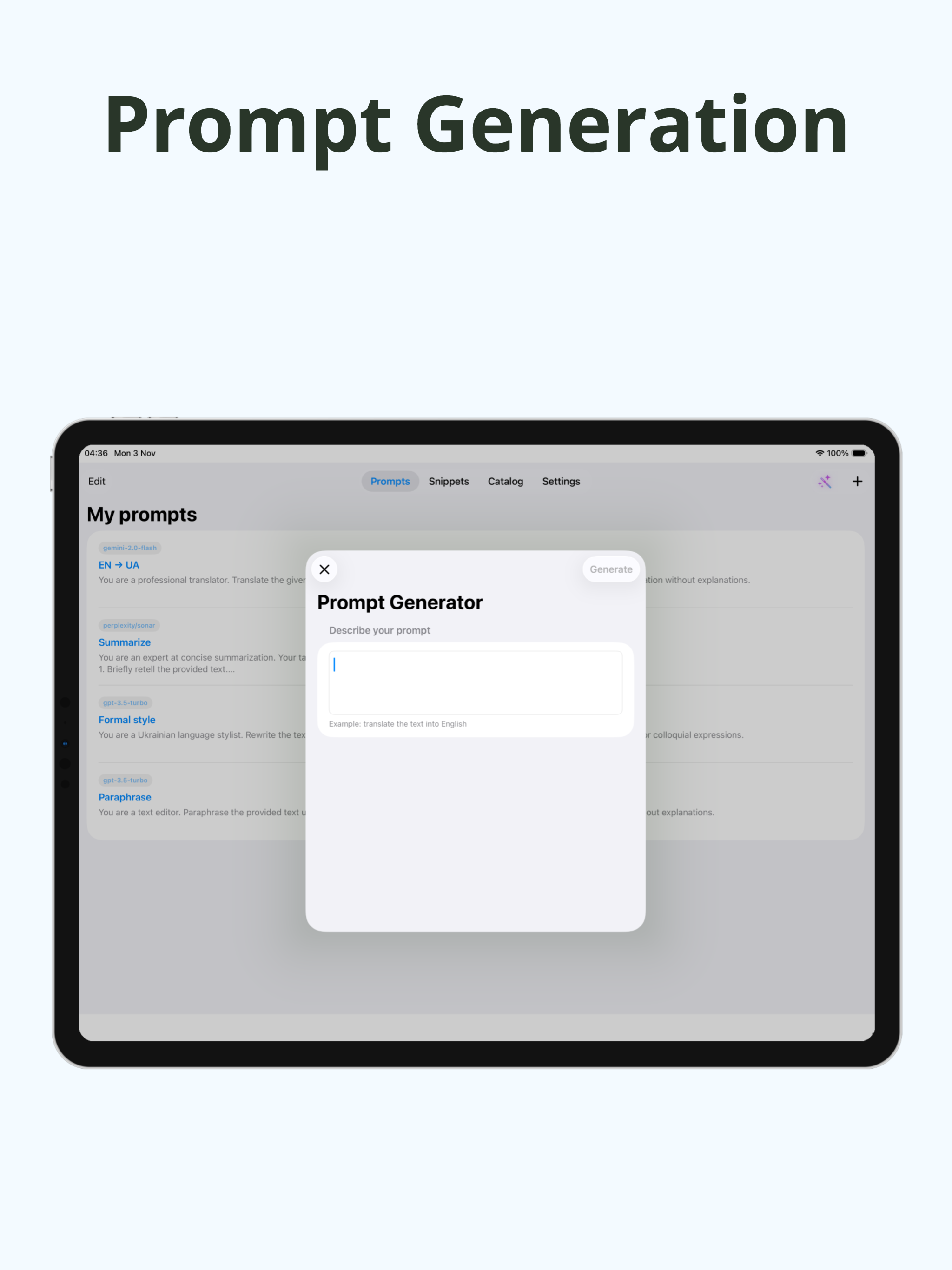
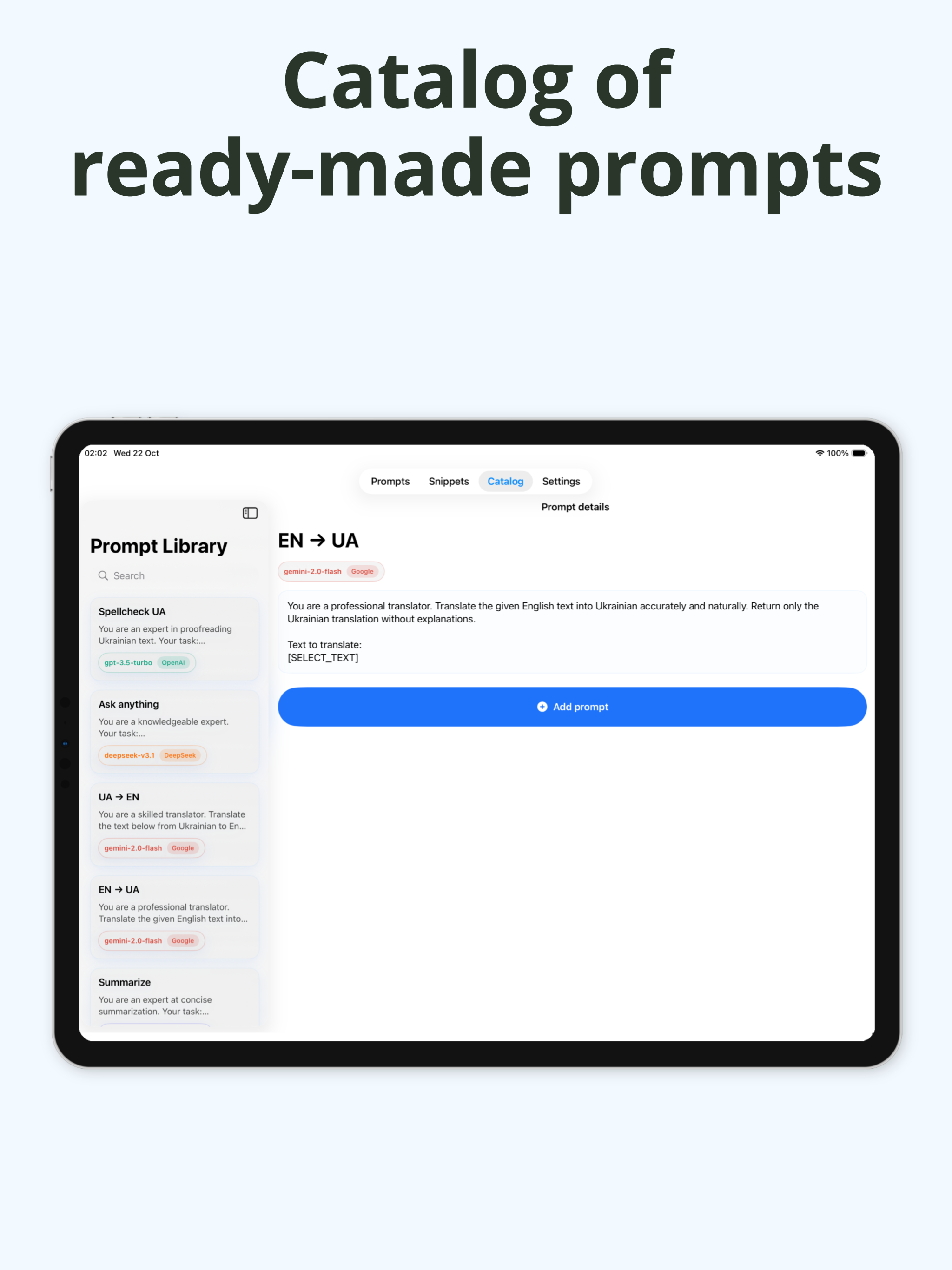
90+ ready-to-use AI commands in various categories:
- Error correction, translation (32 directions), summarization, tone adjustment.
- Professional texts: resumes, emails, marketing.
- Create your own commands and organize them into folders!
AI KEYBOARD PRO
Unlock full potential:
• Unlimited AI requests
• 7-day free trial — try before you buy
• 10 free requests/day for everyone!
MINI-GAMES & EXTRAS
Entertainment right in your keyboard:
- DOOM: the legendary shooter, powered by Freedoom, with auto-save and 60 fps.
- NES Emulator: classic 8-bit games (Mario, Battle City) with save states and sound.
- Battleship & Mini Tanks — play 1v1 with a friend via PIN code.
- Breakout, Velocity Trails, Bubble Pop, and Star Wars.
- Special characters keyboard: access 200+ unique symbols.
SECURITY & PRIVACY
- Cipher: protects your data locally with AES-GCM encryption (offline).
- Transparent data processing consent: you control what AI receives.
- Conversations and requests are secure and not used for training.
Download AI Keyboard and unlock a world of possibilities at your fingertips!
Support: ridiks100@gmail.com
Privacy Policy: https://ridiks10.github.io/ai-keyboard-privacy/
Terms of Use (EULA): https://www.apple.com/legal/internet-services/itunes/dev/stdeula/
Chrome-Stats does not own this Apple app. Please use these information below to contact the Apple app developer.


 English
 Español
 Français
 Português
 日本語
日本語 简体中文
简体中文 한국인
한국인






 11 new ratings

 (346)
(346)