
 English
 Español
 Français
 Português
 日本語
日本語 简体中文
简体中文 한국인
한국인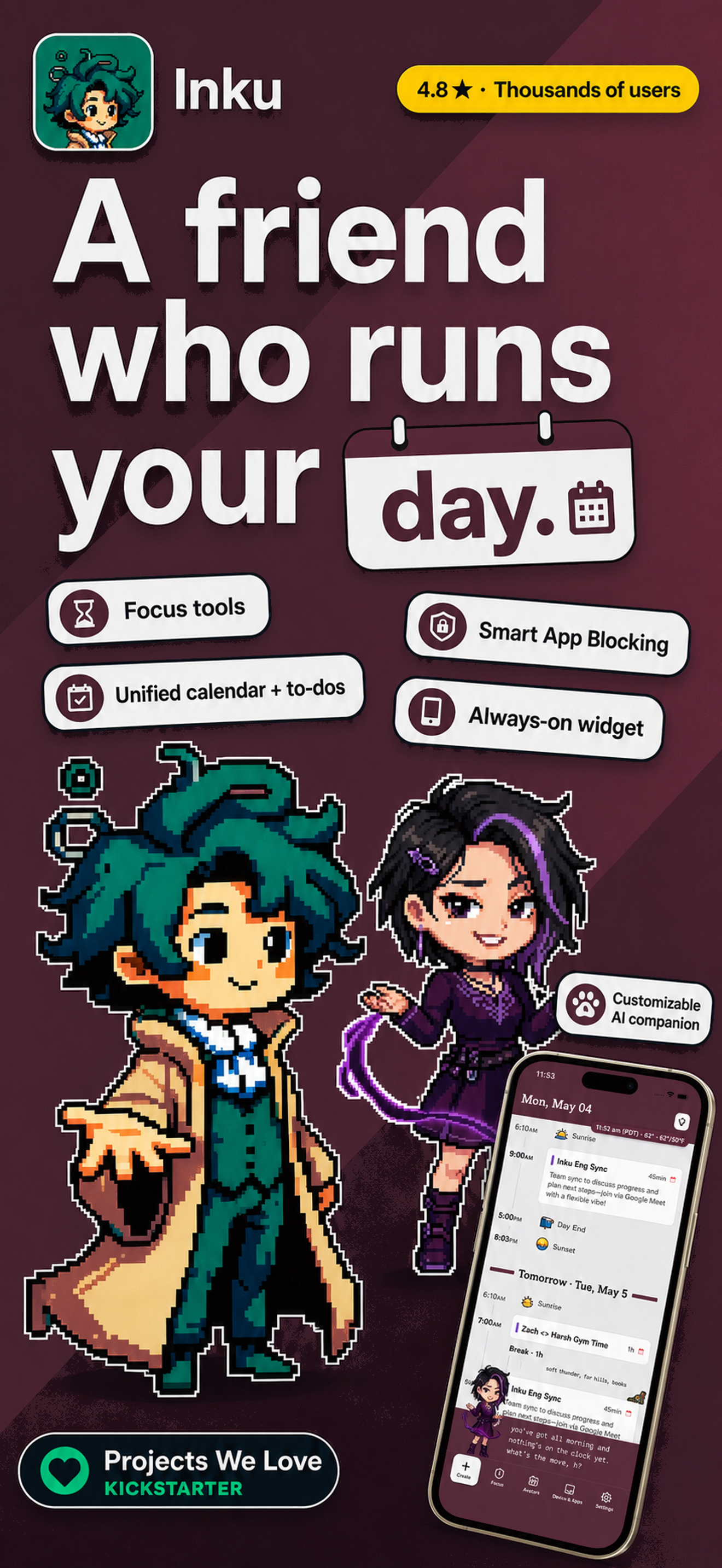





Features & Capabilities
User Growth & Download Statistics
- By:
- Inkboard, Inc.
- Rating:
- 4.50 (94)
 2 new ratings
 - Version:
- 1.9.11 Last updated: 2026-07-07
- Version code:
- 887965507
- Creation date:
- 2025-08-27
- Compatible devices:
- Size:
- 190.39MB
- URLs:
- Website ,Privacy policy
- Full description:
- See detailed description
- Source:
- Apple Apps Store
- Data ingested on:
- 2026-07-12
- Compare stats and ranking:
- Inku: Smart AI Calendar vs AI Planner: Daily Planner
- Inku: Smart AI Calendar vs Daypiece AI Daily Planner
- Inku: Smart AI Calendar vs Days - Digital Planner & Event
For Developers
Contact the developer
Chrome-Stats does not own this Apple app. Please use these information below to contact the Apple app developer.
User Reviews
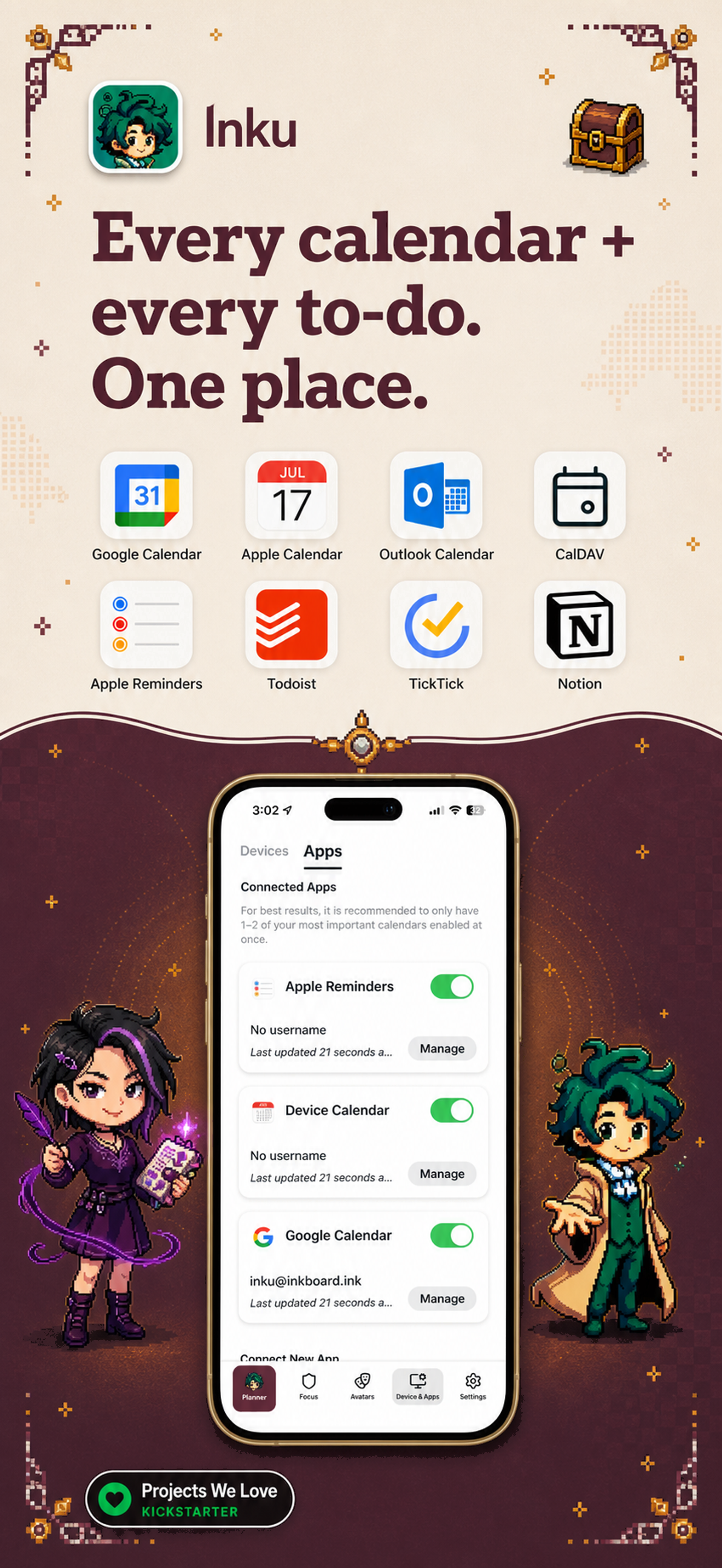
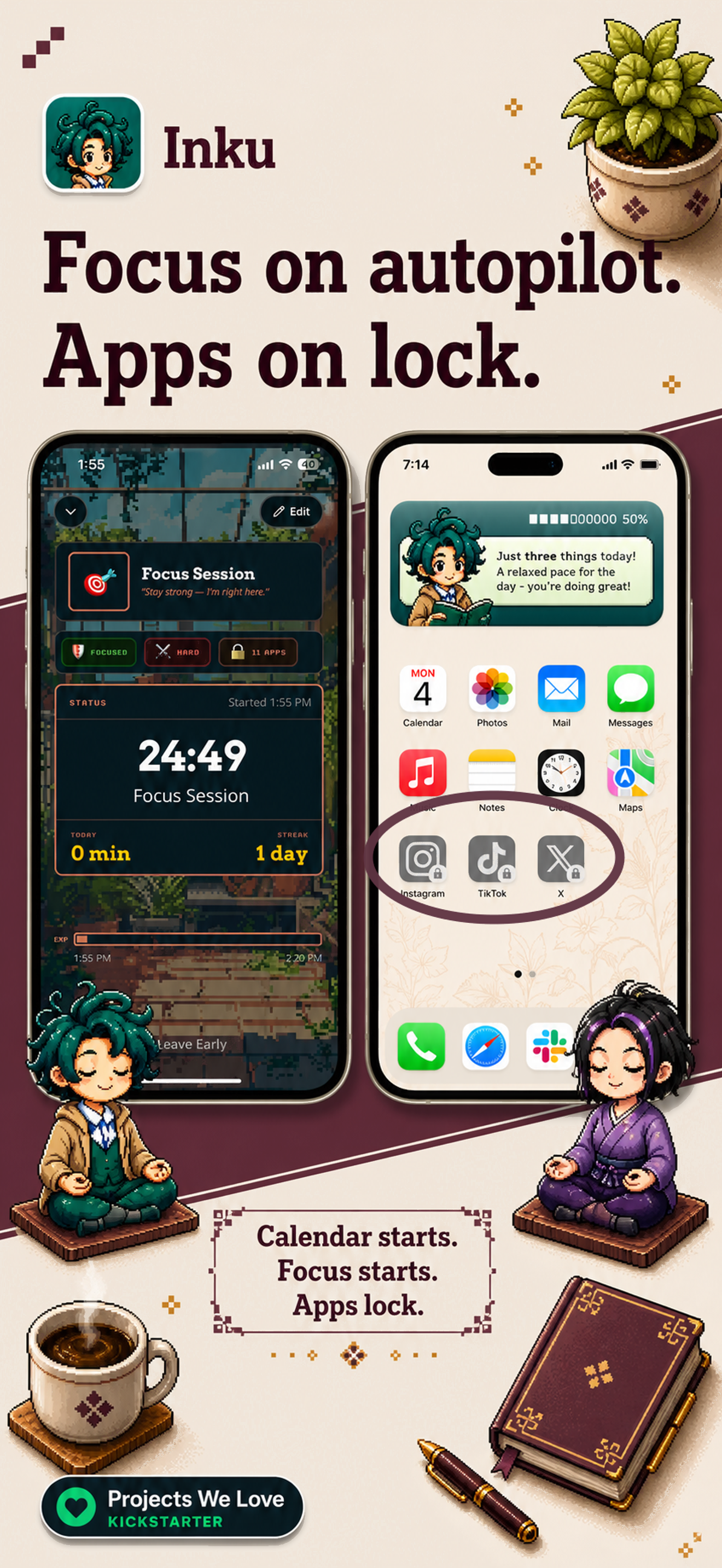
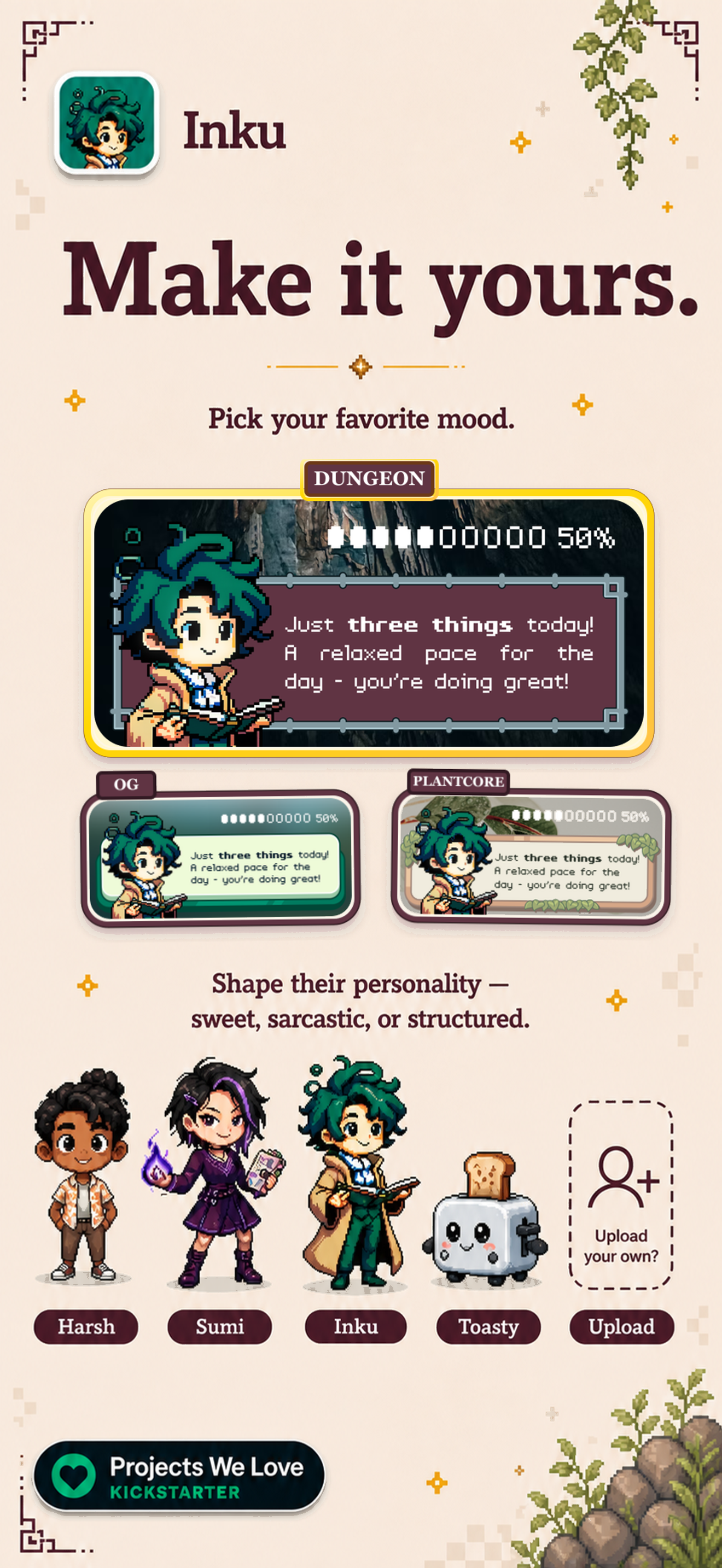
Users broadly praise Inku for centralizing multiple calendars across Apple devices, its AI-driven avatars and summaries, and a helpful home-screen calendar widget. They also value strong integration with Apple Calendar/Reminders and the way it becomes part of their daily routine. Common downsides include pricing concerns (perceived as not free and paid after onboarding), limited task management and manual entry options, onboarding friction with calibration, and occasional UI/widget glitches. Overall, a charming, productivity-boosting calendar companion that shines on design and AI features but needs better pricing clarity and fuller task support. Pros
- Centralizes all calendars and tasks across Apple devices (iPhone, iPad, Mac) for a single view.
- AI-powered customization with avatars and personalities, plus schedule summaries that feel like a personal assistant.
- Very useful home screen calendar widget for quick, at-a-glance planning.
- Strong integration with Apple Calendar and Reminders with seamless cross-device syncing.
- Becomes a helpful daily routine tool for users juggling multiple calendars.
Cons
- Not free; users report upfront paid features after onboarding and ongoing price concerns.
- Limited task management; manual entry of events/tasks is not well supported.
- Onboarding/setup can be lengthy or surprising (calibration process and paid model) causing frustration.
- Occasional UI/UX glitches and widget refresh issues (e.g., needing to open the app for the widget to update, setup scrolling problems).
Recent reviews
Unable to press the next button on the calendar sync page. Looking at past reviews, it seems this is a known issue but still not fixed in latest version


by Mo*****, 2026-06-27
I wanted to love this app but it’s very clunky. I was trying to add an event for just Sunday, and it kept trying to have me add it for the entire weekend. The app itself is just laggy.
by lo*****, 2026-06-19
Helps me reduce the mental load of my family calendars, while being so fun and delightful. Love this app and highly recommend if your calendar gives you the dreads.
by Js*****, 2026-05-28
Best Inku: Smart AI Calendar Alternatives
Here are some Apple apps that are similar to Inku: Smart AI Calendar:


AI Planner: Daily Planner
Sahil Khullar
5.00  (1)
(1)
(1) 
Daypiece AI Daily Planner
Kevin Hall
3.00 (1)
(1) 
Days - Digital Planner & Event
DEEPLY AI
0.00 (0)
(0) 
Paper Planner, Diary, Calendar
Digital Legal Tech
4.60 (1,118)
(1,118) 
Todo AI: AI Day Planner
EasyQuant
0.00 (0)
(0) 
Calendar: Chronos
Manuel Worlitzer
0.00 (0)
(0) 
Inkpad : Aesthetic Planner
Muhammet Ali Berktas
0.00 (0)
(0) 
ThisdAI
Father of Legends LLC
0.00 (0)
(0) 
Taskybear : AI ToDo Planner
Rahul Sanap
5.00 (1)
(1) 
Elegant Planner
ElegantMind LLC
5.00 (3)
(3) 
EchoDay: AI Calendar Planner
App Lab Hub
0.00 (0)
(0) 
Tiimo: To Do List & AI Planner
tiimo
4.60 (18,050)
(18,050)