
 English
 Español
 Français
 Português
 日本語
日本語 简体中文
简体中文 한국인
한국인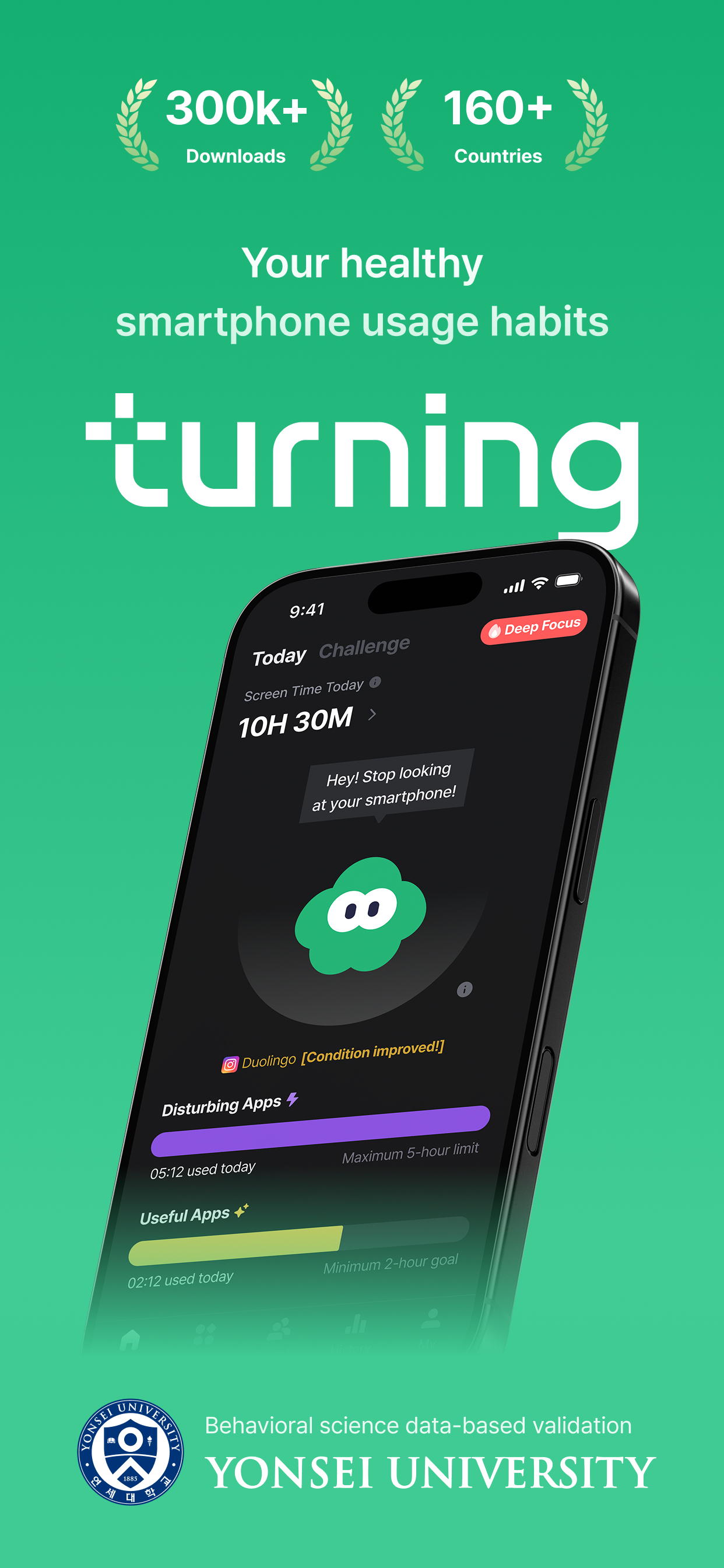





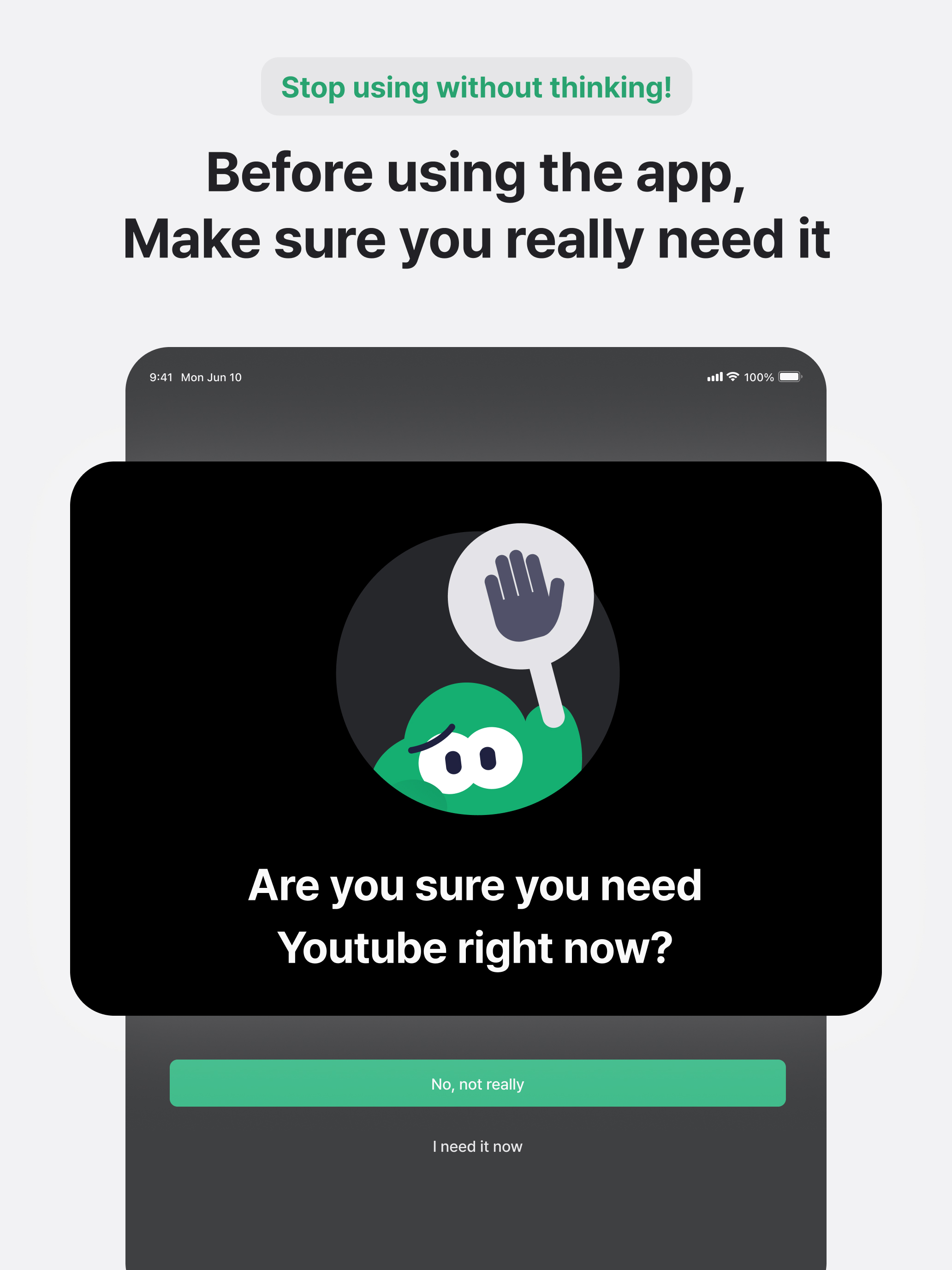


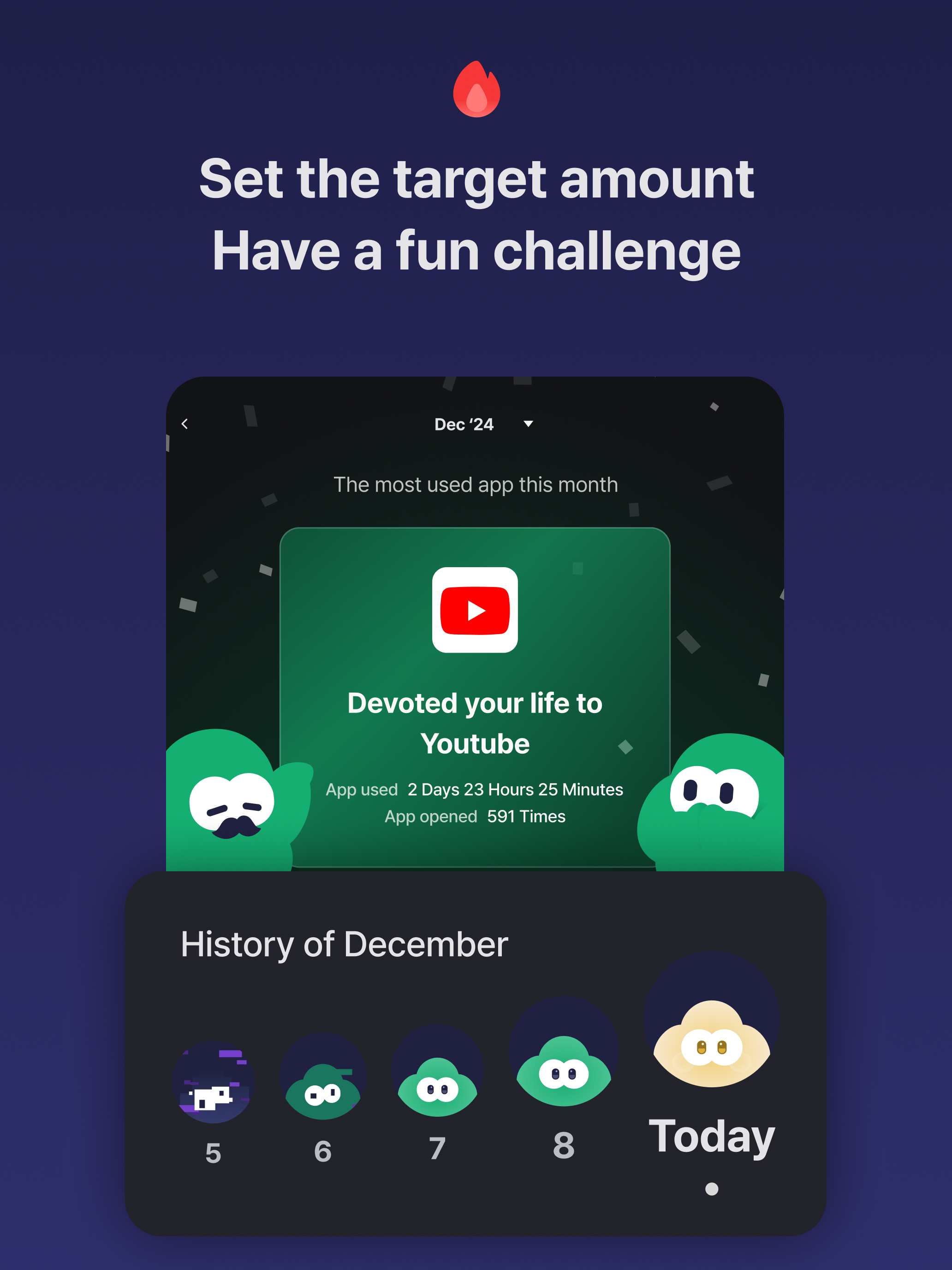


Features & Capabilities
User Growth & Download Statistics
App
- By:
- HUSTLERS Corp
- Rating:
- 4.10 (35)

- Version:
- 26.17.0 Last updated: 2026-04-23
- Version code:
- 884835095
- Creation date:
- 2023-05-31
- Compatible devices:
- Size:
- 78.13MB
- URLs:
- Website ,Privacy policy
- Full description:
- See detailed description
- Source:
- Apple Apps Store
- Data ingested on:
- 2026-07-01
- Compare stats and ranking:
- Turning: Screen Time & Routine vs NoopDda - DigitalDetox & Focus
- Turning: Screen Time & Routine vs TimeTamer: Screen Time Master
- Turning: Screen Time & Routine vs Screen Time Control: FocusMate
For Developers
Contact the developer
Chrome-Stats does not own this Apple app. Please use these information below to contact the Apple app developer.
User Reviews
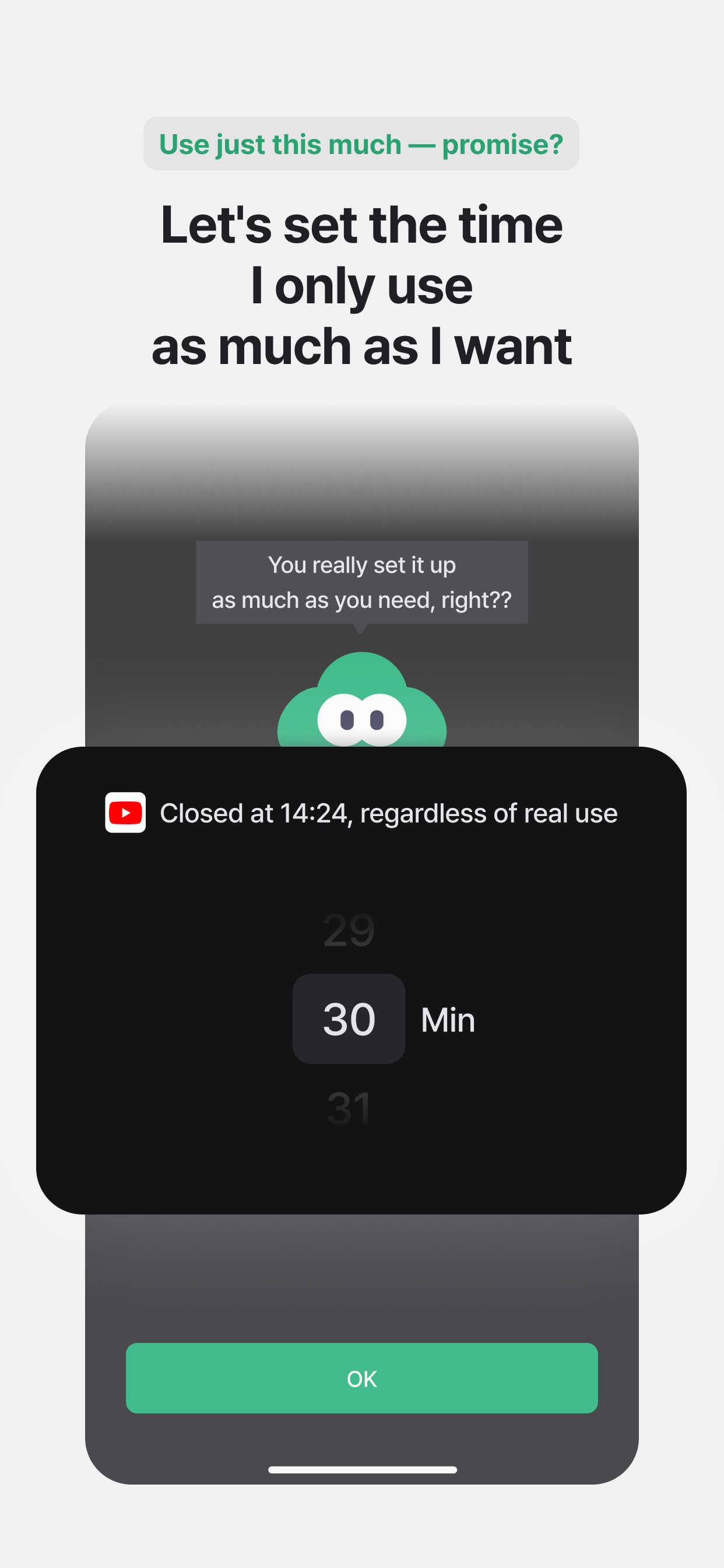
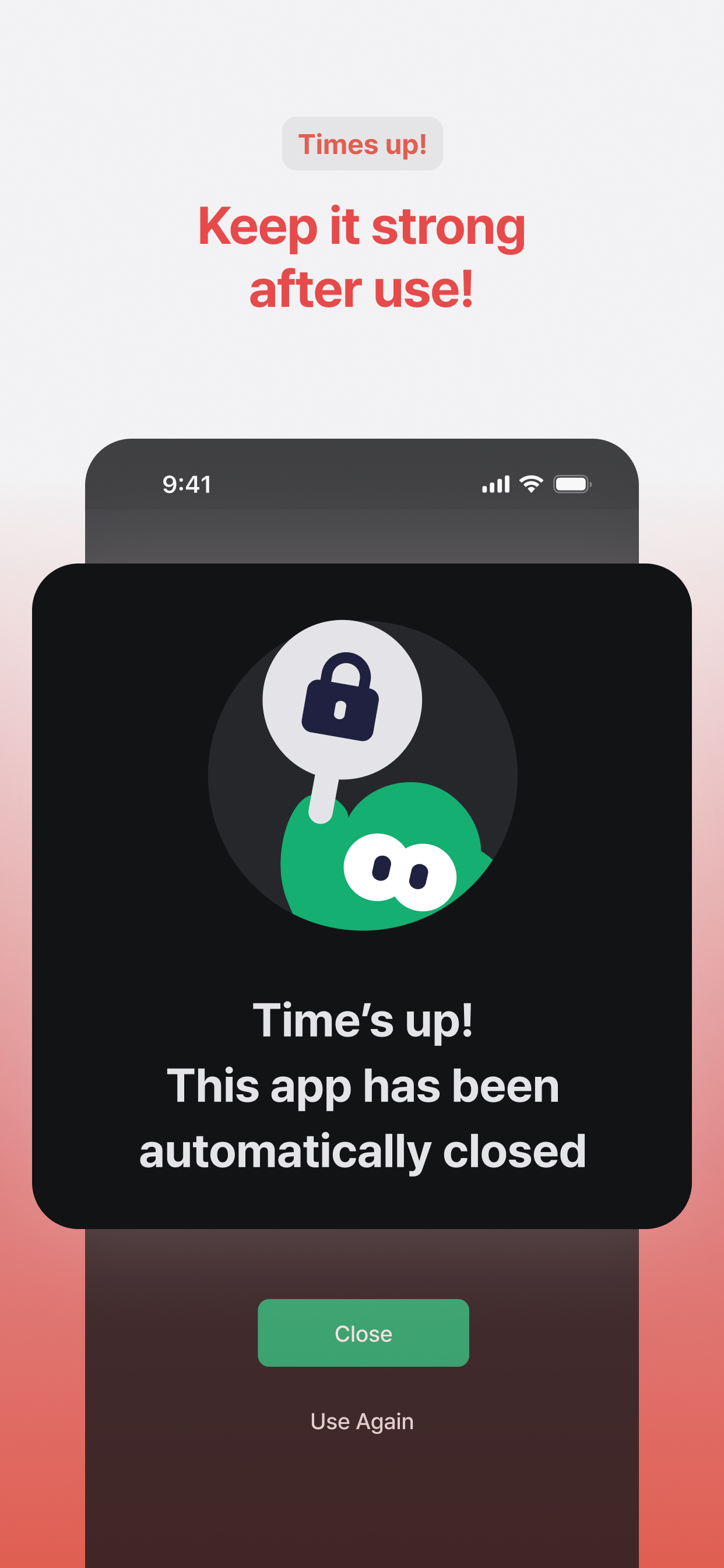
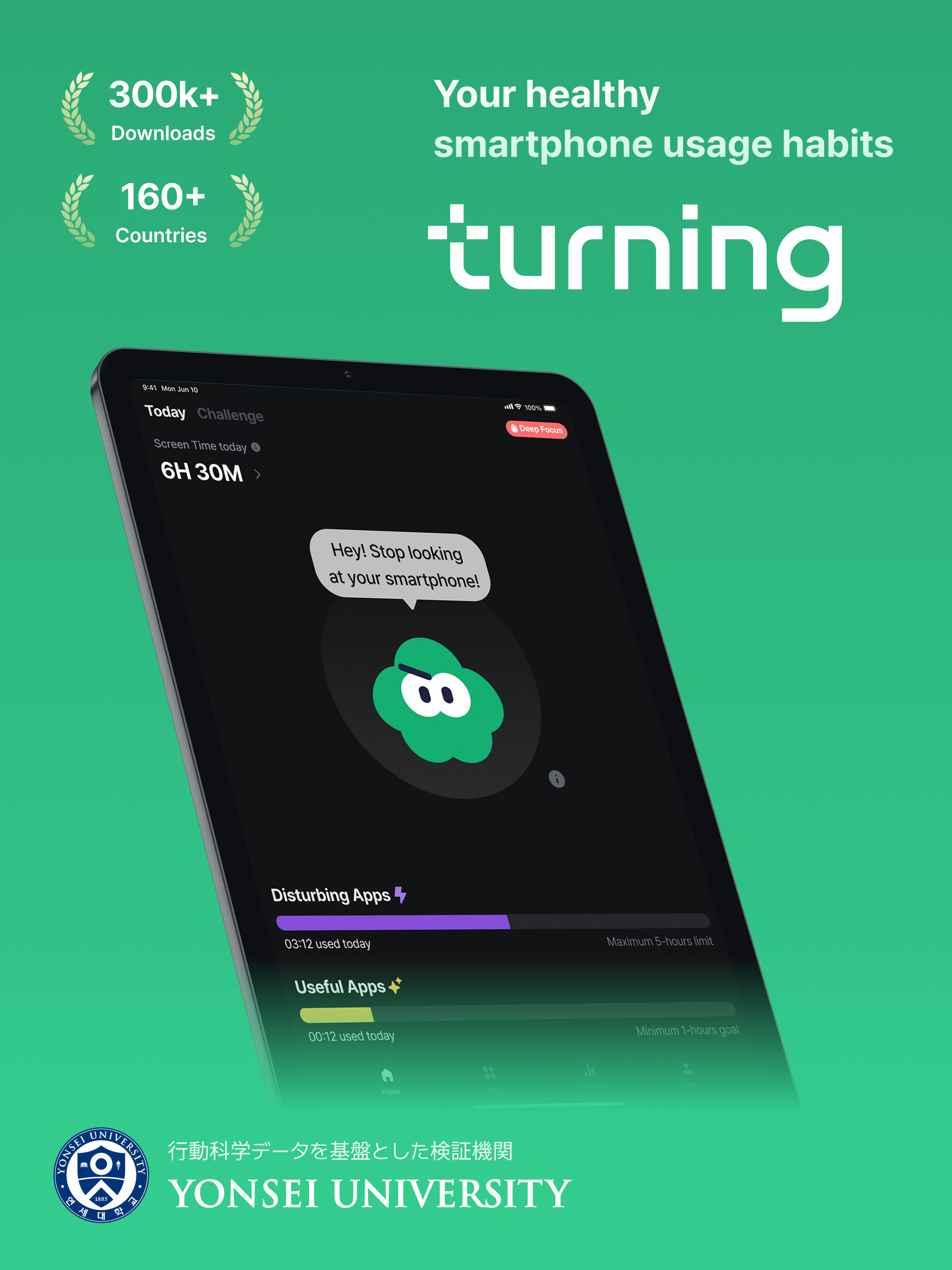
Users praise Turning for drastically cutting screen time, automatic distraction blocking, and its supportive focus on productivity, often while enjoying free features and activity monitoring. However, several reviews flag reliability problems: blocking can fail or block the wrong apps, reports can be inaccurate or glitchy, and the app sometimes logs users out. Updates and UI changes are also cited as detractors, at times worsening the experience. Overall, the app is valued for its effectiveness and cost-free nature, but stability and consistent tracking remain important concerns for multiple users. Pros
- Significant reduction in overall screen time.
- Automatic blocking of distractions once you sign up.
- Boosts focus, productivity, and even grades.
- Free features with no immediate paywall.
- Ability to monitor activity and see time spent per app.
Cons
- Distraction-blocking sometimes fails or blocks the wrong apps.
- Glitches and reliability issues, including inaccurate reports and occasional logouts.
- Updates/UI changes can degrade experience or cause new issues.
Recent reviews
앱 목록이 아무것도 안뜹니다.

by 주난*****, 2026-05-05
App updates AMD the update is not only not helpful it’s making my experience worse. It doesn’t block the apps I want it too. Doesn’t work

by wo*****, 2025-03-25
Upon the new update into the cloud mascot, the app has not been recording my screen time, nor the screen time of my apps accurately. It sometimes glitches and when I open the turning app for the report, it says that I have not used my disturbed app, when I have. Additionally it did not track my useful app usage at all.
I personally also feel that I like the zombie mascot better as it was more scary, and motivated me to close the apps. I can’t see much of a change in the status of the cloud icon. I wish there was an option to choose the theme maybe?
However, I do love this app, so I really hope my suggestions will be considered for the next update.
by .0*****, 2024-12-26
Best Turning: Screen Time & Routine Alternatives
Here are some Apple apps that are similar to Turning: Screen Time & Routine:

NoopDda - DigitalDetox & Focus
Glanz Studio
4.40  (69)
(69)
(69) 
TimeTamer: Screen Time Master
Vsevolod Miroshnychenko
0.00 (0)
(0) 
Screen Time Control: FocusMate
ADAPPS SOFTWARE
4.40 (18)
(18) 
Focus Timer: Stay Focused
Neurondigital Ltd
0.00 (0)
(0) 
Time Wallet: Unrot Your Brain
Kai Schwetz
4.50 (11)
(11) 
FocusMe: Screen Time Control
Vinx Solutions
5.00 (3)
(3) 
ScreenTimeTrack
集军 孟
5.00 (1)
(1) 
Screen Time Control-AppBlocker
Screen Time Control LLC
0.00 (0)
(0) 
Focus Lock: Limit Screen Time
Haleem Ullah
0.00 (0)
(0) 
Focus: Manage Screen Time
Sapan Kapur
5.00 (2)
(2) 
Lifeback: Screen Time Control
Control. Alt. Delete. LLC
4.50 (74)
(74) 
Resist : Screen Time Control
Stronger Apps
5.00 (2)
(2)