Overview

Rating:
3.10
(12)
Version:
1.0.4
Last updated: 2025-12-12
Ranking
#429,129 ▼ 14,835
Overall

Features & Capabilities

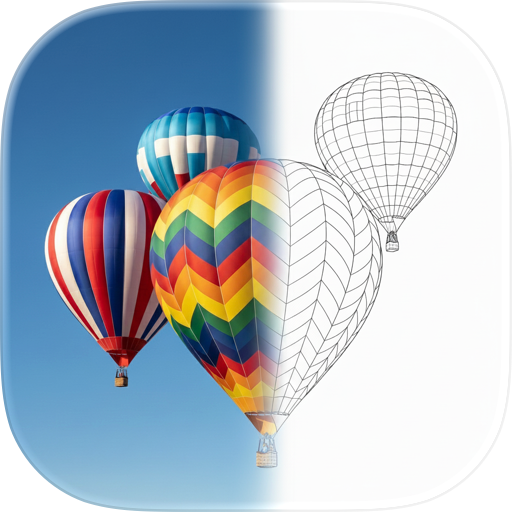
"Coloring Maker" is an app that allows you to create your own coloring book. Just take a picture of your favorite illustration with the camera, and you can immediately start coloring.

======================== Features of Coloring Maker

  • Simple coloring book app without subscription or membership registration
  • The feature is that you can make your own coloring book
  • Creating a coloring book is as easy as scanning images taken with a camera or downloaded.
  • You can give the coloring book made only with black lines to children and friends and have them play.
  • You can play by stamping on the coloring book
  • You can also make your own stamps.
  • You can save and share your coloring book

======================== Coloring Maker is recommended for these people!

  • I want to use a coloring book app that I can play immediately without subscribing or registering as a member
  • I want to play with my favorite picture as a coloring book
  • I want to enjoy coloring while talking with parents and children and friends
  • I want my child to color with the picture I drew
  • I want to concentrate on coloring without thinking
  • I want to make a line drawing of an illustration

======================== Coloring Maker Features

[Creating a coloring book]

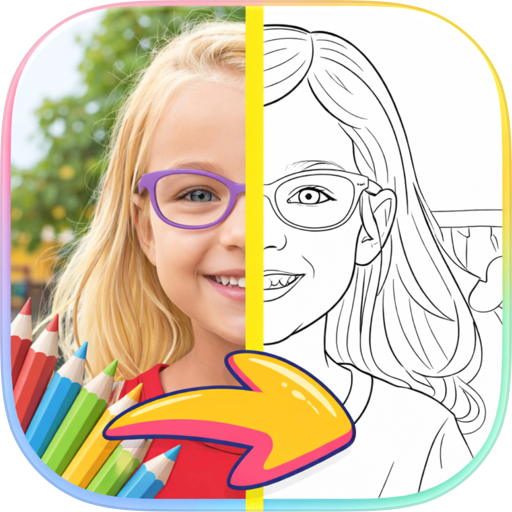
  • You can create outlines for coloring books from images taken with the camera or downloaded.
  • You can fine-tune the captured outline (adjust the density of the line and the strength of the transparency)
  • You can edit the captured outline (add with a pen, erase with an eraser)
  • You can create a coloring book by drawing the outline yourself, not from the image.
  • There are 50 levels of pen thickness that can be used for coloring books
  • Contours can be re-edited at any time
  • Can save images with outlines only (PNG format)
  • Up to 100 coloring books can be created (9 or more, advertisement viewing is required)
  • The coloring book can be deleted at any time

[Coloring book play]

  • You can paint and decorate the coloring book you made with the following tools
  • Pen (100 colors, 5 levels of thickness)
  • Pattern (3x types, 5 levels of thickness)
  • Stamps (3 sizes, you can add your own)
  • You can save the completed coloring book image.
  • Share to SNS, email, etc.

[Stamp making, play]

  • You can make a stamp that can be pressed from the top of the coloring book.
  • You can create stamps that can be used in [Coloring book play] in the same way as coloring books
  • You can import outlines from images even when creating stamps

[Others]

  • There is a child lock function
  • Prevent children from accidentally deleting or sharing coloring books
  • BGM, sound can be turned ON/OFF
  • You can undo the coloring operation.
  • The screen can be enlarged/reduced when creating coloring books and playing.

Terms of Use: https://mozkzki.github.io/apps/nurie_maker/terms_and_conditions/english Privacy Policy: https://mozkzki.github.io/apps/nurie_maker/privacy_policy/english

User Growth & Download Statistics

App
By:
Yutaka Kato
Rating:
3.10
(12)
Version:
1.0.4 Last updated: 2025-12-12
Version code:
880314733
Creation date:
2023-02-27
Compatible devices:
Size:
230.34MB
URLs:
Website ,Privacy policy
Full description:
See detailed description
Source:
Apple Apps Store
Data ingested on:
2026-07-20
Compare stats and ranking:

Contact the developer

Chrome-Stats does not own this Apple app. Please use these information below to contact the Apple app developer.
Developed by:
Yutaka Kato
Apple Apps Store
https://apps.apple.com/jp/app/coloring-maker/id6445834909?l=en-US
Website:
http://mozksoft-apps-nurie-maker.s3-website-ap-northeast-1.amazonaws.com/index.html

Best Coloring Maker Alternatives

Here are some Apple apps that are similar to Coloring Maker: