
 English
 Español
 Français
 Português
 日本語
日本語 简体中文
简体中文 한국인
한국인




Features & Capabilities
User Growth & Download Statistics
App
- By:
- Orgajja
- Rating:
- 1.70 (12)

- Version:
- 4.47 Last updated: 2016-07-09
- Version code:
- 841405812
- Creation date:
- 2012-01-27
- Compatible devices:
- Size:
- 14.36MB
- Full description:
- See detailed description
- Source:
- Apple Apps Store
- Data ingested on:
- 2026-07-02
- Compare stats and ranking:
-
For Developers
Contact the developer
Chrome-Stats does not own this Apple app. Please use these information below to contact the Apple app developer.
User Reviews
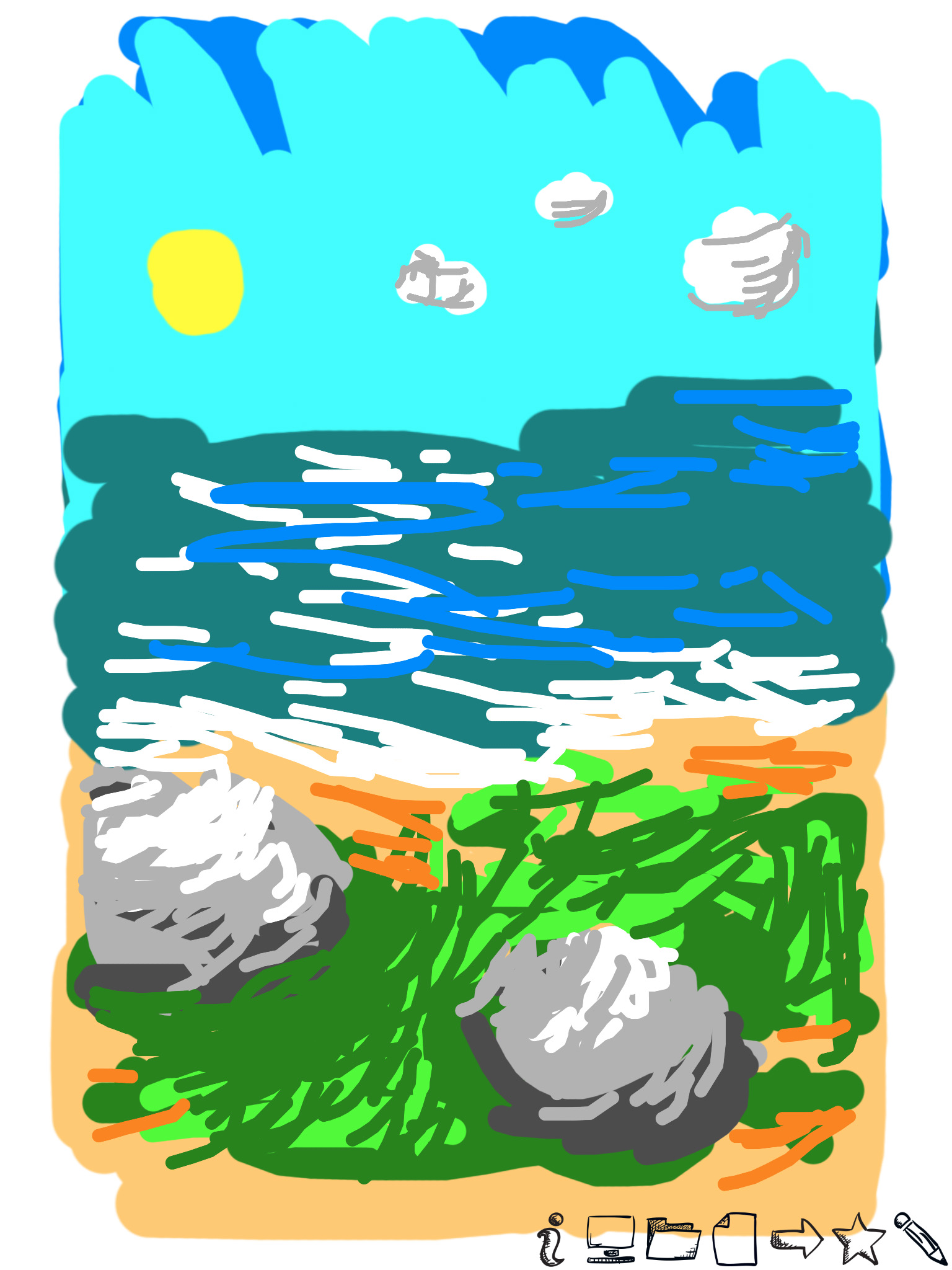
Reviewers consistently praise Draw for its easy-to-use, intuitive interface and being a free, beginner-friendly drawing option. However, most feedback centers on serious reliability issues: saving and exporting drawings often corrupts or flips upside-down; crashes and lag hamper work; key editing tools are missing (eraser, fill tool, shapes, straight lines); and UI glitches disrupt the drawing process. Several users report losing progress or artworks after saving, and some features work only inconsistently across devices (iPad vs iPhone). Overall, it’s easy to pick up but the app needs major stability and feature improvements. Pros
- Easy-to-use and intuitive drawing interface.
- Free app with beginner-friendly features and a few unique brushes.
- Good for quick sketches and simple projects.
- Simple and straightforward enough for beginners to learn.
Cons
- Save/export corruption and data loss (upside-down saves, random lines/blobs, erased progress).
- Frequent crashes, lag, and other performance glitches during drawing or saving.
- Missing essential tools (eraser, fill/paint bucket, straight lines/shapes) and limited editing options.
- UI/UX issues that hinder drawing (buttons obstruct the drawing area, sparkles misbehave, some features or buttons don’t work).
- Inconsistent save reliability across devices and overall reliability concerns (crashes, distortion on reopen).
Recent reviews
I finished drawing something and went to save it. When I went back to look at it, the drawing had a bunch of random scribbles all over it! I decided to try again just in case, but it does it every time. Please fix this it's really frustrating.


by Ta*****, 2016-08-19
No way to save, if you leave the app for a moment then come back it will erase everything you have. I don't recommend this at all.
by De*****, 2015-11-03
I used to have this app on my iPad and I thought it was great; I especially loved to draw over my photos. However, I downloaded it on my iPhone to use it the same way but I found out that half of the utilities/buttons do not work. The photo gallery button doesn't work, and the paint brush buttons do not work after I used the fancy glowing brushes. Only the glowing brushes and the artwork gallery buttons seems to work-- which both I'm not interested in. I'm disappointed in this app, and I wished it actually worked like it is supposed to.
by De*****, 2015-09-26
Best Draw Alternatives
Here are some Apple apps that are similar to Draw:


Draw
Orgajja Co Ltd
2.50  (2)
(2)
(2) 
Sketch
Orgajja
4.00 (1)
(1) 
Doodle
Orgajja Co Ltd
3.30 (8)
(8) 
Drawing ▫
Vora Bhavik
4.10 (15,082)
(15,082) 
Drawly - Random & Joy
Tara Grinna, Inc.
3.70 (3)
(3) 
Drawing Desk: Sketch Paint Art
Farida Afrose
4.30 (14,979)
(14,979) 
Draw Master - Art Maker
瑞媚 杨
4.50 (504)
(504) 
TechDraw min
Kelly Technology Inc.
4.70 (6)
(6) 
CADraw
诚 张
2.90 (10)
(10) 
DrawEase
Felipe Marques de Barros
4.30 (38)
(38) 
Drawing Desk paint,draw,papers
Chaochuan Zhang
4.30 (5,897)
(5,897) 
Bantam Tools Draw
BantamTools
4.80 (4)
(4)