 English
 Español
 Français
 Português
 日本語
日本語 简体中文
简体中文 한국인
한국인




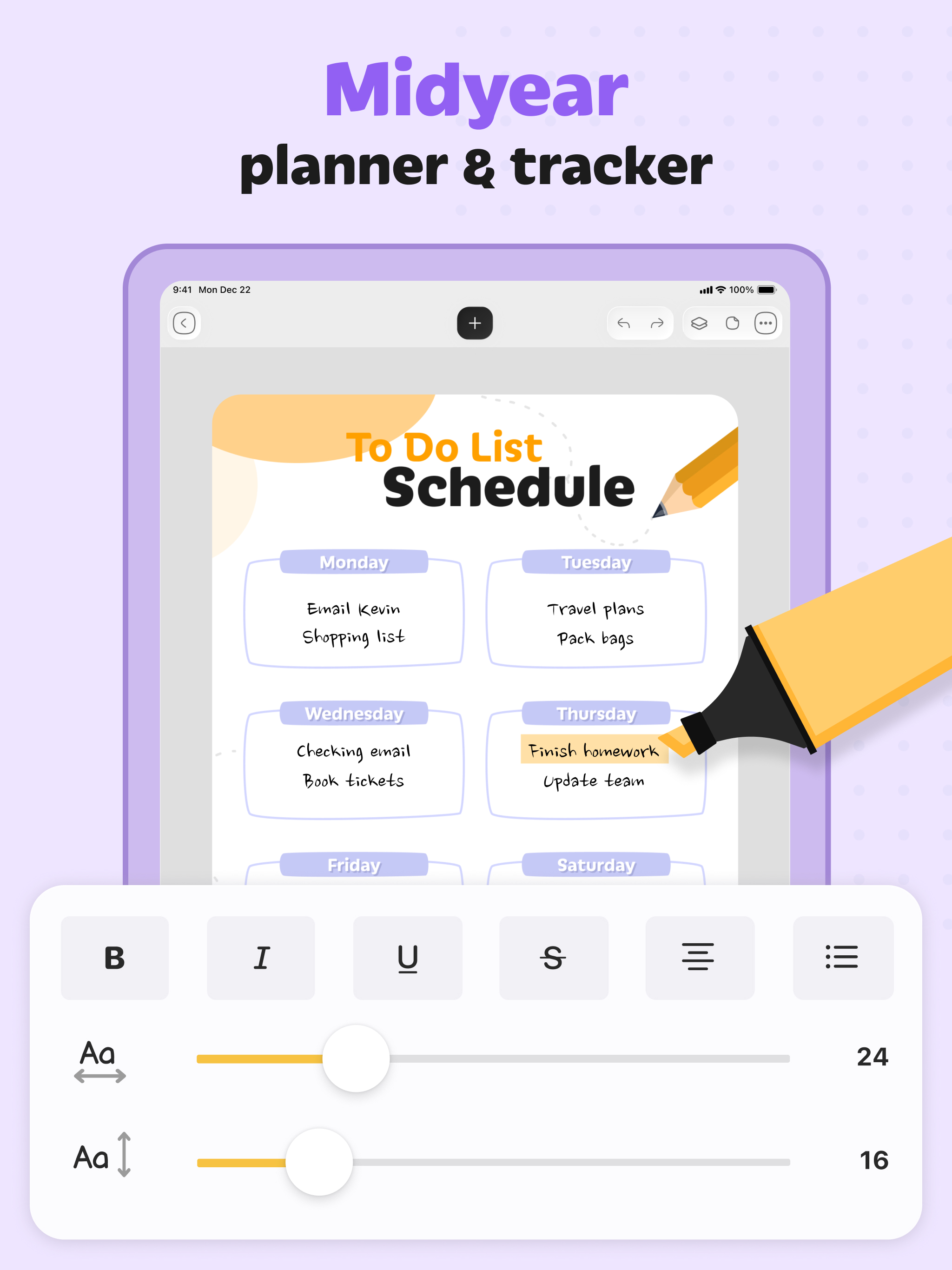
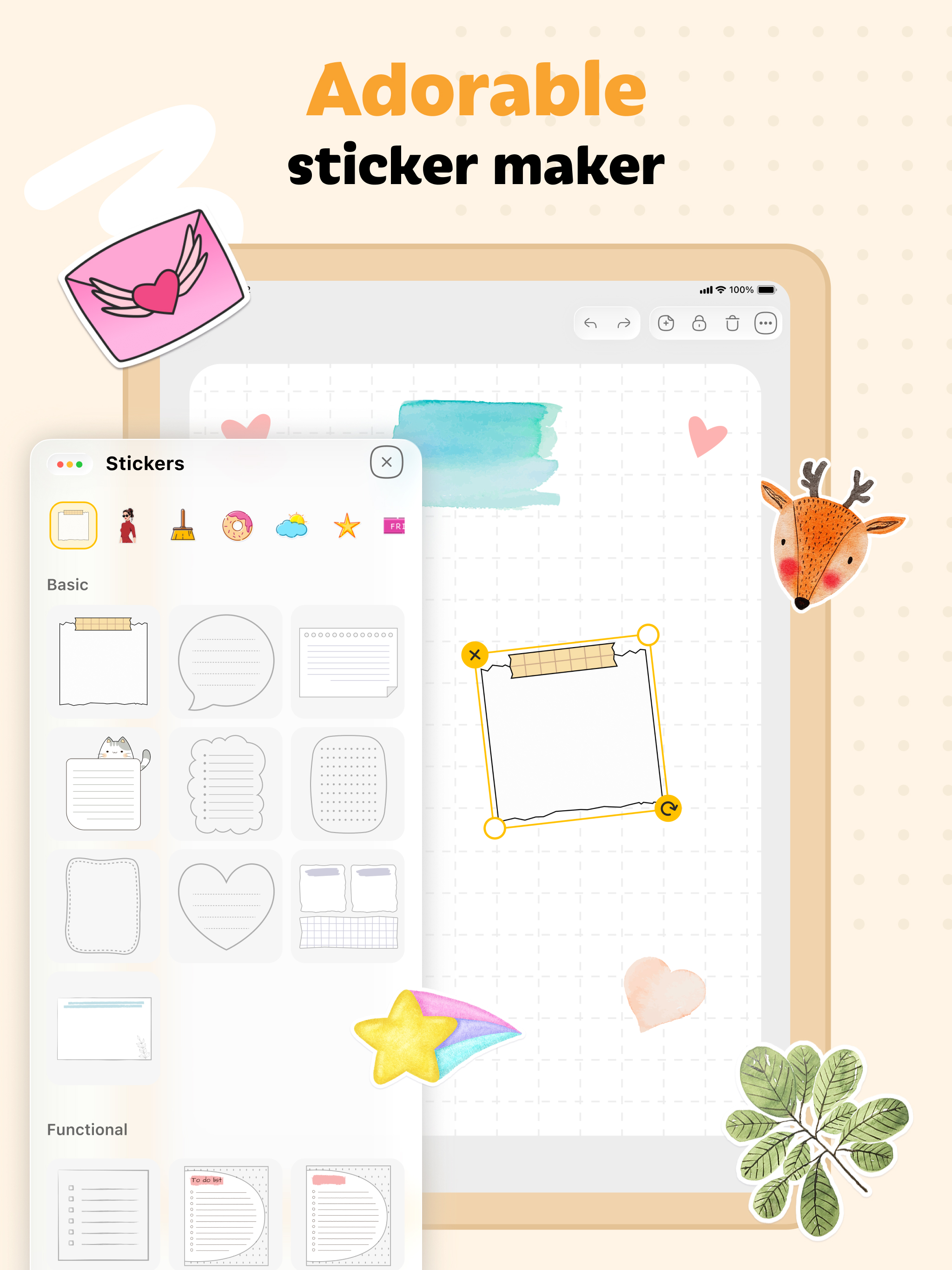
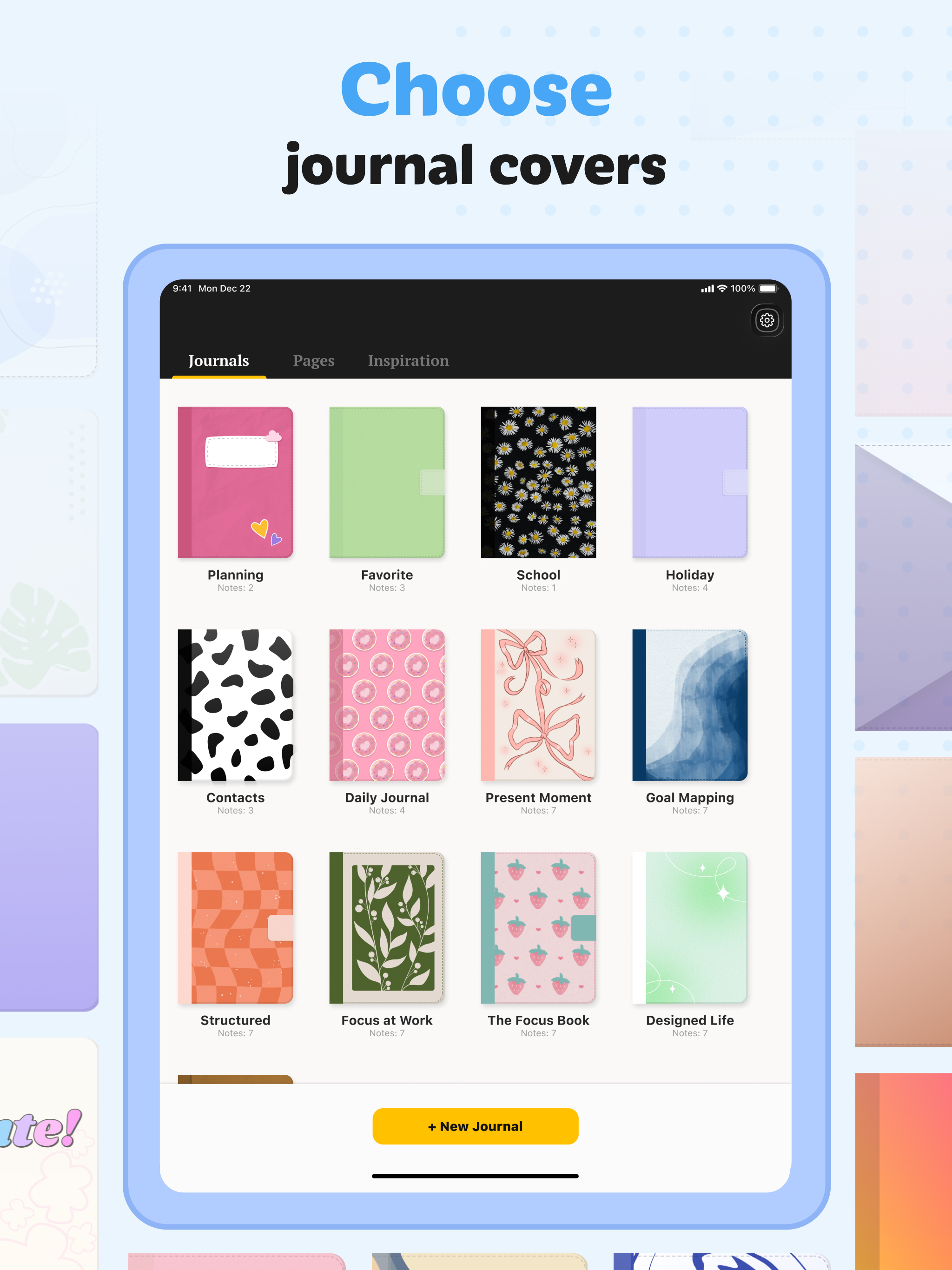
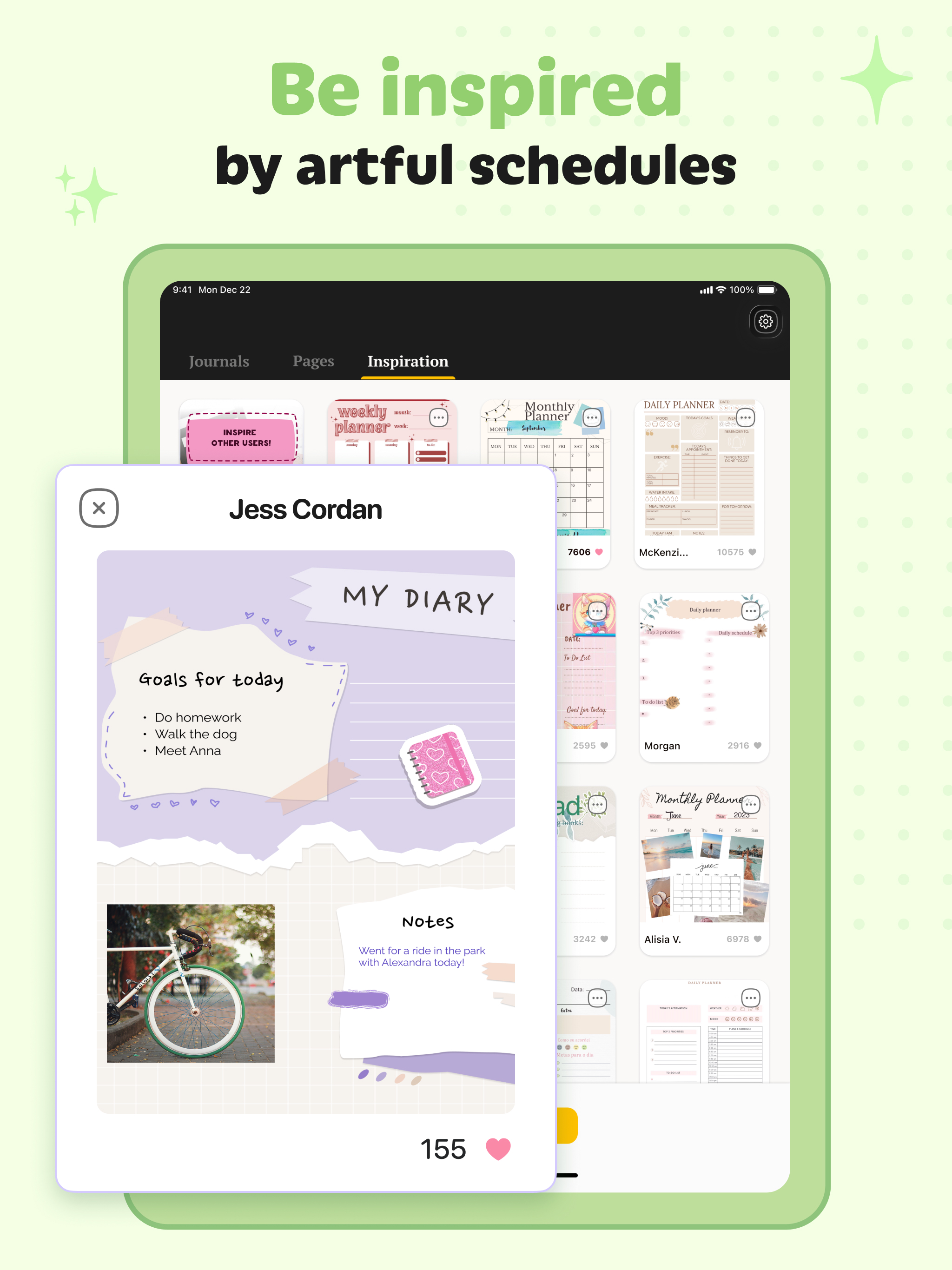

Características y capacidades
Crecimiento de usuarios y estadísticas de descarga
- Por:
- ToolStyle
- Calificación:
- 4.30 (14,145)
 19 new ratings
 - Versión:
- 1.13.1 Última actualización: 2026-05-31
- Código de versión:
- 886342165
- Fecha de creación:
- 2022-07-01
- Dispositivos compatibles:
- Tamaño:
- 253.17MB
- URLs:
- Política de privacidad
- Descripción completa:
- Ver descripción detallada
- Fuente:
- Apple Apps Store
- Datos ingeridos el:
- 2026-06-03
- Comparar estadísticas y clasificación:
- Digital Planner – Task Journal vs Pencil Calendar: Daily Planner
- Digital Planner – Task Journal vs Weekly Planner: Agenda Journal
- Digital Planner – Task Journal vs Daily Planner: Week Organizer
Clasificación
Para desarrolladores
Contacta con el desarrollador
Chrome-Stats no es propietario de este App de Apple. Utilice esta información a continuación para ponerse en contacto con el desarrollador de App de Apple.
Opiniones de usuarios
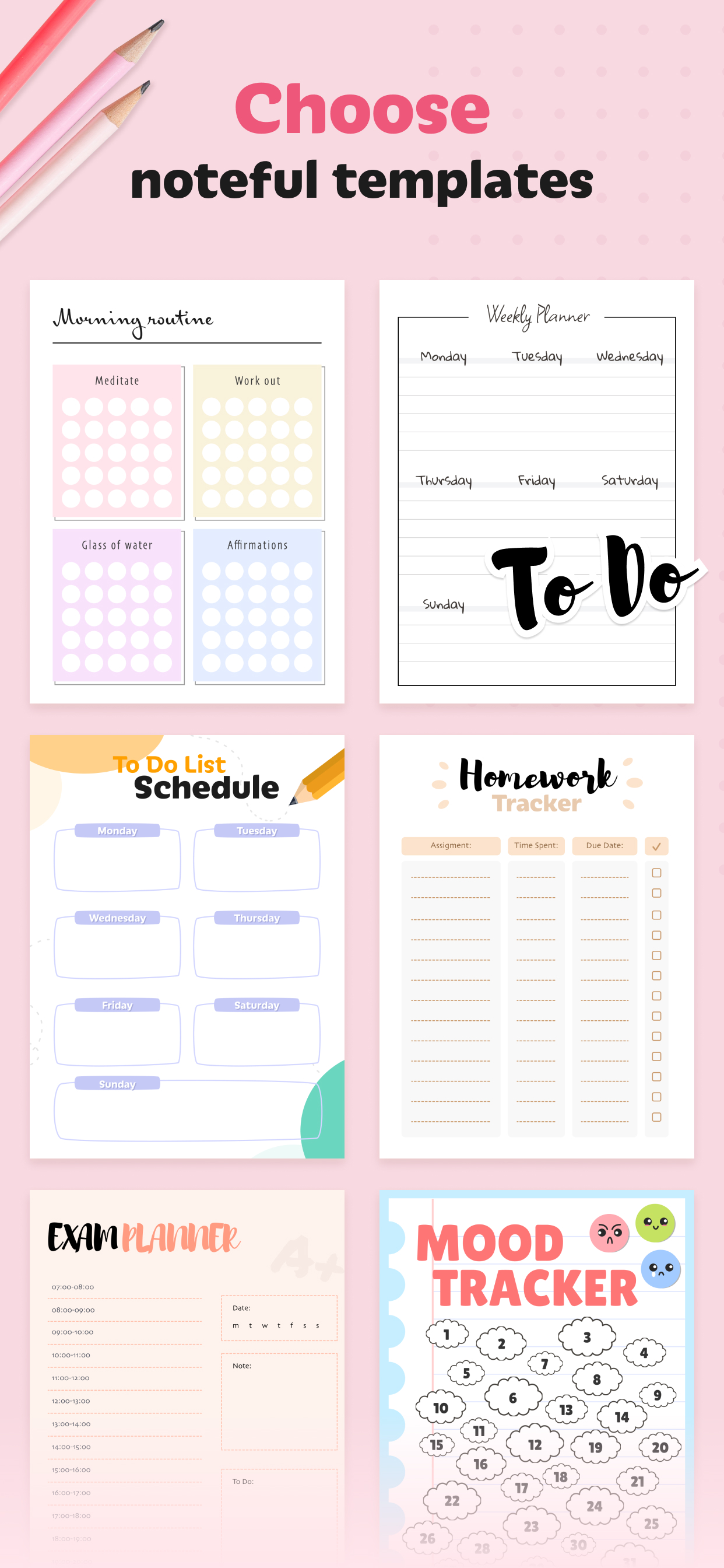
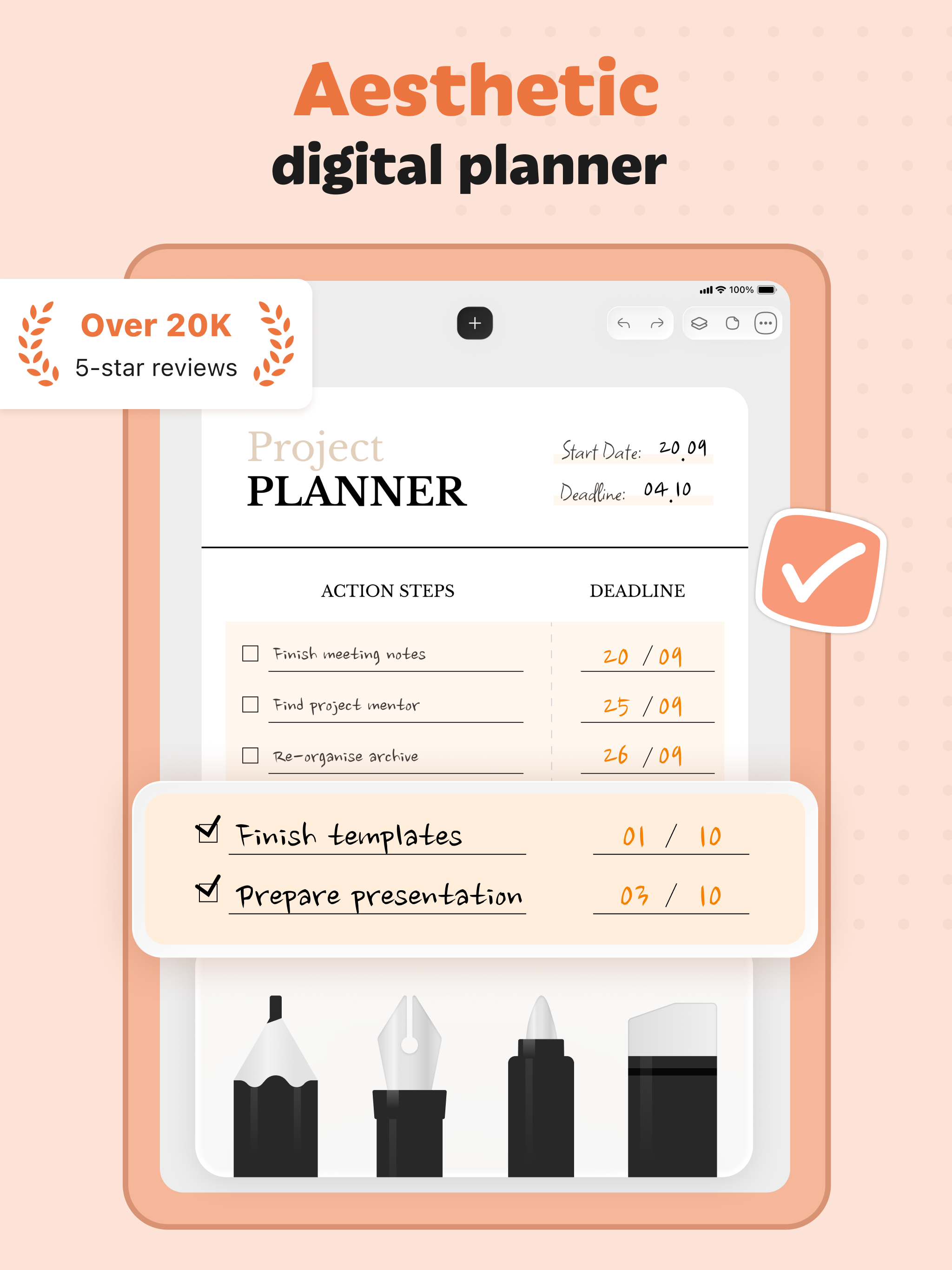
Most reviews praise Digital Planner for being fun, well-designed, and helpful for organizing daily, weekly, and monthly plans with templates. However, many users criticize the app for requiring a paid subscription to access most features, unclear in-app purchases, and frequent reliability and performance issues. The overall experience depends on paying for premium features, while free functionality is often limited. Ventajas
- Fun and helpful for planning and journaling.
- Well-designed interface with multiple options for customization.
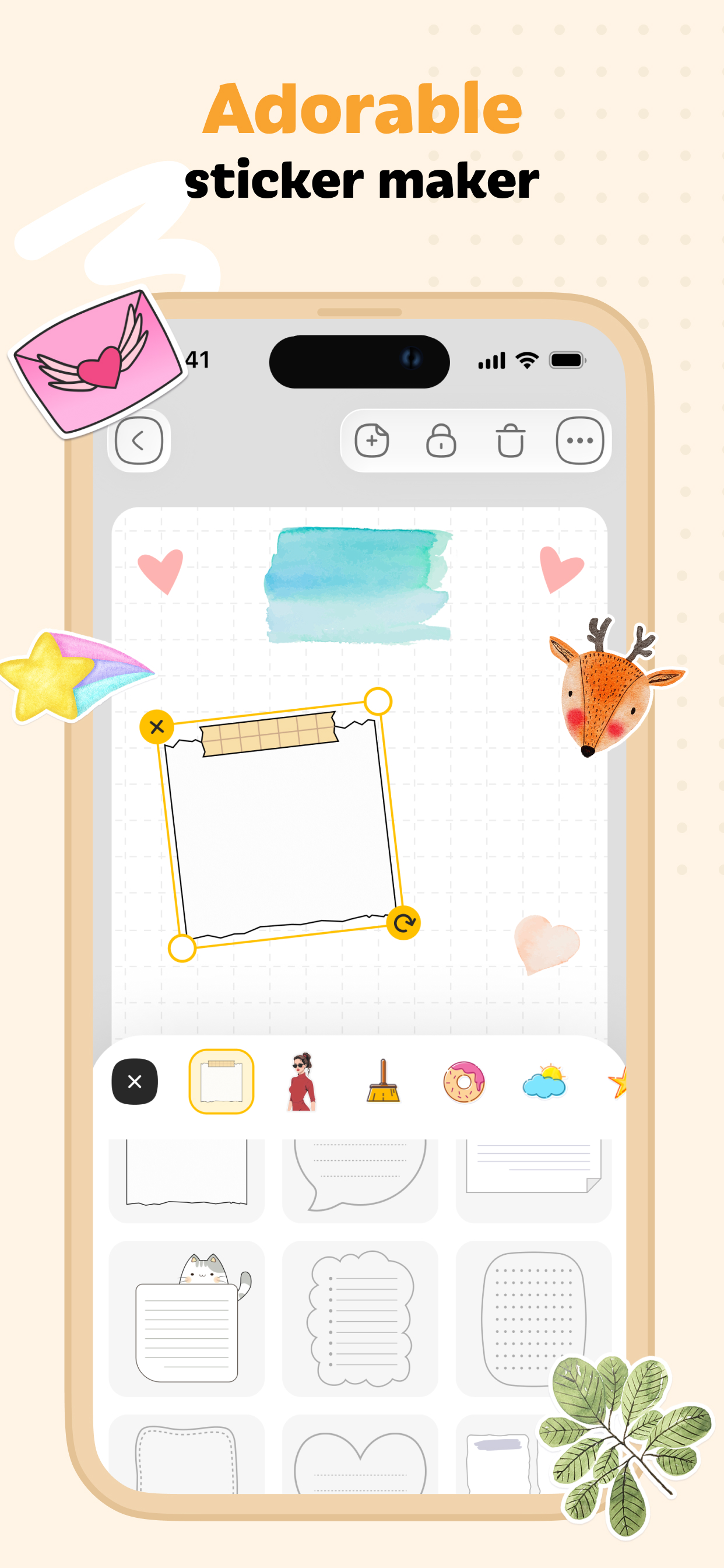
- Offers templates, decorations, and cover options for page design.
- Supports yearly, monthly, weekly, and daily planning.
- Some features and basic functionality are usable without a paid subscription.
Contras
- Most features require a paid subscription; the app heavily emphasizes paid access.
- Persistent prompts to start a free trial and unclear in-app purchases.
- Stability and performance issues, including crashes and slow typing.
- Limited editing controls and problematic layer management (difficult to move/resize layers, misalignment on reload).
- Perceived high cost and paywalls make it feel not worth the price.
Reseñas recientes
I love it because you get like keep track of the day❤️

por me*****, 2026-05-21
Maybe I’m just not familiar with how to use these kind of apps but this particular one was really hard to use. I couldn’t change the size of the font and whenever I wanted to move a text box to the left-hand side, it would be covered by the text box editor. I also expected there to be way more templates to use for $70 a year. My biggest pet peeve though was that there was actually no way to straighten or center any picture, sticker, or text box. There is no grid to tell you when it was centered or if it was not Straight.

por Ja*****, 2026-05-18
Basically, at first when I saw this stuff, I was so excited because I knew it was free but then all the sudden and then I came in the game looked very beautiful and fun but like it said that you have like buy and subscribe but then like it said two months and I’m like per two months only 25 or $24 but whatever but then I wanted to do it for free, but there was no error button that said we so you could like actually play and stuck on that game like I don’t know how to actually play the game. Do you have to have to buy to literally like play it but I still like it because it looks cool but I’m really sad about what happened. Please fix this bug or tell me what to do please read this please please please 🙏 but still this is a good app.
por Hi*****, 2026-05-14
Mejores alternativas Digital Planner – Task Journal
Aquí hay algunas Apple apps que son similares a Digital Planner – Task Journal:


Pencil Calendar: Daily Planner
Simpledio, LLC
4.50  (10,036)
(10,036) 
Weekly Planner: Agenda Journal
Creative Workshop
4.40 (106)
(106) 
Daily Planner: Week Organizer
Kuldeep Ghoghari
0.00 (0)
(0) 
Planote - Daily Planner Tasks
Focus On Timetable Schedule Group
4.90 (18)
(18) 
Dream Planner: AI Goal Plan
Appeneure Technologies Private limited
0.00 (0)
(0) 
Daily Planner & To Do List
jinal alagiya
4.80 (8,925)
(8,925) 
Paper Planner, Diary, Calendar
Digital Legal Tech
4.60 (1,109)
(1,109) 
Artful Agenda
Artful, LLC
4.70 (14,713)
(14,713) 
1DAY: Planner & Time Tracker
Emil Abdullin
0.00 (0)
(0) 
iPlan Today - Pencil Planner
DEEP P PATEL
5.00 (14)
(14) 
Your Life Planner
昆能 沈
5.00 (1)
(1) 
Todo list Routine Planner
MEHMOOD AHMAD
0.00 (0)
(0)