Contact Exporter Backup Sync
The ultimate tool to backup, export, and transfer your contacts locally. Convert address book to Excel, CSV, or VCF instantly. 100% private & secure.
The Ultimate Contact Management Solution for iPhone
Are you looking for a secure, fast, and reliable way to backup and export your contacts? Export Contacts: Backup Excel is the professional choice for managing your address book. Whether you need to transfer contacts to a new phone, convert them to a spreadsheet for Outlook, or simply keep a safe offline copy, our app does it all in seconds.
KEY FEATURES
Professional Excel & CSV Export
Transform your messy address book into an organized spreadsheet.
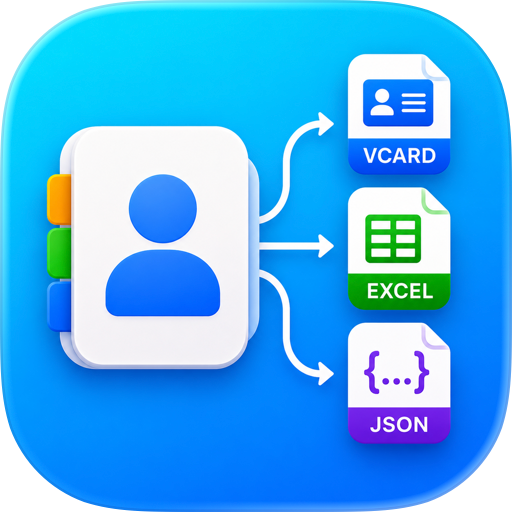
Export to Excel (.xlsx): Perfect for viewing and editing on your computer.
Export to CSV: Compatible with Outlook, Gmail, Excel, and most CRM software.
Customize Fields: Choose exactly which details to export (Phone numbers, Emails, Addresses, Notes, etc.).
Smart Contact Transfer & Migration
Moving to a new device? We make it effortless.
Cross-Platform Transfer: Easily move contacts between iPhone, iPad, and other devices.
VCF (vCard) Support: Generate standard.vcf files that can be opened on any smartphone or computer.
Share Instantly: Send your backup file via Email, AirDrop, iMessage, WhatsApp, or save it to Files.
100% Private & Offline Backup
Your privacy is our top priority.
No Cloud Uploads: All processing happens locally on your iPhone. Your contacts never leave your device.
No Sign-In Required: Start backing up immediately without creating an account.
Offline Access: Backup your contacts even without an internet connection.
Address Book Cleanup
Keep your phone book organized and clutter-free.
Manage Groups: Organize your contacts into groups for easier exporting.
WHY CHOOSE US?
Universal Compatibility: Our exported files work seamlessly with Microsoft Excel, Google Sheets, Apple Numbers, and Outlook.
User-Friendly Interface: Designed for simplicity. Backup your entire contact list with just one tap.
Lightweight & Fast: Optimized for iOS 17 and the latest iPhone models to handle thousands of contacts without lag.
Reliable Recovery: Accidentally deleted a contact? Restore it easily from your saved backup files.
Note: This app respects your privacy. We do not access, store, or share your contact data on any external servers.
=== Subscription options ===
The app is free to download, but to access premium features, a subscription is required. With the subscription, you'll enjoy uninterrupted access to our premium features. Your subscription will automatically renew at the end of each term, and your credit card will be charged through your iTunes account within 24 hours before the end of the current period.
If you wish to cancel the automatic renewal of your subscription, you can do so at any time by accessing your iTunes account settings. However, please note that refunds will not be provided for any unused portion of the term. To ensure a successful cancellation, please make sure to turn off auto-renewal at least 24 hours before the end of the current period.
Terms of use: https://contacttransfer.andyrgb.com/terms
Privacy Policy: https://contacttransfer.andyrgb.com/privacy
Download Export Contacts: Backup Excel today and take full control of your address book data!
Chrome-Stats does not own this Apple app. Please use these information below to contact the Apple app developer.

 English
 Español
 Français
 Português
 日本語
日本語 简体中文
简体中文 한국인
한국인


 (1)
(1)