Features & Capabilities

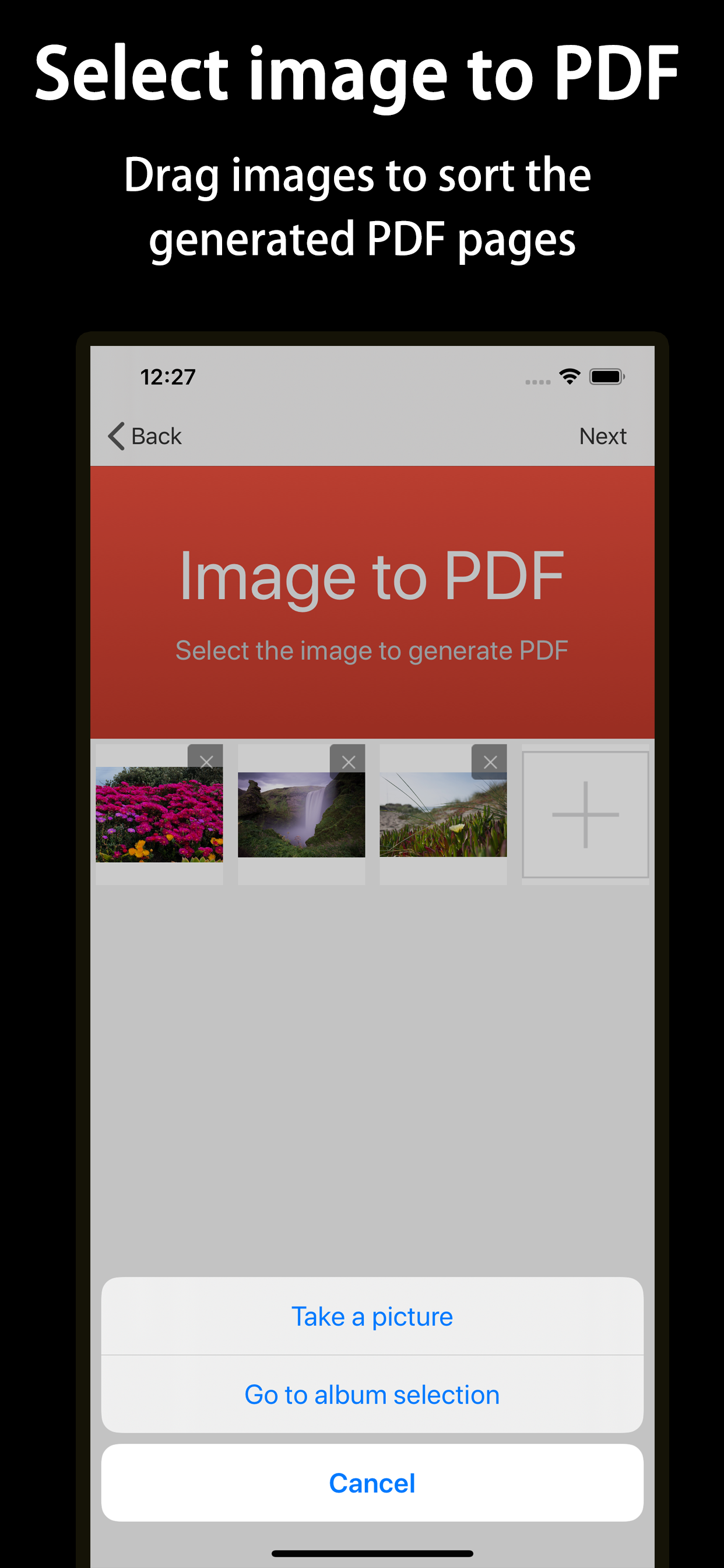
With HelloPDF, you can convert one or more pictures into PDF documents in just a few simple steps.

  1. Open HelloPDF;
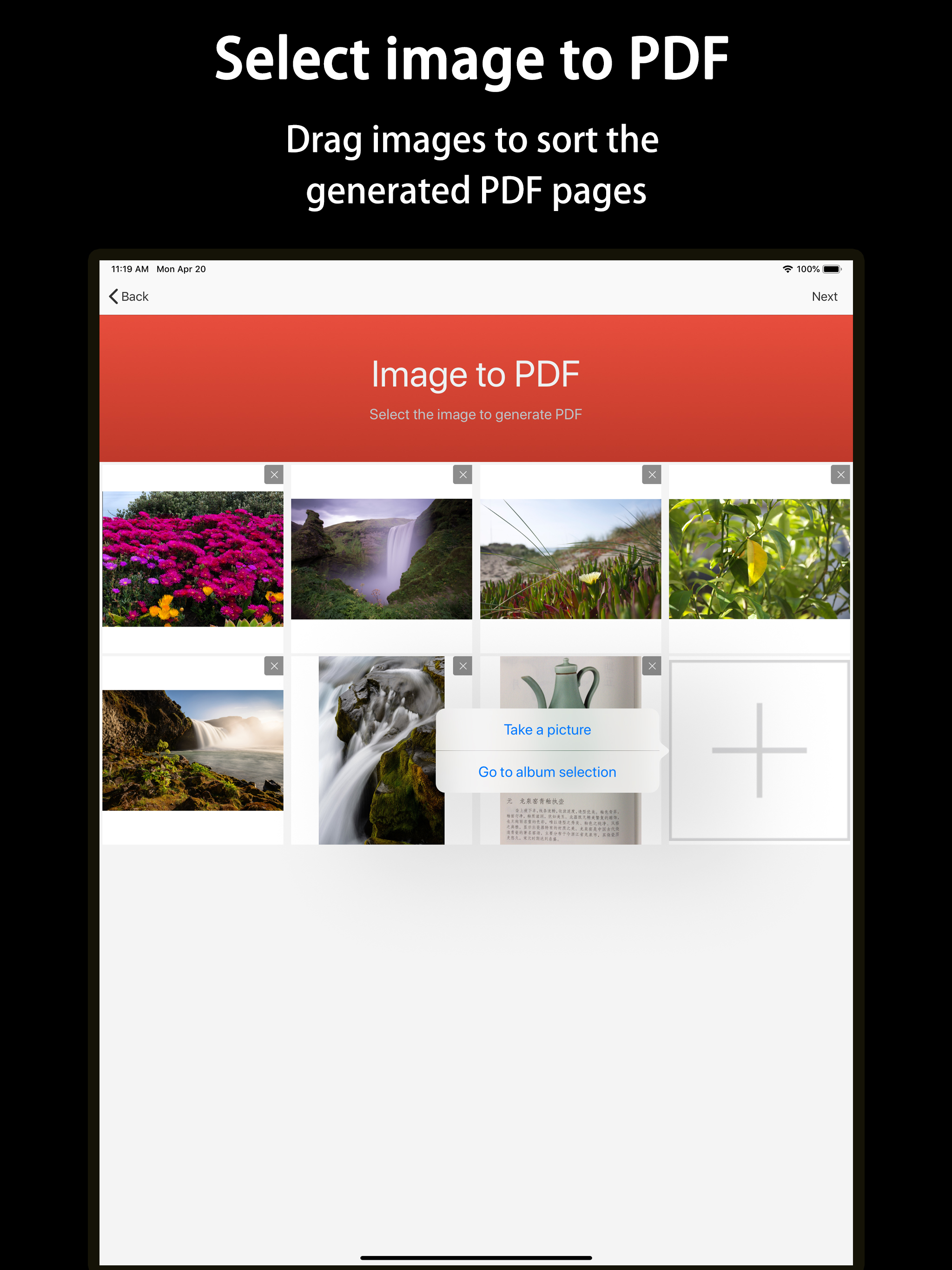
  2. Select or take a photo and scan the photos, and drag the photos by finger to sort;
  3. Click the Next button, you can share the converted PDF document immediately, and the PDF document is automatically saved in your mobile phone;
  4. If you need to get a document with a pure white background, please enable the "Clear Dark Background" function in the settings; Very simple operation, with HelloPDF, you can create perfect PDF documents. With HelloPDF, you will have more efficient productivity.

HelloPDF features:

  • Convert multiple pictures at once * You can select any number of photos to convert to PDF files at once, and there is no limit on the number.

  • Support picture "clear dark background" For the printed document, the photographed photo will have a partially wrinkled or dark background. In the settings, activate the "Clear Dark Background" function, and you can get a PDF printed document with a white background.

  • Support the creation of high-definition PDF * You can select the original image to create a higher-resolution PDF file.

  • Any size PDF * You can set any size PDF to adapt to various print sizes or special size requirements.

  • Fast and safe * The entire conversion process does not need to access the network, all your images and files are just stored on your device, and the conversion is completed in a few seconds without the need for a network.

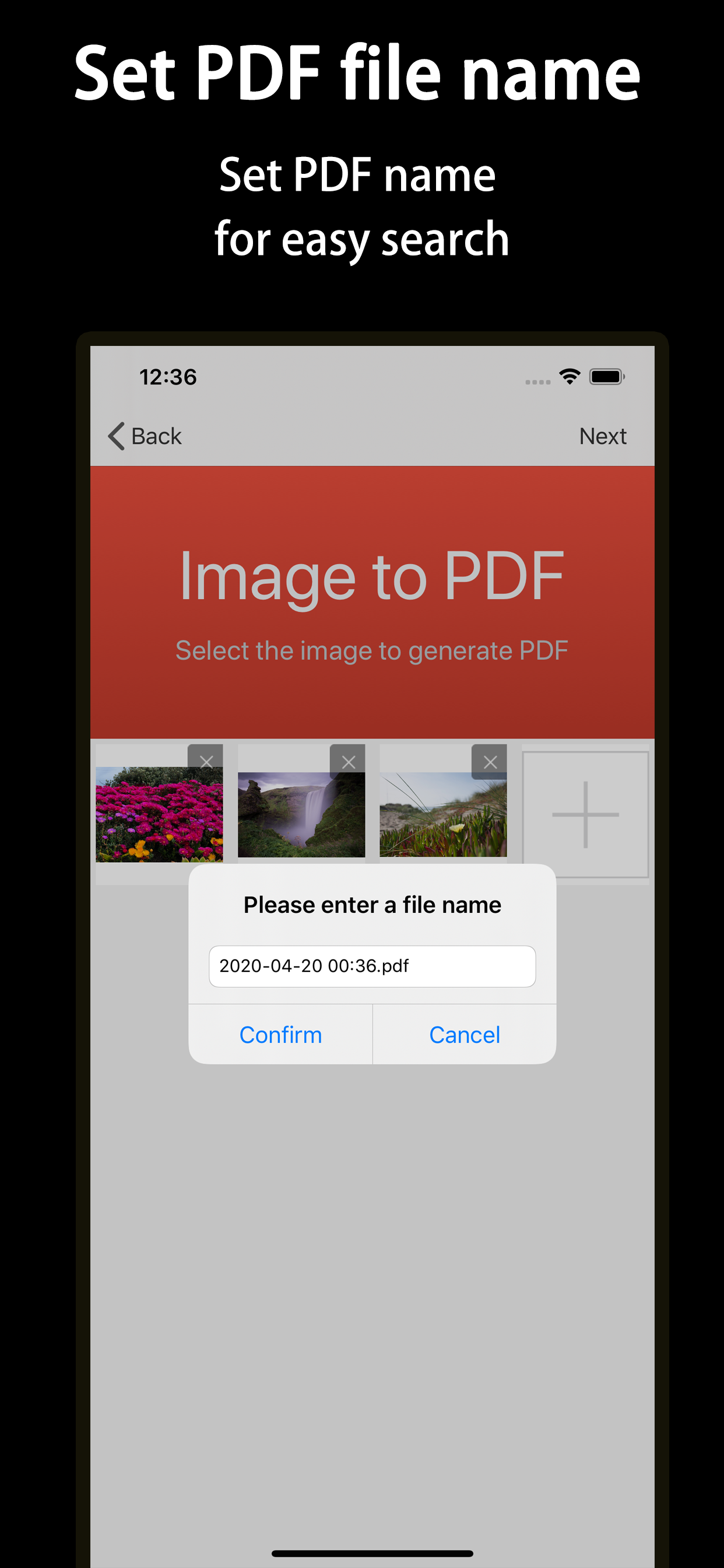
  • Manage PDF * In order to facilitate your viewing, all your converted PDFs are stored in your APP in the form of a list. The list picture is the first picture of your PDF. You can enter the file name and other information to quickly search or browse your PDF.

  • Sharing and printing * You can share the converted PDF document anywhere or print it online

Unlimited access to membership subscription

  • You can have unlimited access to all features in the app through this subscription.

  • Subscriptions are available on a monthly, or annual basis, depending on the subscription plan selected.

  • Your iTunes account will be charged when you confirm your purchase.

  • You have 24 hours before the end of your current subscription to turn off auto-renewal or it will automatically renew.

  • Subscriptions will be charged to your account 24 hours before the end of your current subscription, depending on the plan you choose.

  • Users can manage their subscriptions, and after purchase, they can go to their user account to set up automatic subscriptions to be turned off.

  • Any unused free subscription time will be voided after the user purchases a subscription.

Privacy Policy: http://www.dazhuogroup.com/img2pdf/privacy_statement_en.php Terms of Use: http://www.dazhuogroup.com/img2pdf/terms_of_use_en.php

If you have any questions or questions, please go to http://www.dazhuogroup.com/img2pdf/ and use our customer support email feedback

User Growth & Download Statistics

App
By:
Shanghai Dazhuo Information Technology Co., Ltd.
Rating:
4.80
(18)
4.80
Version:
1.3 Last updated: 2024-06-27
Version code:
867031251
Creation date:
2020-04-20
Compatible devices:
Size:
38.23MB
URLs:
Privacy policy
Full description:
See detailed description
Source:
Apple Apps Store
Data ingested on:
2026-07-11
Compare stats and ranking:

Contact the developer

Chrome-Stats does not own this Apple app. Please use these information below to contact the Apple app developer.
Developed by:
Shanghai Dazhuo Information Technology Co., Ltd.
Apple Apps Store
https://apps.apple.com/us/app/hellopdf-pdf-converter-scanner/id1508862361

Best HelloPDF-PDF Converter&Scanner Alternatives

Here are some Apple apps that are similar to HelloPDF-PDF Converter&Scanner: