
DR Scanner - PDF Scanner Apple

DR Scanner - PDF Scanner

By: SINOSEA
OCR and Camera Scan to PDF

Features & Capabilities

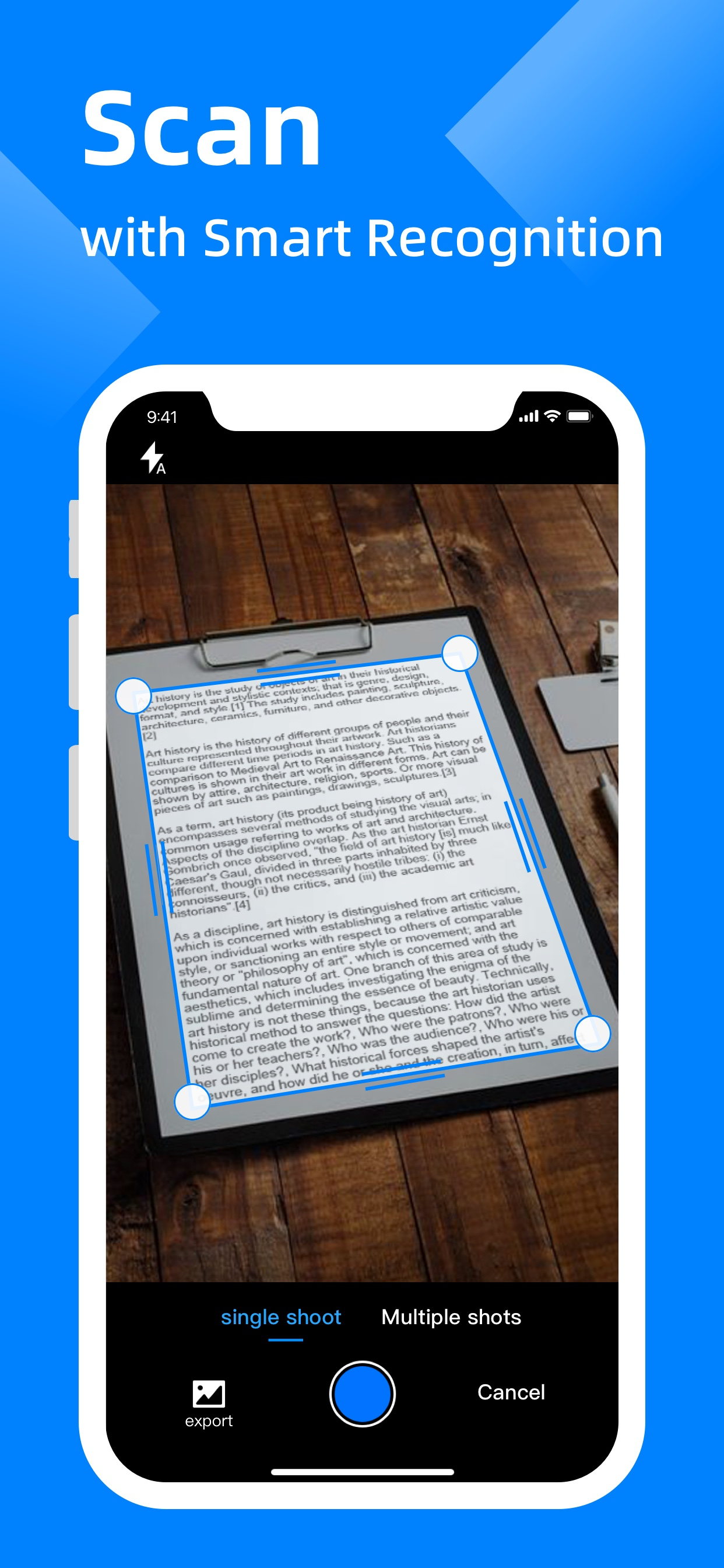
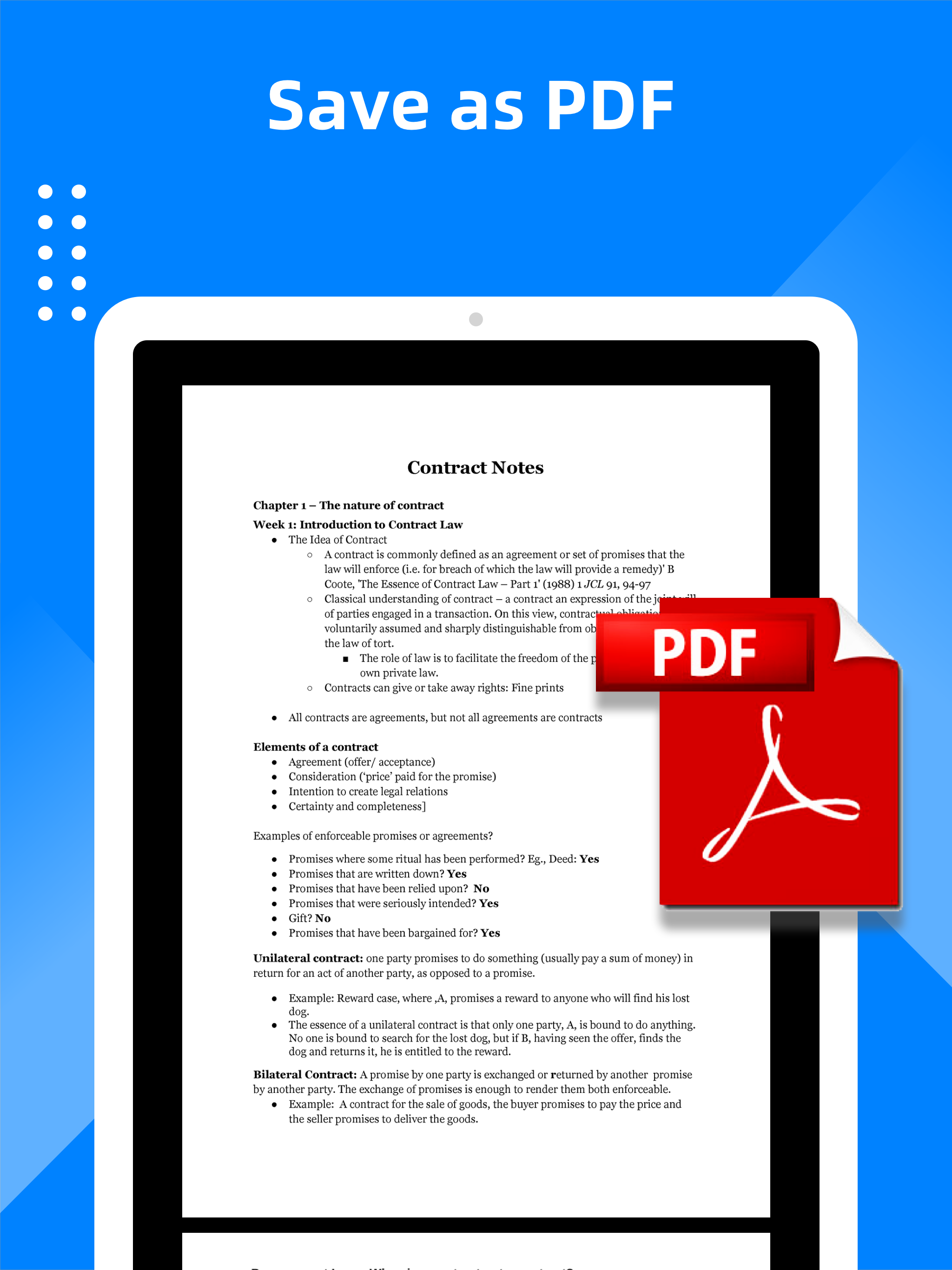
DR PDF Scanner is a powerful and easy-to-use scanner app that will turn your mobile into a scanner. You can easily scan various documents, notes, and certificates and share any document in PDF or JPG format to various platforms via WeChat, email, etc. Download DR PDF Scanner and enjoy one-click scanning, smart detection and HD effect!

Key features Smart scan

  • Smartly detect the page edges and automatically remove the background
  • Automatically optimize the scan quality and make the scanned contents look clear and sharp
  • Support single page mode/multiple page mode
  • Take pictures and scan/upload pictures from your device
  • Scan various types of contents, such as documents, contracts, certificates, receipts, invoices, notes, books, business cards, etc.
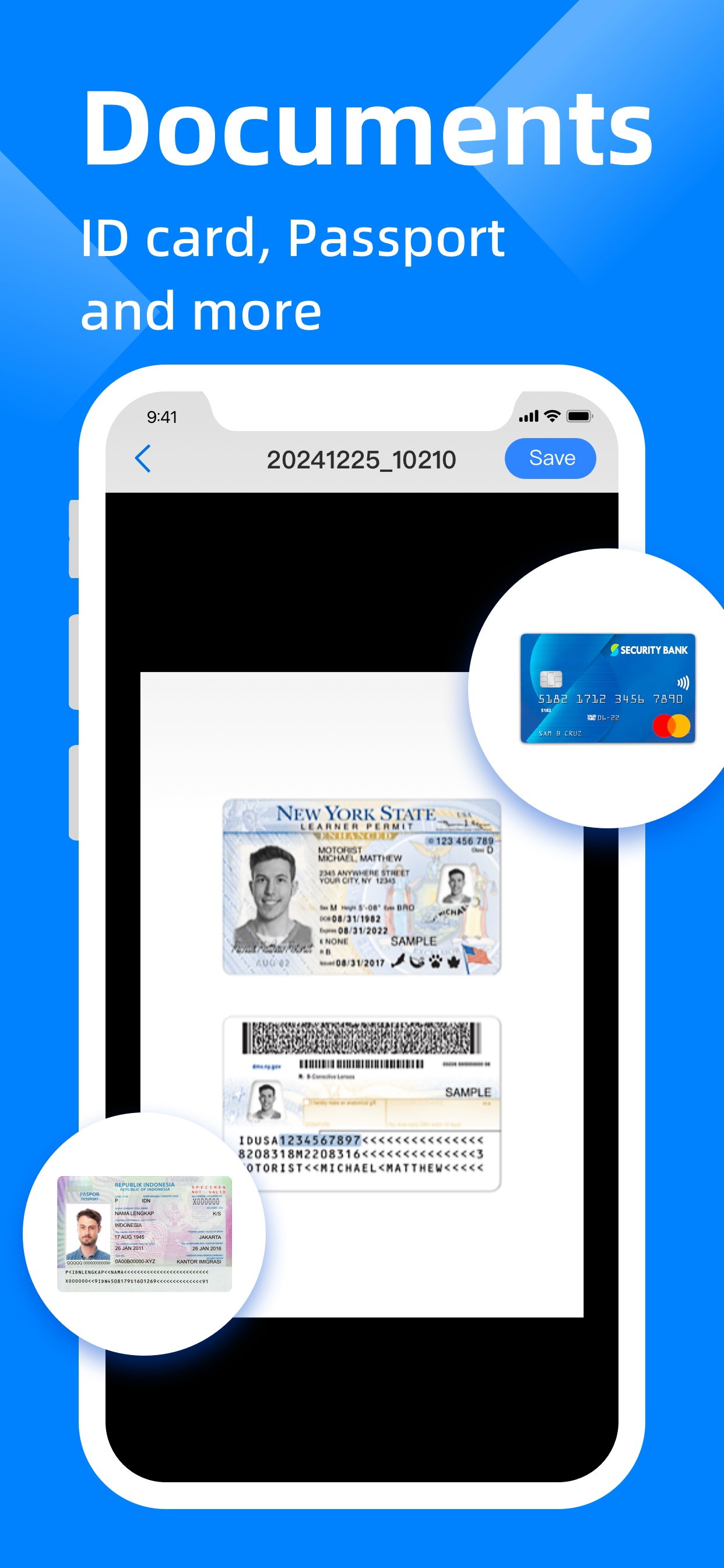
  • ID card mode, automatically stitch the front and back of the ID card
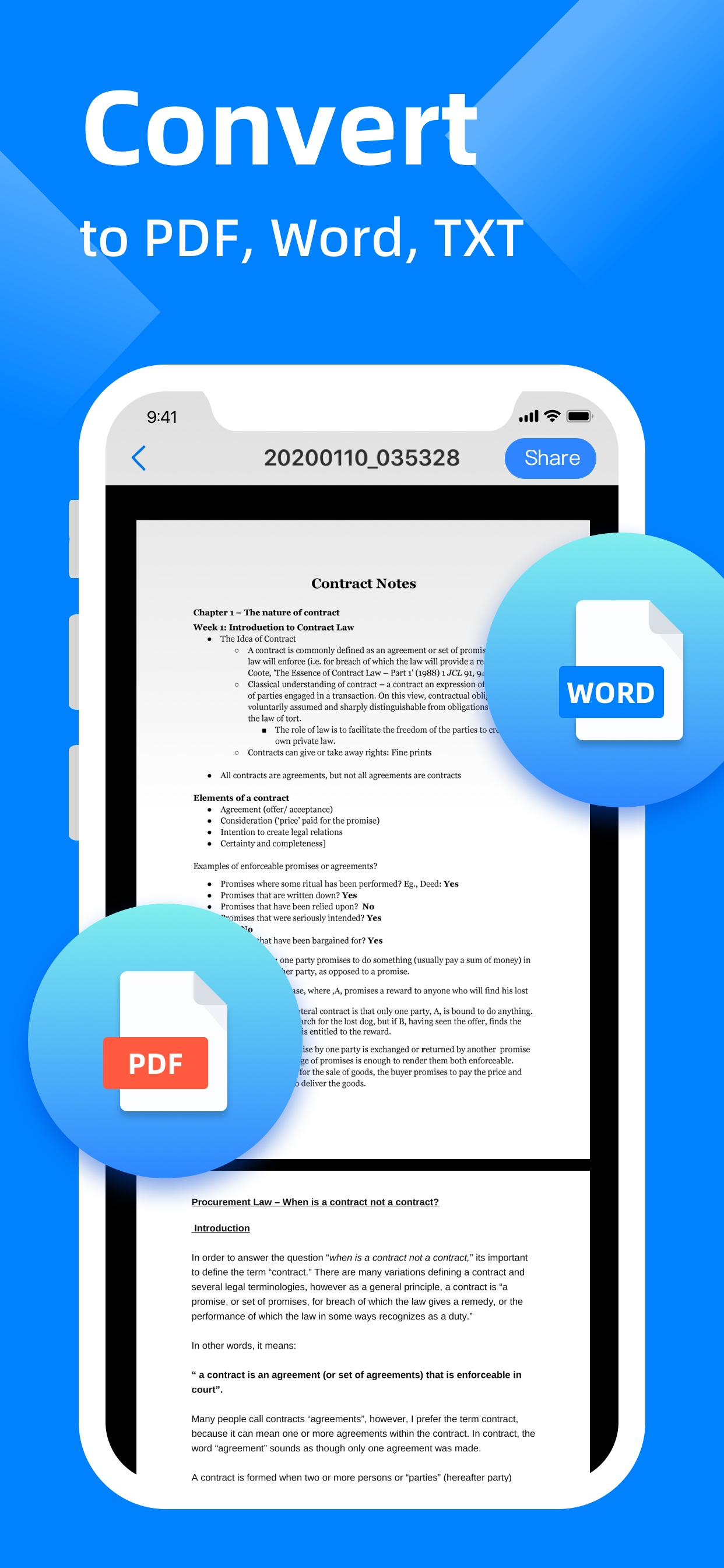
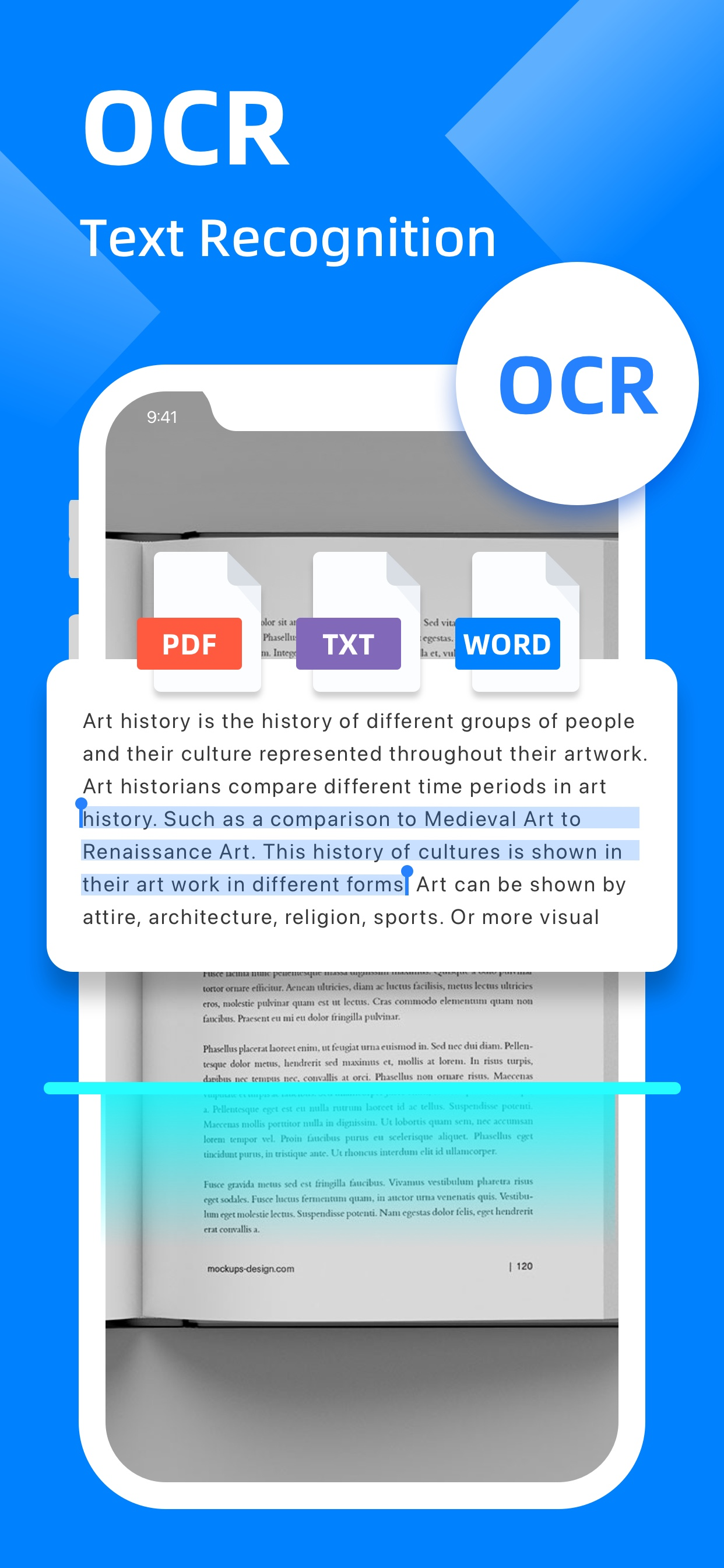
  • OCR: Recognize text in pictures, and support editing, copying, exporting as TXT or PDF

Personalized watermark

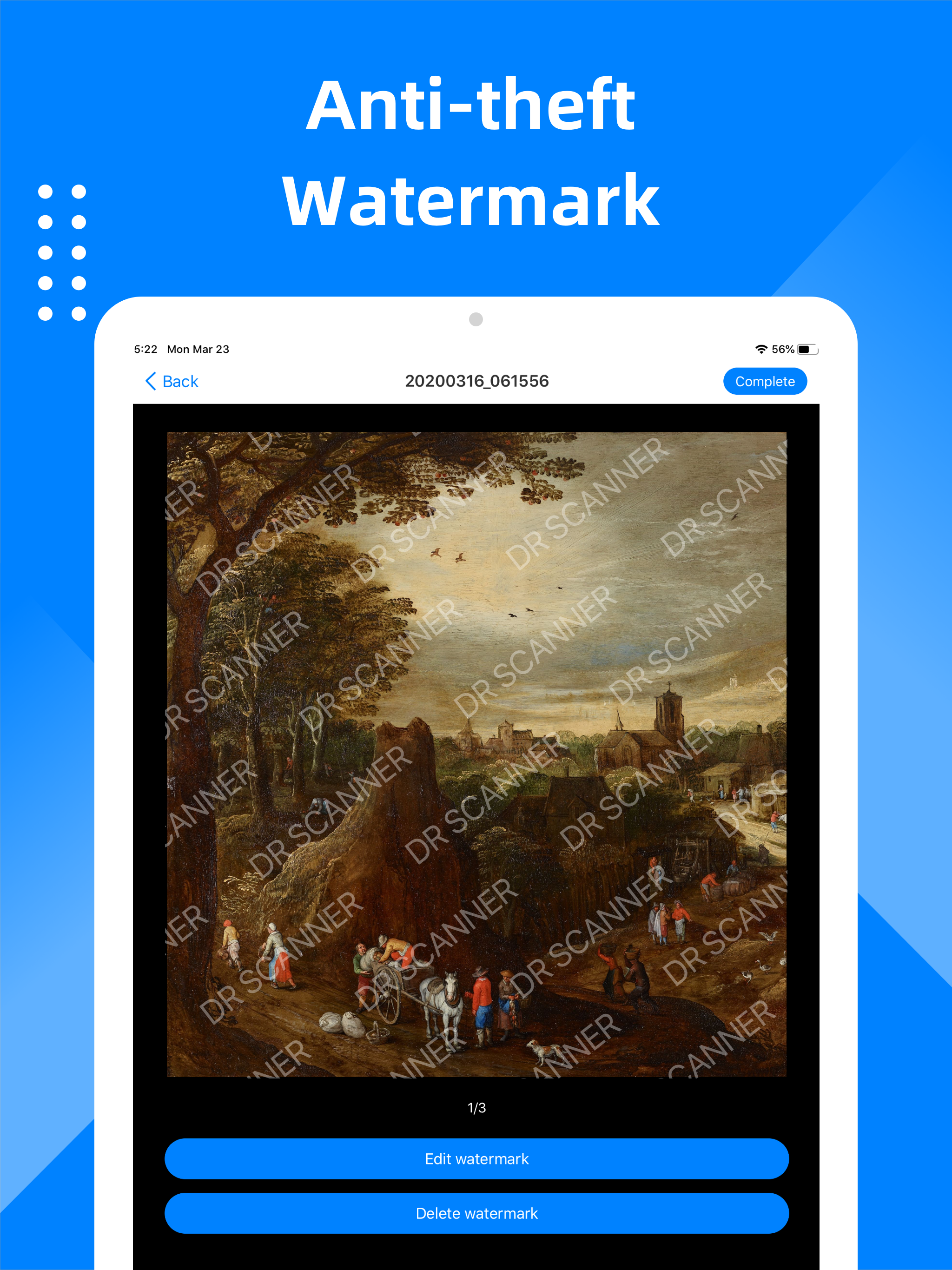
  • Add a single text watermark to indicate the applicable scenarios of the document
  • Add full-screen watermark to prevent file theft

E-signature

  • Set up your own E-signature
  • Add your E-signature to image or PDF to make files more reliable.

Easily share

  • Share scanned files in JPG and PDF format
  • Share scanned files via WhatsApp or email
  • Support wireless connection to printer

File management

  • Add more pages to your scanned documents
  • Reorder or delete the scanned pages

When you go out for a meeting, DR PDF Scanner can help you scan contracts and share them in real time. In the spare time, you can use PDF Scanner to scan class notes and view at any time. When traveling, you can use PDF Scanner to scan ID cards, passports, and driving licenses in advance in case of emergency. Enjoy and manage your portable documents now!

Subscribe to DR PDF Scanner Premium

  • Subscribe to DR PDF Scanner to enjoy all the features
  • Subscription fee will be charged monthly or yearly depending on the plan
  • Payment will be charged to iTunes Account at confirmation of purchase
  • Subscription automatically renews unless auto-renewal is turned off at least 24 hours before the end of the current period
  • Your account will be charged for your renewal plan within 24 hours prior to the end of the current period. Subscriptions may be managed by the user and auto-renewal may be turned off by going to the user’s Account Settings after purchase.

For any suggestions and feedback, please contact us via camerascannerpdf@yandex.com. We appreciate your support for DR PDF Scanner.

Privacy Policy: https://sites.google.com/view/camerascannerpdf User Agreement: https://sites.google.com/view/camerascannerpdfagreement

User Growth & Download Statistics

App
By:
SINOSEA
Rating:
5.00
(1)
1.10
Version:
1.5.0 Last updated: 2025-11-21
Version code:
879962035
Creation date:
2020-01-11
Compatible devices:
Size:
78.75MB
URLs:
Privacy policy
Full description:
See detailed description
Source:
Apple Apps Store
Data ingested on:
2026-06-04
Compare stats and ranking:

Contact the developer

Chrome-Stats does not own this Apple app. Please use these information below to contact the Apple app developer.
Developed by:
SINOSEA
Apple Apps Store
https://apps.apple.com/in/app/dr-scanner-pdf-scanner/id1492886785

User Reviews

For months, I have not been able to get this damn thing working
by gj*****, 2026-04-11

Terminate this app now!
by TH*****, 2025-12-25

You
by Ri*****, 2025-12-18
View all user reviews ›

Best DR Scanner - PDF Scanner Alternatives

Here are some Apple apps that are similar to DR Scanner - PDF Scanner: