
 English
 Español
 Français
 Português
 日本語
日本語 简体中文
简体中文 한국인
한국인




Features & Capabilities
User Growth & Download Statistics
App
- By:
- The Hershey Company
- Rating:
- 2.90 (9)

- Version:
- 1.1 Last updated: 2017-01-02
- Version code:
- 841705152
- Creation date:
- 2016-12-12
- Compatible devices:
- Size:
- 4.40MB
- URLs:
- Website
- Full description:
- See detailed description
- Source:
- Apple Apps Store
- Data ingested on:
- 2026-07-01
- Compare stats and ranking:
- KISSES Emojis vs Beautiful Lips stickers emoji
- KISSES Emojis vs Hearts
- KISSES Emojis vs Kiss Lips Dirty Sticker Emojis
For Developers
Contact the developer
Chrome-Stats does not own this Apple app. Please use these information below to contact the Apple app developer.
User Reviews
How do I delete from phone?!


by pe*****, 2023-11-01
I gotta say, I don't normally write a review for anything. But I wanted to see to try it & I figured what the heck they are so cute I can give it a try...it's free after all.
Firs of all.....WOW!!! Just love them & this is one of the most adorable & clear viewable free apps I've seen and used so far in iMessages. Thanks so much Hershey's...they are so cool 😎 & I can't wait for you to add more kisses & more in words &/or phrases too to use for answering texts. That would be awesome! LOL. I too, am soooooo glad I searched in the search box in the App Store for conversation stickers or I would have never come across them I feel otherwise.
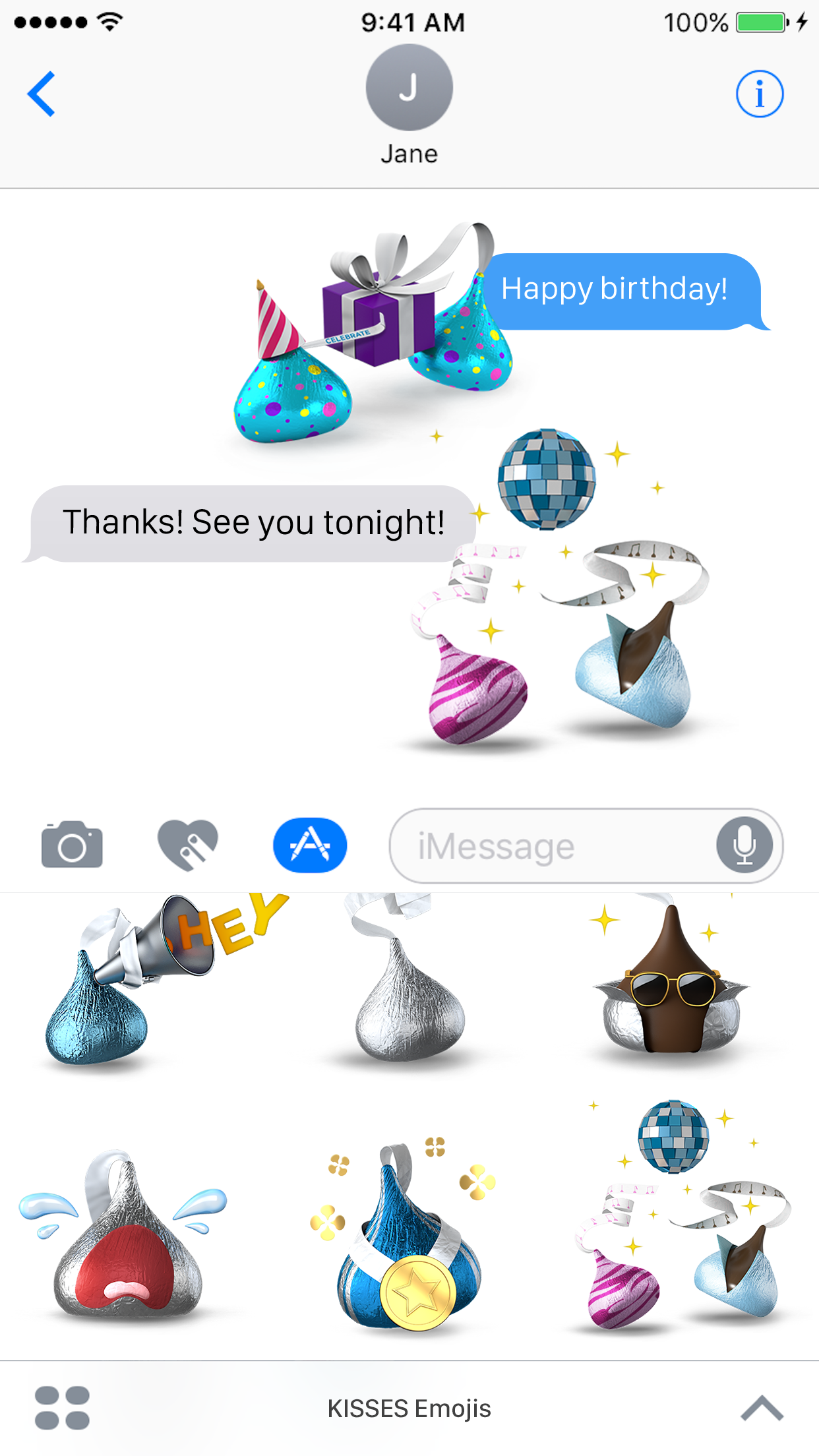
So, Okay...they do really work & yes you should find them in the area just like the 2nd photo above shows. If you don't see the kiss icon with all your other icons and you see it's says installed in the app. Don't fret...here what to do I would do to figure it out. I'd 1st turn off my phone...count to 10 slowly & then turn it back on. 2nd go back into iMessages & look again for the icon by tapping the app icon next to the text typing box in iMessages. Of course if you still do not see it...go the bottom left corner of the screen where you see the 4 dot cluster :: (refer to above 4th & 5th photo to see cluster) & tap the cluster. Then icons will appear. Next tap on the icon labeled store which has a plus + in for the picture. That takes you right to the App Store. Once there look at the top of the screen where you will see at the top on the left highlighted in blue the word Featured. Next tap the word Manage which it 2 over to the right at the top right side. Once in the Manage screen you will see that you can turn either turn the automatically add app button or scroll down manage your apps by turning on or off whatever apps you'd like to see in iMessages. Once finished...tap done & then you should see the app icon screen from messages again. From there you would tap the kiss icon & start adding the lovely cuties to you messages. And that's it. I hope that helps.....😊
by an*****, 2017-04-09
I can't get it to work!
by Dv*****, 2017-02-14
Best KISSES Emojis Alternatives
Here are some Apple apps that are similar to KISSES Emojis:


Beautiful Lips stickers emoji
FOMICHEV DENIS
0.00  (0)
(0)
(0) 
Hearts
Apple
4.40 (229)
(229) 
Kiss Lips Dirty Sticker Emojis
salma akter
0.00 (0)
(0) 
Hearts stickers and emoji Love
FOMICHEV DENIS
0.00 (0)
(0) 
Kawaii Emoji - Cute Emoticon Stickers for Texting
Vyasa
1.20 (41)
(41) 
Animated Love & Kiss Stickers
Kruti Viradiya
0.00 (0)
(0) 
Smileys
Apple
4.20 (692)
(692) 
Yellow Smilyes
Sim32 LLC
0.00 (0)
(0) 
Stickers de Amor
RAHMA BISTARINE
0.00 (0)
(0) 
Heart and Kiss Stickers
Rajneesh Mishra
0.00 (0)
(0) 
Kawaii stickers
G&G TECH L.L.C
0.00 (0)
(0) 
Dirty Emoji - Sexy Lips Chat
Jai Parkash
0.00 (0)
(0)