
 English
 Español
 Français
 Português
 日本語
日本語 简体中文
简体中文 한국인
한국인Overview
Features & Capabilities
User Growth & Download Statistics
App
- By:
- Diego Rodrigues
- Rating:
- 4.40 (14)

- Version:
- 1.40 Last updated: 2018-05-30
- Version code:
- 841516667
- Creation date:
- 2015-07-07
- Compatible devices:
- Size:
- 333.54MB
- Price:
- 3.99
- URLs:
- Website
- Full description:
- See detailed description
- Source:
- Apple Apps Store
- Data ingested on:
- 2026-08-31
- Compare stats and ranking:
- Flight Computer Pro vs Flight Computer Sim
- Flight Computer Pro vs RLM-Flight
- Flight Computer Pro vs BasicFlightComputer
For Developers
Contact the developer
Chrome-Stats does not own this Apple app. Please use these information below to contact the Apple app developer.
User Reviews
Flight Computer Pro is praised as a faithful E6B emulation with strong teaching value and good iPad/landscape usage for classroom demos. Reviewers cite its accuracy, helpful guidance, and simple design. Recurrent drawbacks are device compatibility: screen fit/notch issues and zoom problems on newer iPhones, incomplete wind/crosswind features, and occasional crashes on older devices; plus an audio quirk. It’s a solid, teaching-friendly tool that could reach its full potential with better device scaling and wind/crosswind functionality. Pros
- High-fidelity emulation of the E6B flight computer, praised for accuracy and realism.
- Excellent help text and learning resource.
- Strong for teaching / classroom use; supports demonstrations to students.
- Works well on iPad and supports landscape mode and casting to a large screen.
- Simple, straightforward design with a clean user experience.
Cons
- Screen scaling/fit issues across devices (notch interference, edge clipping, zoom handling) that affect the Pro version on newer iPhones.
- Wind data features are incomplete or hard to use (no crosswind calculations; wind vector entry is fiddly).
- Stability concerns on some devices (crashes on older iPad Minis; occasional performance issues).
- Audio volume issues when using external speakers.
- Usability gaps and feature requests (reset function; wind vector locking) present in several reviews.
Recent reviews
This is a really good E6B slide to keep sharp with. My only real complaint is that it can’t be shrunk to a size that fits on the screen.


by Ze*****, 2026-08-17
Great to have the analog capability, with the digital convenience. I have used this app for years and the only improvement that could be made would be to allow annotations on the front. This E6B makes it easy to calculate angle, gradient and feet per nautical mile with one twist and then lock the screen.
by Cl*****, 2026-06-09
Best Flight Computer Pro Alternatives
Here are some Apple apps that are similar to Flight Computer Pro:


Flight Computer Sim
Diego Rodrigues
4.50  (29)
(29)
(29) 
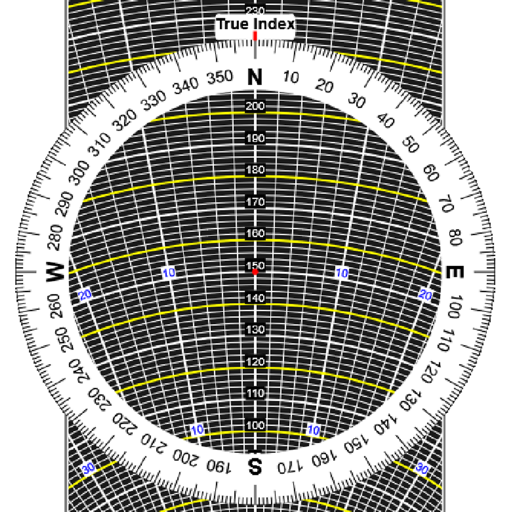
RLM-Flight
R.L.M. Software
5.00 (2)
(2) 
BasicFlightComputer
MICRI Consult
0.00 (0)
(0) 
E6B Flight Pro
ALI CIHAN SARAC
4.30 (3)
(3) 
E6B Flight Computer Calc
Grima Hdez
0.00 (0)
(0) 
Flight Computer & Calculator
Rohit Kumar Dhingra
4.90 (17)
(17) 
E6BJA E6B Flight Computer
Dr. Jamie Alnasir, Ph.D
5.00 (6)
(6) 
GoFly: E6B Aviation Calculator
Trevor Welsh
5.00 (6)
(6) 
Flight Computer E6B & Toolbox
AYLIN BICEN
0.00 (0)
(0) 
Pilot Converter Tools
MPK Tec AB
0.00 (0)
(0) 
E6B Flight Computer Pro
Yigit Can Akinci
0.00 (0)
(0) 
E6B Pro Pad
Gyronimo, LLC
4.70 (6)
(6)