Chrome-Stats Slack Integration
Stay Updated with Chrome-Stats on Slack
Connect Chrome-Stats to your Slack workspace and receive tracking notifications about your favorite Chrome extensions and apps directly in your team channels.
Daily Updates
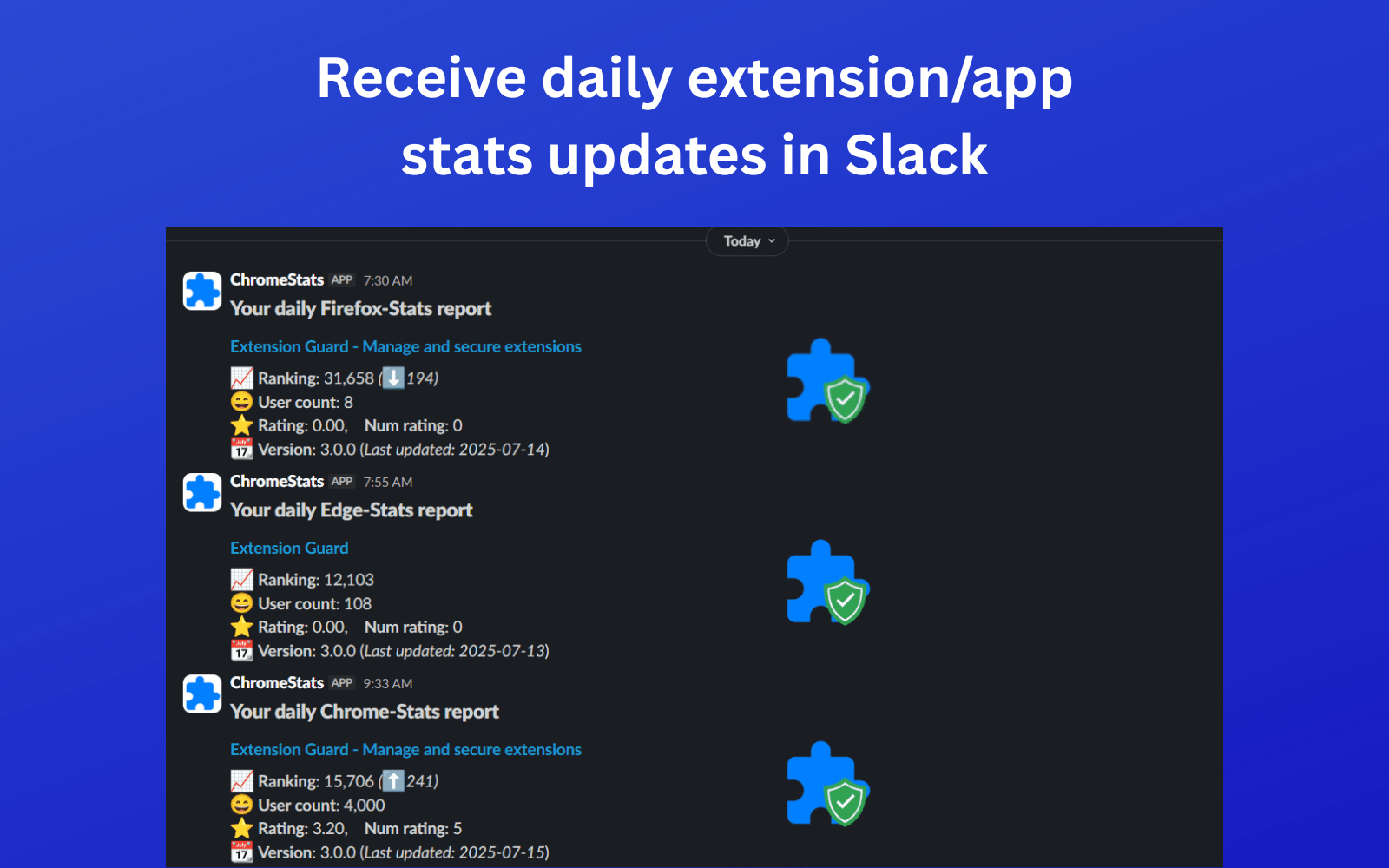
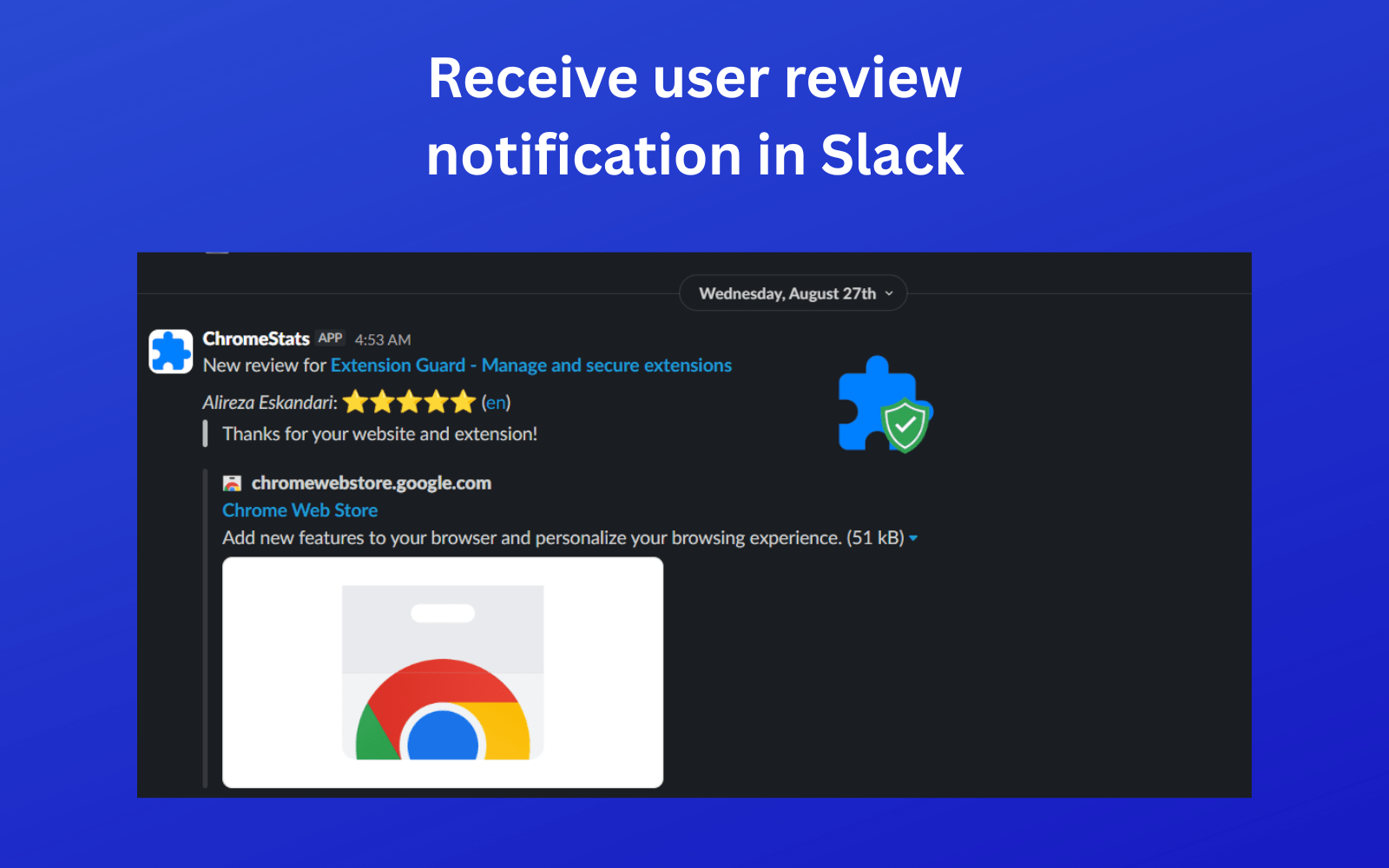
Get notifications when your tracked extensions receive updates, new reviews, or significant changes in user statistics.
Team Collaboration
Share extension insights with your team members and stay informed about competitive analysis in dedicated channels.
Customizable Alerts
Configure which types of notifications you want to receive and choose specific channels for different types of updates.
Extension Analytics
Receive summary reports about your tracked extensions' performance, including user growth and rating changes.
Ready to Get Started?
Click the button below to add Chrome-Stats to your Slack workspace. You'll be able to configure notification settings and choose which channels receive updates.

What happens next?
After adding Chrome-Stats to Slack, you'll be able to configure notification settings from your notification preferences page. Choose which extensions to track and customize your alert preferences.