Rooster
- Websites:
- Users:
- 120 (Average 6 / extension)
- Emails:
- da*****@gmail.com,su*****@languagemaster.io
- Rating:
- 4.60 (5)
- Total published:
- 21
Published Firefox add-ons:
21 results. Page 1 of 1.


A theme featuring the (Blue) portal from The Legend of Zelda: Twilight Princess and accompanying colors
18
3.00  (1)
(1)
(1)
Imports Youtube videos into LingQ (LingQ.com - Language learning platform) for private lesson and transcription purposes.
16
0.00 (0)
(0)
For use on LingQ.com
BASICS:
→ A display will appear when you open the scrolling text (listen) tab of the LINGQ reader
FEATURES:
→ Autoscrolling LINQ Reader
→ Translations in Listen View
→ LINGQing in Listen view
→ Element customization
14
0.00 (0)
(0)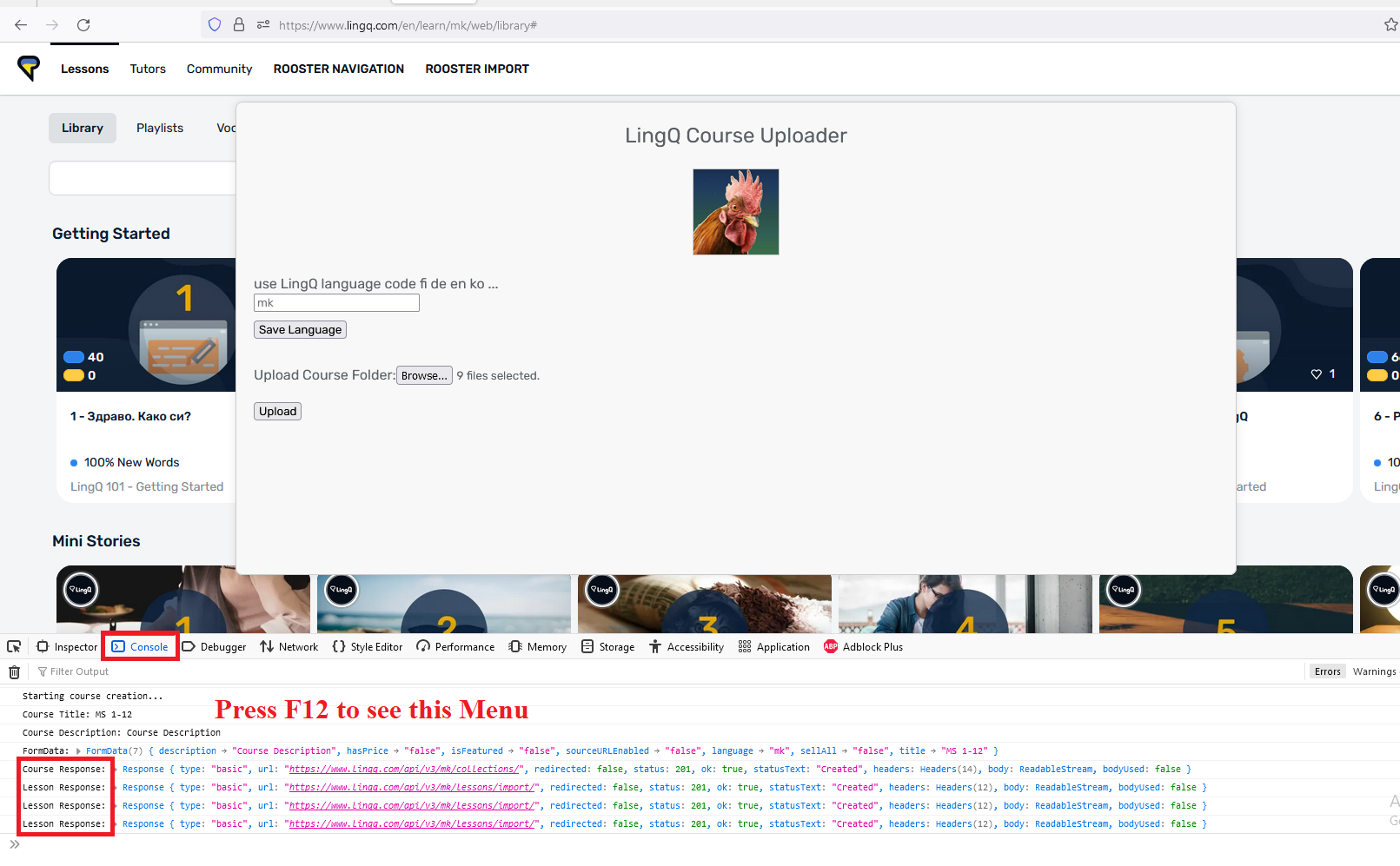
For use on LingQ.com
Imports media from your computer as a LingQ Course.
For more information see https://forum.lingq.com/t/web-browser-extensions-software-for-lingq/72498
14
0.00 (0)
(0)
FOR USE ON LINGQ.COM
FEATURES
→ Gathers Audio/Timestamps/Sentences/Translations/Youtube of the lesson
→ Creates ANKI cards based on new words in the lesson (Without LingQing them)
→ ZIPS everything together for easy lesson editing.
11
0.00 (0)
(0)
For use on LingQ.com
A GUI appears during lesson edit that manipulates the elements.
FEATURES:
→ Add/Delete/Modify text of the lesson in a block format
→ Select if each line is paragraph header or a sentence
→ Split existing lines
9
0.00 (0)
(0)
ROOSTER YOUTUBE TOOLS FOR LINGQ
Extra features for language learners when watching videos on Youtube
Features
→ Dual subtitles (Can display subtitles in any language pair)
→ Subtitle Syncing
9
0.00 (0)
(0)
Displays latest versions, changelogs, and download links for Rooster software.
9
0.00 (0)
(0)
Rooster Auto LingQ!
For use on LingQ.com
BASICS:
→ Open any lesson → Click Auto LingQ → When progress has finished → Refresh page
FEATURES:
→ Turns all blue cards into fresh LingQs
→ Uses most popular definition from the community
5
0.00 (0)
(0)
Remap keybindings for the LingQ website in an easy menu
4
5.00 (1)
(1)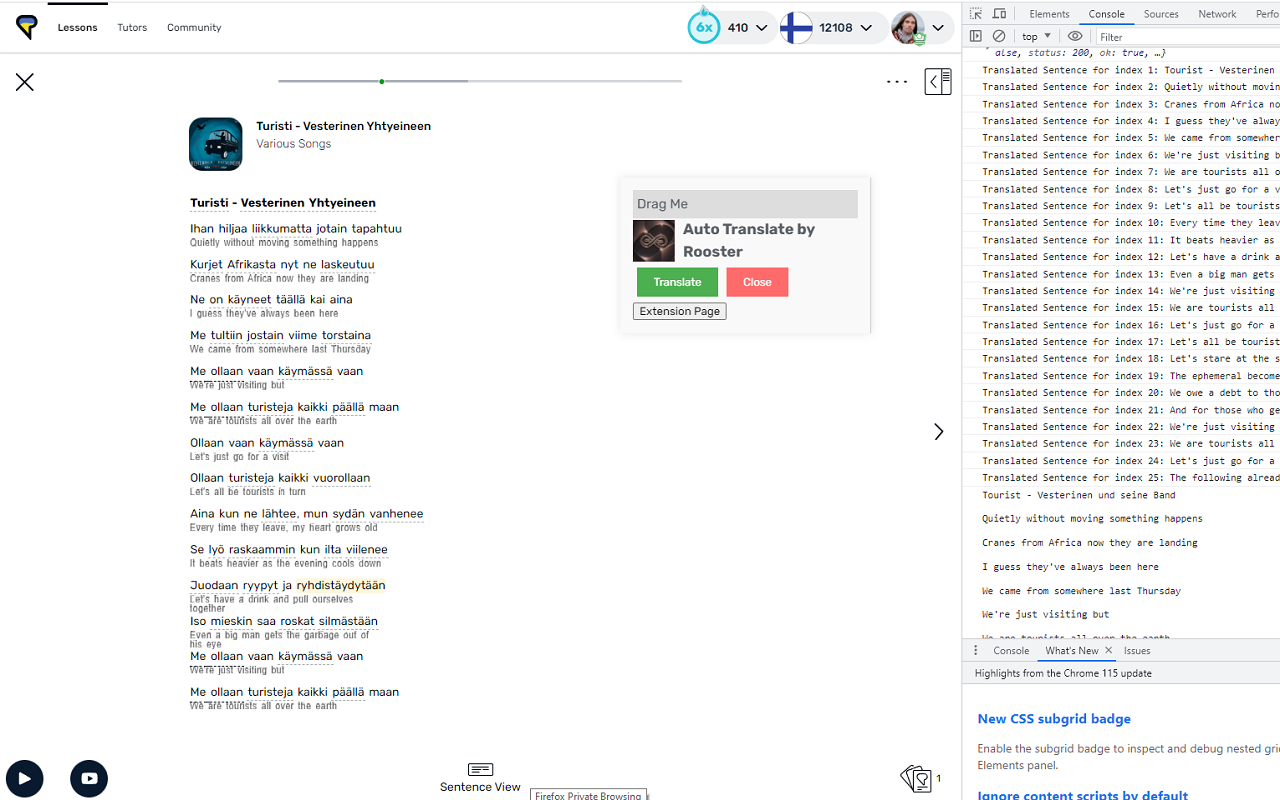
Automatically create a translation of your lesson to your native language on LingQ.com
3
0.00 (0)
(0)
> **Rooster Selection Import (FREE)**
> Browser extension to import selected words and phrases from around the internet to your LingQ Lessons.
2
0.00 (0)
(0)
Allows you to create LingQs for longer sentences.
2
0.00 (0)
(0)
Custom keybindings and a clean editor UI for LingQ reader.
1
0.00 (0)
(0)
For use on LingQ.com
Displays a GUI menu with info of new words.
BASICS:
→ Open any lesson → Click Display → Click the best meaning for each word
FEATURES:
→ Ordered by popularity (left → right)
→ green words are the most popular
1
5.00 (1)
(1)
For use on LingQ.com
BASICS:
→ A compact GUI menu of new card information.
→ Click a meaning to create a LingQ
FEATURES:
→ Ordered by popularity (left → right)
→ Blue words are from a translator
→ Compacted and simple GUI
1
0.00 (0)
(0)
Easily navigate to desired lesson mode on the LingQ website
1
5.00 (1)
(1)
-
0.00 (0)
(0)
-
0.00 (0)
(0)
-
5.00 (1)
(1)
-
0.00 (0)
(0)21 results. Page 1 of 1.